

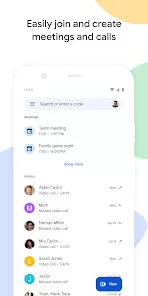






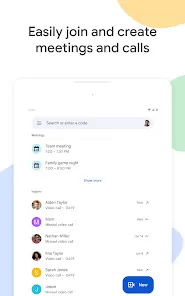
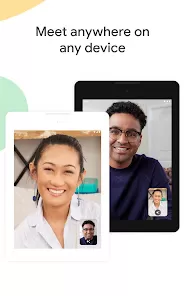



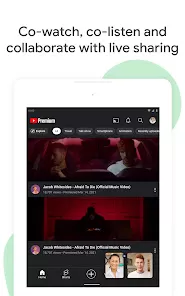





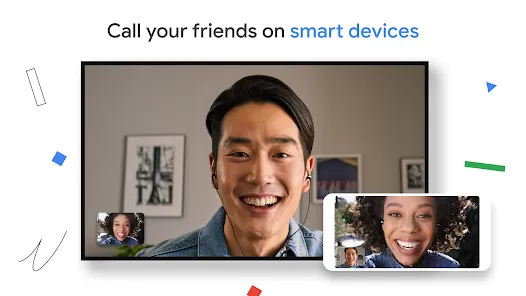
Google Meet is a secure and reliable video conferencing app developed by Google, designed for individuals, businesses, and educational institutions to connect virtually. It offers high-quality video and audio meetings, screen sharing, and real-time collaboration, making it an essential tool for remote work, online learning, and personal connections. Integrated with Google Workspace, Google Meet ensures seamless scheduling through Google Calendar and easy access via Gmail, providing a smooth and user-friendly experience.
Key Features
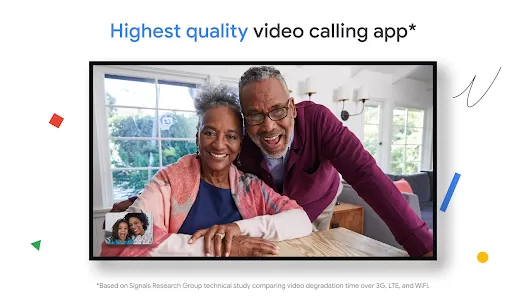
- High-quality video and audio for virtual meetings.
- Easy integration with Google Calendar and Gmail.
- Screen sharing for presentations and collaboration.
- Live captions powered by Google’s speech recognition.
- Join meetings directly through a link without extra downloads.
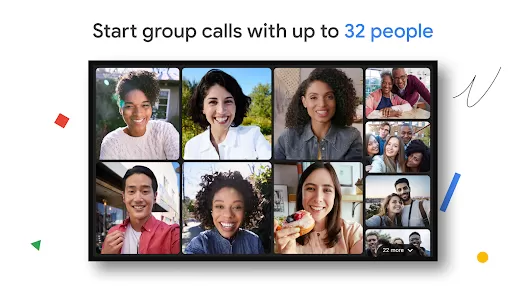
- Supports large group calls for businesses and classrooms.
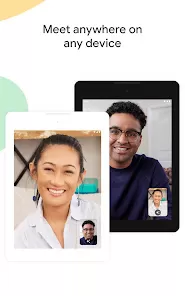
- Cross-device compatibility on desktop, tablet, and mobile.
Functions
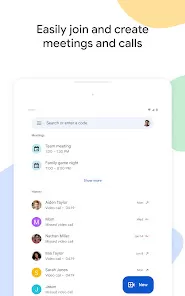
- Host or join secure video meetings with a single click.
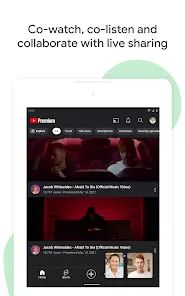
- Collaborate in real time by sharing screens and documents.
- Schedule and join meetings directly from Google Calendar.
- Enable live captions for better accessibility during meetings.
- Record meetings (available with premium plans) for later review.
- Use breakout rooms and hand-raising features for better engagement.
- Integrate with Google Workspace tools for seamless workflow.
Pros
- Simple and intuitive interface, easy for anyone to use.
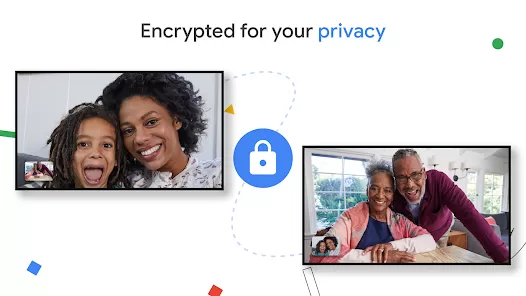
- Strong security features with encryption and safe access links.
- Seamless integration with Google services like Gmail and Drive.
- No installation required when using on web browsers.
- Free version available with essential features.
Cons
- Advanced features like meeting recording require paid plans.
- Free version has time limits on group meetings.
- Fewer customization options compared to some competitors.
- Internet connectivity impacts video and audio quality.
How to Use Google Meet
- Click the "Check All Versions" button below to download and install Google Meet.
- Sign in with your Google account to access meetings.
- Start a new meeting or join one using a shared link or code.
- Use the screen share option to present slides, documents, or apps.
- Turn on live captions for accessibility during the call.
- Invite participants via email or meeting link.
- Upgrade to Google Workspace plans for premium features like recording and larger meeting capacities.


 0
0 


