

Google

  •  4.1
  • Verified Safety

ADVERTORIAL

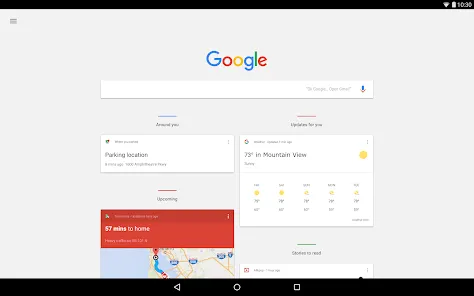
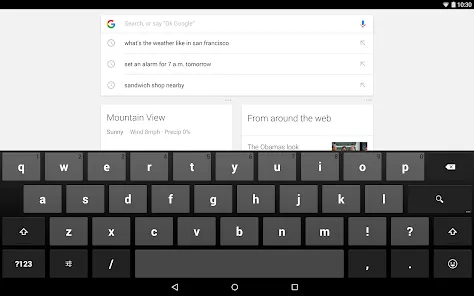
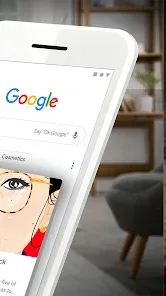
The Google app is a mobile and tablet application that provides fast access to Google Search, personalized news, and other Google services all in one place. It’s designed to help users quickly find information, discover trending topics, get personalized updates, and interact with Google Assistant. The app is available for both Android and iOS devices.

Key Features of the Google App:

  1. Search:

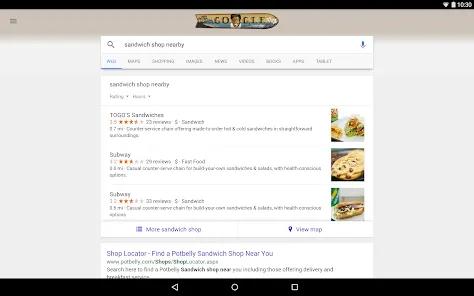
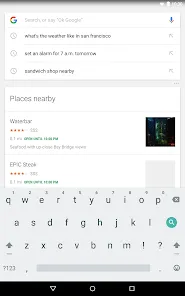
    • Quickly search the web using text or voice commands.

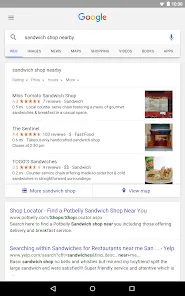
    • Access web results, images, videos, maps, and news.

  2. Google Assistant Integration:

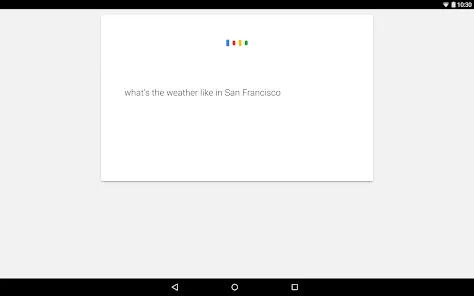
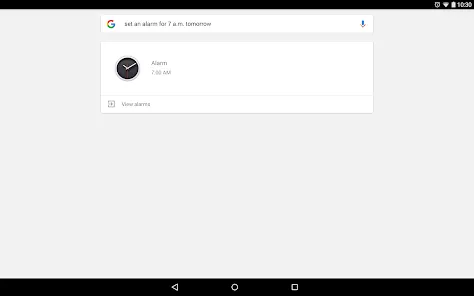
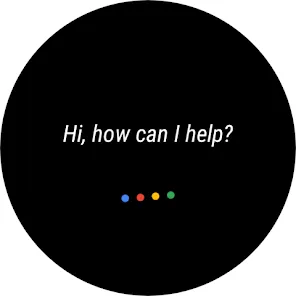
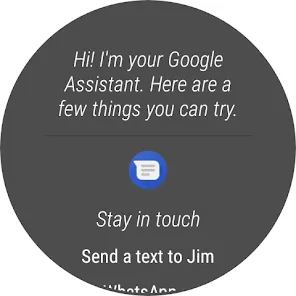
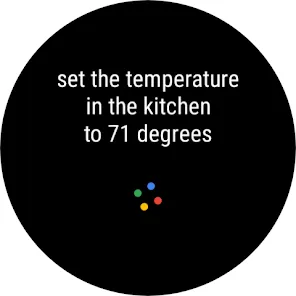
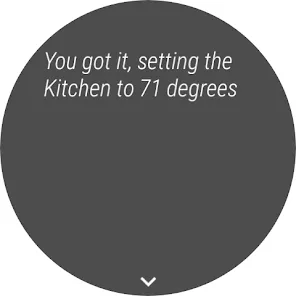
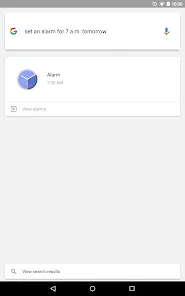
    • Ask questions, set reminders, get directions, or control smart devices.

    • Use voice commands for hands-free operation.

  3. Discover Feed:

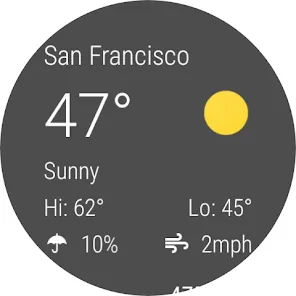
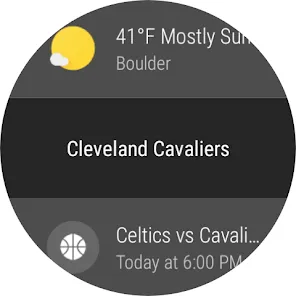
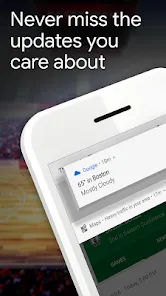
    • Personalized feed with news, sports updates, weather, and trending topics.

    • Customizable based on interests and browsing habits.

  4. Voice & Lens Search:

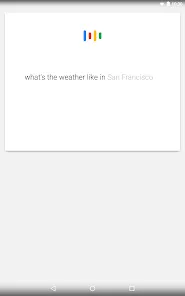
    • Voice Search: Speak your query instead of typing.

    • Google Lens: Use your camera to search for objects, translate text, or identify plants and landmarks.

  5. Search History & Personalization:

    • Your searches can be synced across devices when signed in with a Google account.

    • Personalized results improve over time based on interests.

  6. Quick Access Features:

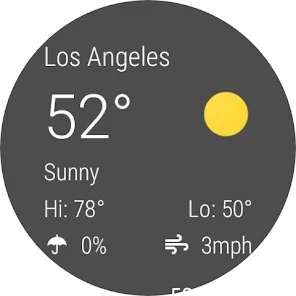
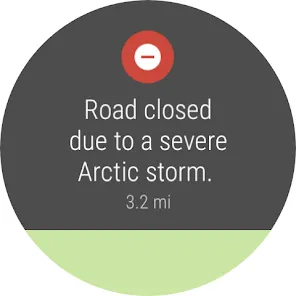
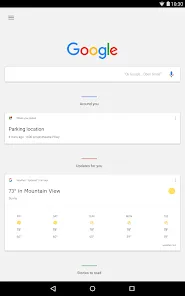
    • Weather forecasts, traffic updates, flight tracking, sports scores, and stock updates.

    • Shortcuts for apps like Gmail, YouTube, Maps, and Chrome.

Pros

  • Fast and easy access to Google Search and services.

  • Personalized content keeps you updated on topics you care about.

  • Integrates Google Assistant for voice commands and smart device control.

  • Works across Android and iOS devices.

  • Google Lens provides powerful visual search features.

Cons:

  • Personalized feed may not always show relevant results.

  • Continuous use may consume battery and data.

  • Ads are displayed in search results and the feed.


Functions

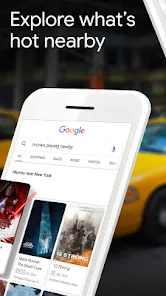
  • Search for information on any topic—from recipes and health tips to technology trends and entertainment news.
  • Use voice commands to perform searches, get directions, or open apps without typing.
  • Scan and identify objects or text using Google Lens for instant translations and shopping links.
  • Stay informed with Discover, a curated feed that adapts to your interests over time.
  • Access your saved bookmarks, browsing history, and personalized preferences across all your devices.
  • Use the “Google” app as your daily assistant to check the weather, plan routes, or set reminders.Cons
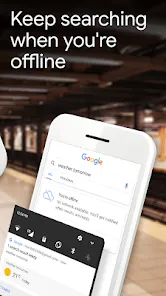
  • Requires an internet connection for full functionality and updates.
  • Personalized results may limit exposure to diverse perspectives if not adjusted in settings.
  • Can collect user data unless privacy settings are manually configured.
  • Occasional app glitches or regional restrictions may affect performance temporarily.

How to Use

  • Click “Check All Versions” below to download and install Google on your device or browser.
  • Open the Google app and sign in with your Google Account to sync your preferences.
  • Type or use voice commands to search for anything you want to know or explore.
  • Tap the “Discover” tab to read personalized news, trending stories, and local updates.
  • Use Google Lens by tapping the camera icon to identify objects or translate text instantly.
  • Access your history, bookmarks, and custom settings to make the experience even more personal and efficient.

ADVERTORIAL

Similar Apps
  • 登录
社交账号登录