
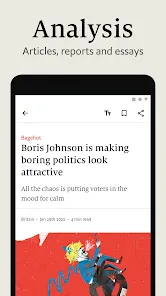
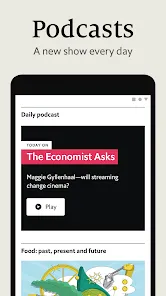
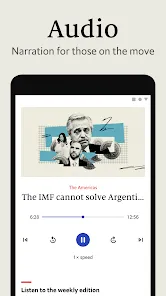
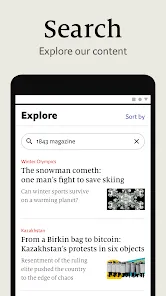

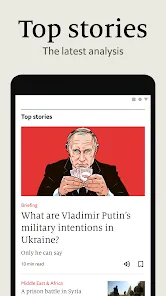

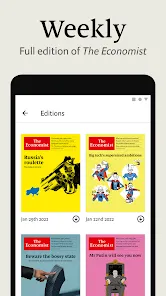
The Economist App is a premium mobile application that brings the world of global news, analysis, and insight right to your fingertips. Offering in-depth reporting on politics, business, finance, science, and culture, the app allows readers to stay informed about key international events and trends. With a clean, intuitive interface, offline reading, and customizable notifications, the Economist App provides a sophisticated, accessible platform for those who value high-quality journalism and timely economic insights anywhere, anytime.
Overview
- Access global news, analysis, and insights from The Economist magazine.
- Stay updated on politics, business, finance, science, and culture.
- Designed for readers seeking high-quality, in-depth journalism on mobile devices.
Key Features
- Full access to The Economist’s articles, reports, and special features.
- Offline reading to access content without an internet connection.
- Customizable notifications for breaking news and topics of interest.
- Bookmark articles for later reading or reference.
- Search function to find articles by topic, author, or date.
- Daily and weekly briefings to keep you informed of key events and trends.
Design and Usability
- Clean, intuitive interface optimized for smartphones and tablets.
- Easy navigation between articles, categories, and saved content.
- Responsive design ensuring smooth scrolling and reading experience.
- Organized dashboard for quick access to latest stories, saved articles, and notifications.
Reading and Research Tools
- Bookmark and organize favorite articles for easy access.
- Adjust font size, display mode, and layout for comfortable reading.
- Share articles via social media, email, or messaging platforms.
- Search and filter tools to explore content by topic, author, or publication date.
Who It’s For
- Professionals, students, and enthusiasts interested in global news and economics.
- Readers seeking in-depth analysis and insights on current events and trends.
- Anyone who prefers high-quality journalism accessible on mobile devices.
- Individuals who want customizable notifications and offline reading options.
How to Use
- Click the button “Check All Versions” below to download and install Economist App on your device or browser.
- Open the app and log in with your subscription account or register for access.
- Browse articles by categories, topics, or recent publications.
- Bookmark articles to save for offline reading or future reference.
- Enable notifications for updates on selected topics or breaking news.
- Use search and filtering tools to quickly find specific content.
- Share articles or insights with colleagues, friends, or on social media directly from the app.


 0
0