
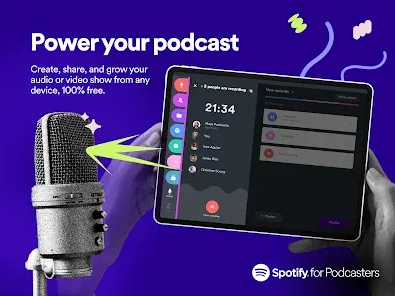


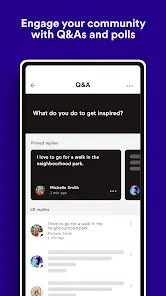
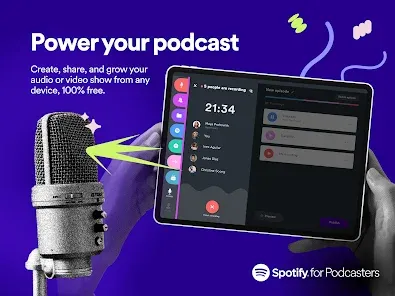
Anchor is a powerful podcasting app that makes creating, distributing, and monetizing podcasts simple and accessible to everyone. Whether you’re a beginner or an experienced podcaster, Anchor provides all the tools you need to record, edit, and publish your episodes directly from your mobile device or computer. With its seamless integration to major podcast platforms, analytics tools, and monetization options, Anchor empowers creators to share their voice with a global audience effortlessly.
Key Features
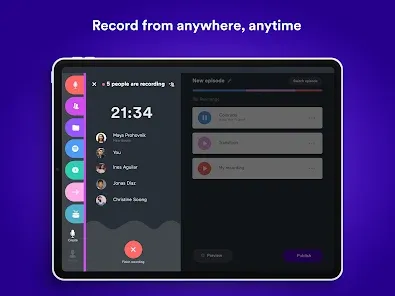
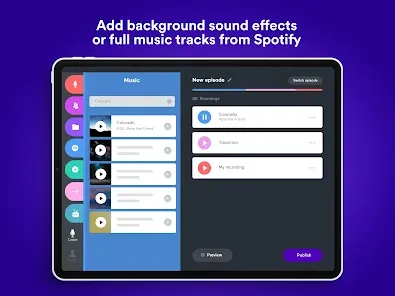
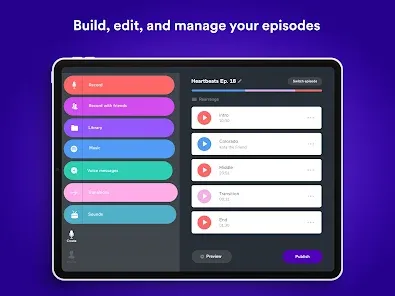
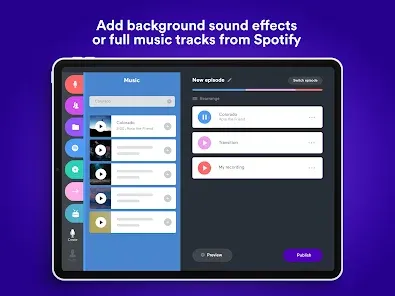
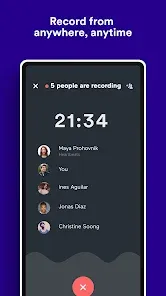
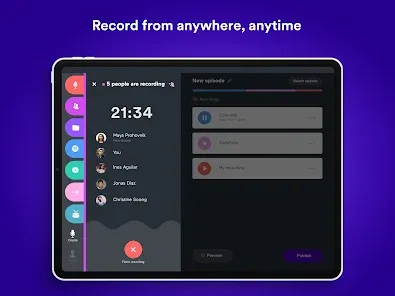
- Easy Recording: Record high-quality audio directly from your phone or desktop, with optional background music and sound effects.
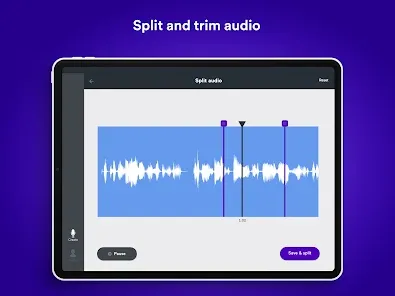
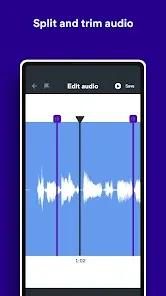
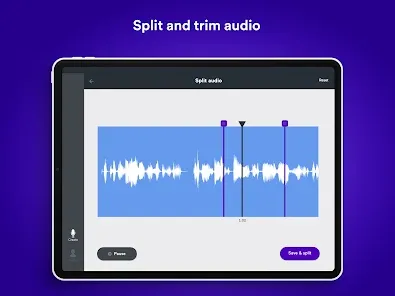
- Editing Tools: Trim, split, and enhance recordings with simple editing features.
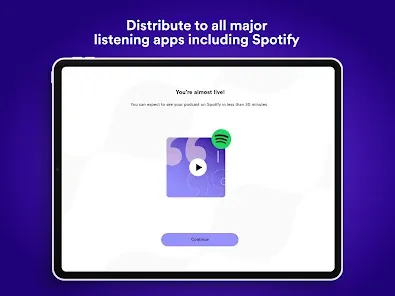
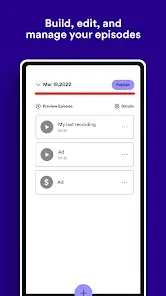
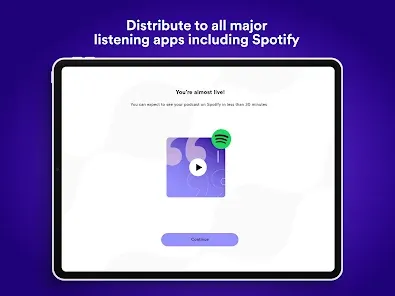
- Podcast Hosting & Distribution: Publish episodes instantly to Spotify, Apple Podcasts, and other major platforms.
- Monetization: Enable listener support or sponsorships to earn revenue from your content.
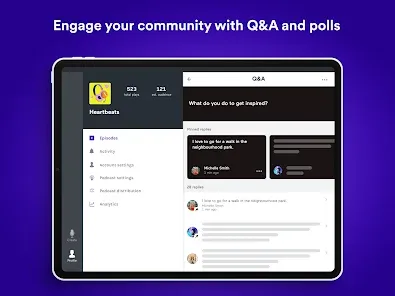
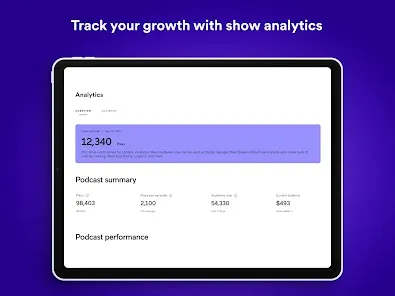
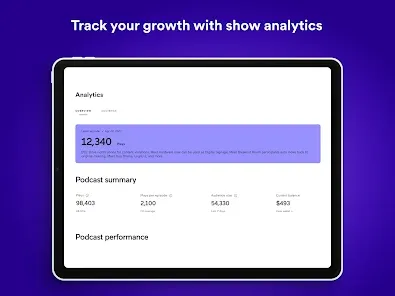
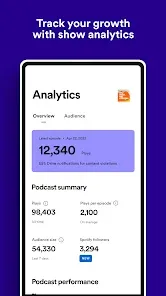
- Analytics: Track listener statistics, demographics, and engagement to understand your audience.
- Collaboration: Invite co-hosts or guests to contribute remotely to your episodes.
Pros
- Completely free to use with unlimited hosting and distribution.
- User-friendly interface suitable for beginners and professionals alike.
- Integrated analytics help track performance and audience growth.
- Supports monetization through listener support and sponsorships.
Cons
- Advanced audio editing is limited compared to professional software.
- Dependent on internet access for publishing and cloud storage features.
- Customization of podcast RSS feeds is somewhat limited.
Who It’s For
- Aspiring podcasters who want a simple, all-in-one platform for creating and sharing content.
- Existing creators looking for a free, reliable hosting solution.
- Anyone who wants to reach a global audience via major podcast platforms.
Tips for Using Anchor
- Record in a quiet environment to ensure clear audio quality.
- Use the editing tools to remove mistakes or unnecessary pauses before publishing.
- Monitor analytics to understand which episodes resonate most with your audience.
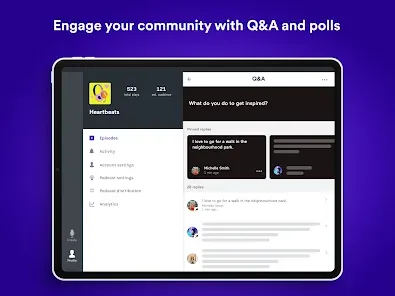
- Invite guests or co-hosts to diversify content and attract more listeners.
How to Use
- Click the button “Check All Versions” below to download and install Anchor on your device or browser.
- Open the app and sign in or create an Anchor account.
- Record a new episode or upload existing audio files.
- Edit your recording, add music or effects, and prepare the episode for publishing.
- Distribute your podcast to Spotify, Apple Podcasts, and other platforms, and monitor analytics to grow your audience.


 0
0