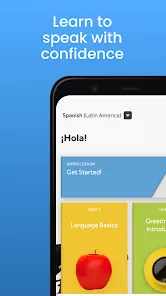
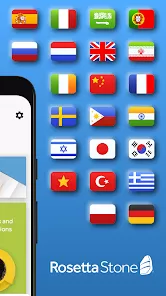
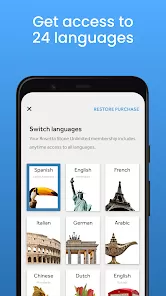
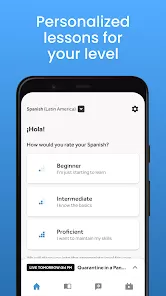
The ability to speak another language opens up new worlds, connecting you to different cultures, people, and opportunities in a way that translation apps simply cannot replicate. Rosetta Stone: Learn Languages has been a trusted name in language learning for decades, and its immersive method is now beautifully adapted for your mobile device. This app throws you into your new language from the very first lesson, using a carefully structured sequence of images, text, and native speaker audio to teach you intuitively, the way you learned your first language. It’s a patient, supportive, and highly effective partner for your journey to fluency, building your confidence to not just memorize words, but to truly think and speak in a new tongue.
Key Features That Make a Difference
- The proprietary Dynamic Immersion® method that teaches vocabulary and grammar through context and visual cues, not English translation.
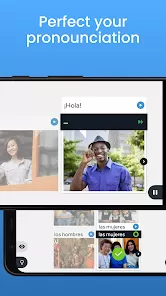
- TruAccent® speech recognition technology that provides instant feedback on your pronunciation, helping you sound more like a native speaker.
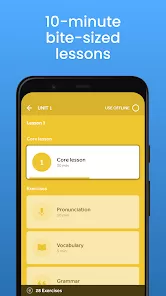
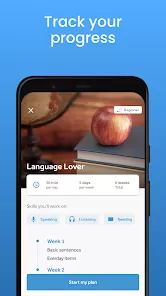
- Bite-sized, 10-minute lessons that fit into any schedule, making it easy to build a consistent daily learning habit.
- Offline mode to download lessons and continue your practice anywhere, without needing an internet connection.
Who Is This App For?
- Absolute beginners who want a structured and proven path to learning a new language from the ground up.
- Travelers and professionals seeking practical, conversational skills they can confidently use in real-world situations.
- Visual and auditory learners who benefit from an immersive, picture-and-sound-based teaching approach.
- Anyone who has struggled with traditional, grammar-heavy language learning methods and wants a more natural alternative.
How to Use
- Click “Check All Versions” below to download and install Rosetta Stone: Learn Languages on your device or browser.
- Select the language you want to learn and start with the core foundational lessons.
- Progress through the units, matching spoken words and phrases to images and repeating them for the speech engine.
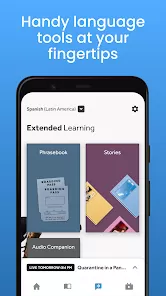
- Use the Phrasebook for on-the-go practice with useful, real-life conversations.
- Practice daily, even for just a few minutes, and use the offline lessons to keep learning during your commute or while traveling.


 0
0