
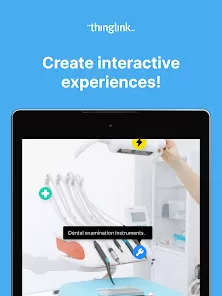

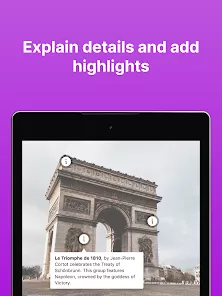
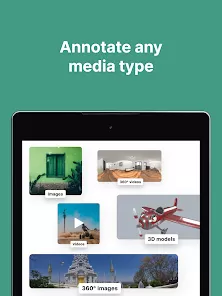
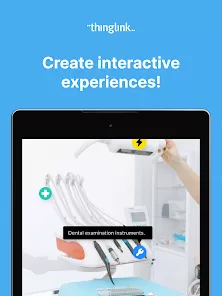
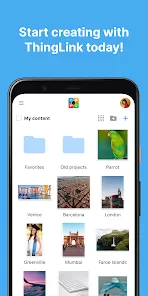
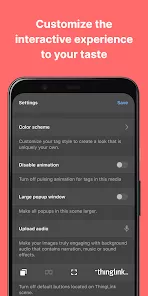
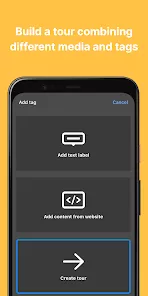
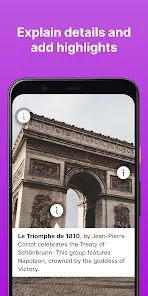
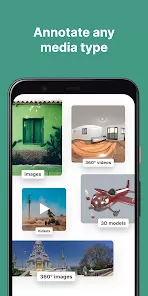
In a world saturated with static images and passive content, how do you make visual information truly engaging, informative, and interactive? Thinglink provides the answer, empowering creators, educators, and marketers to transform ordinary images, videos, and virtual tours into rich, interactive experiences. With Thinglink, you can add "hotspots" to your media—clickable icons that reveal text, images, audio, video, links, and even embedded 360° views. Imagine a photo of a historical site where viewers can click to learn about each building, a product image where they can explore different features, or a training video with clickable quizzes. It's a powerful tool for storytelling, education, and immersive communication that turns viewers into active participants, deepening understanding and engagement in a way traditional media simply can't.
Why You'll Use Thinglink: Elevate Static Media to Interactive Stories
- Deepen Engagement & Understanding: Interactive elements transform passive viewing into an active exploration. Users learn more, remember more, and engage longer with your content.
- Versatile Across Industries: Perfect for educators creating interactive lessons, marketers building product showcases, museums offering virtual tours, journalists enriching photo essays, and corporations developing immersive training.
- Easy to Create, No Coding Needed: The intuitive editor uses a simple point-and-click interface. Anyone can create professional-looking interactive content by adding tags to their images or videos.
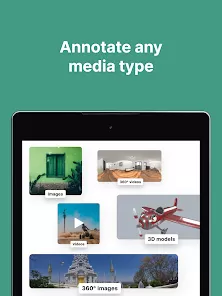
- Rich Multimedia Integration: Embed a vast array of content within your tags: text, images, audio narrations, YouTube/Vimeo videos, links to websites, social media posts, and even other Thinglinks.
- Powerful for Remote & Hybrid Learning: Create virtual field trips, interactive diagrams, and multimedia study guides. Students can explore complex subjects at their own pace, making it a cornerstone of modern digital pedagogy.
Key Features of the Platform: Your Interactive Toolkit
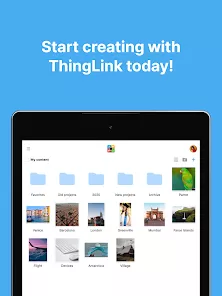
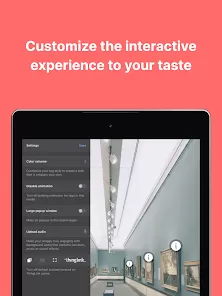
- Interactive Image & Video Editor: The core tool. Upload an image (JPG, PNG) or video (MP4), then place custom icons (tags) anywhere. Configure each tag with your chosen content and link.
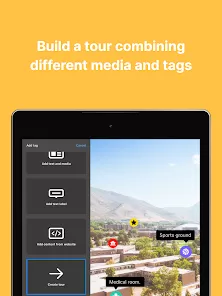
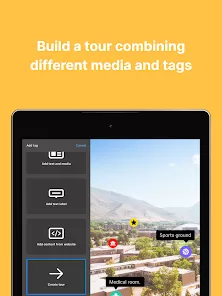
- 360° / VR Image & Tour Creation: Create immersive virtual tours from 360-degree photos. Add interactive hotspots that transport viewers to different scenes or provide information about what they're seeing.
- SCORM Compatibility for eLearning: For corporate and academic training, export your interactive experiences as SCORM packages that can be uploaded to any major Learning Management System (LMS) to track user progress and completion.
- Analytics Dashboard: Track how users interact with your content. See which hotspots are clicked most, how long people engage, and where they come from, providing valuable insights.
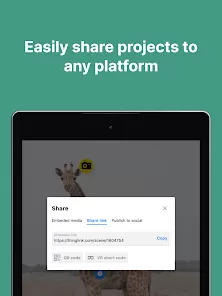
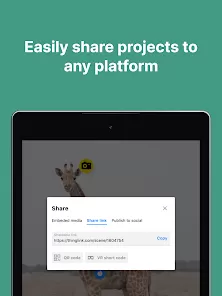
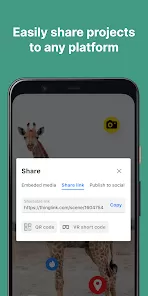
- Collaboration & Sharing: Work on projects with teams. Easily share finished Thinglinks via link, embed them on websites or blogs, or share directly to social media and learning platforms.
How to Create Your First Interactive Image: A Starter Guide
Creating your first interactive experience is a straightforward and creative process. Here are the basic steps.
- Visit the Thinglink website or click the button “Check All Versions” below to explore their platform. You can start with a free account to test the core features.
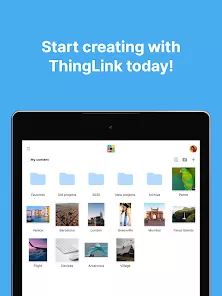
- Sign up and click "Create." Choose to start with an "Image." Upload a high-quality photo, diagram, or infographic from your computer.
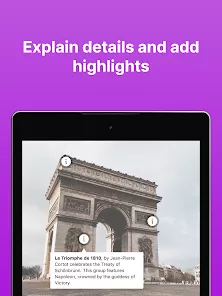
- Once uploaded, the editor opens. Click anywhere on your image to place a tag (hotspot). Choose an icon style (i, play button, arrow, etc.).
- A sidebar opens to configure the tag. Add a title and description. Then, add media: insert a link to a YouTube video, upload an audio clip, embed a webpage, or simply add more text and an image.
- Place more tags on other areas of your image. For example, on a picture of a smartphone, tag the screen, camera, and port with explanations or demo videos.
- Click "Save" and then "Publish." Your interactive image is now live. Share the unique link with anyone, or use the provided embed code to place it on your website or blog.



 0
0