

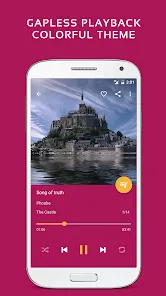
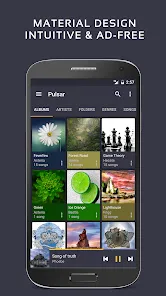
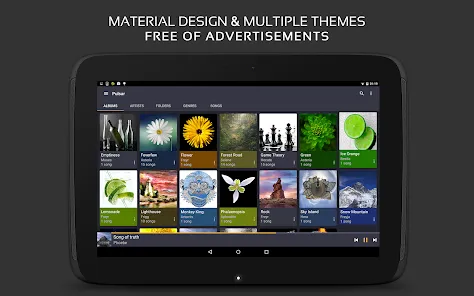
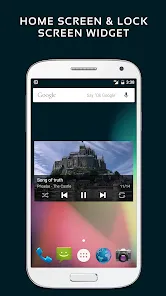
In an era of algorithmic playlists and endless streaming, there's a unique intimacy in curating and listening to your own personal music collection. Pulsar Music Player honors this tradition by offering a beautifully designed, intuitive, and powerful local music player for your Android device. It’s the perfect digital companion for your carefully assembled library, supporting a wide range of audio formats and providing a listening experience that is both feature-rich and refreshingly simple. With its elegant interface and thoughtful customization options, Pulsar doesn't just play your music—it celebrates it, putting you in complete control of your personal soundtrack without any distractions.
Key Features That Make a Difference
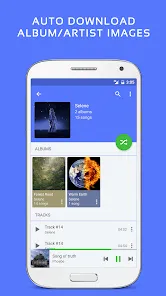
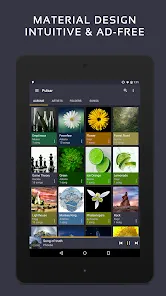
- A clean, material design interface that's easy to navigate and puts your album art front and center.
- Extensive format support, including MP3, FLAC, AAC, and more, for high-quality audio playback.
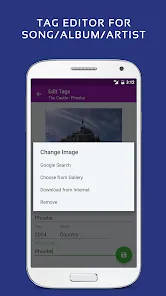
- Smart playlists, tag editing, and multiple library views to organize your music exactly how you want it.
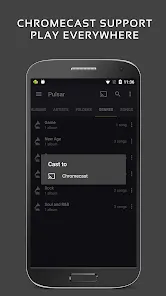
- Useful extras like a sleep timer, gapless playback, and Chromecast support for a seamless listening experience.
Who Is This App For?
- Audiophiles and music enthusiasts with large local libraries who value sound quality and organization.
- Users who prefer owning their music rather than relying on streaming subscriptions.
- Anyone looking for a lightweight, ad-free alternative to bulky, pre-installed music players.
- Listeners who want a beautiful, customizable player that respects their privacy and doesn't require an internet connection.
How to Use
- Click “Check All Versions” below to download and install Pulsar Music Player on your device or browser.
- Open the app and grant permission to access your media files for the initial library scan.
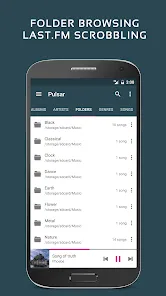
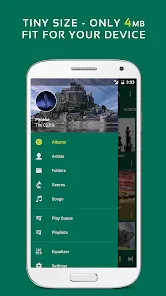
- Browse your music by albums, artists, genres, or folders using the intuitive bottom navigation.
- Create playlists by tapping the "+" icon or use the auto-playlist feature for recently added or most-played tracks.
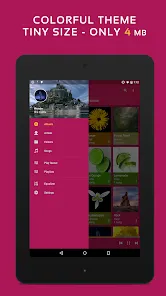
- Customize the look and feel through the settings menu, adjusting themes, and enabling audio features like the equalizer.


 0
0 


