
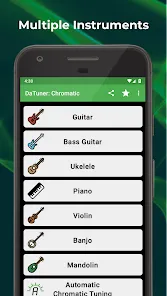
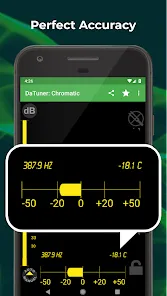
Features and Functions
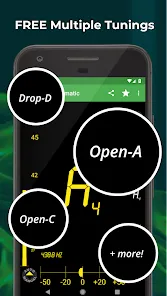
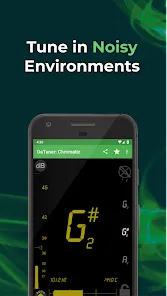
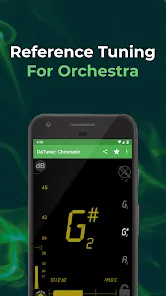
DaTuner: Tuner & Metronome is a simple, accurate and easy-to-use chromatic tuner app for Android with a clean interface. It has been designed to be highly responsive and accurate, making it ideal for use in any environment.
The app features a wide range of customization options, allowing users to tailor the experience to their own needs. It also includes a variety of built-in tools and features, such as a metronome, tone generator and pitchfork, that make it a complete practice toolkit.
How to Use DaTuner: Tuner & Metronome
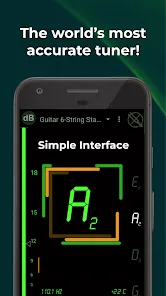
To use DaTuner: Tuner & Metronome, first open the app and ensure that your device's microphone is turned on. Then, pluck or strum a string on your instrument of choice and wait for DaTuner: Tuner & Metronome to register the sound. Once it does, you will see the note name appear on the screen along with a needle indicating how close you are to being in tune. If the needle is pointing to the left, you are flat; if it's pointing to the right, you are sharp. Use the tuning pegs on your instrument to make the necessary adjustments until the needle is centered in the middle of the screen. You can then move on to tuning your other strings.
Pros & Cons
When it comes to choosing a tuner app for your guitar, there are a lot of options out there. But which one is the best? In this blog post, we're taking a look at the DaTuner: Tuner & Metronome app to see what it has to offer.
Pros:
- The app is very accurate, making it great for fine-tuning your guitar.
- The interface is clean and easy to use.
- The app includes a metronome feature, which is handy for practicing your timing.
Cons:
- The app isn't free, so you'll have to pay $3.99 to download it.
- Some users have reported that the app crashes occasionally.


 0
0