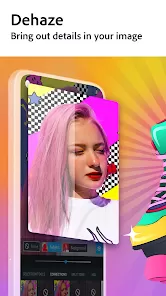

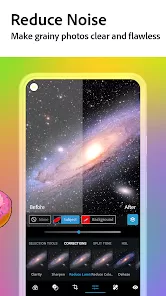
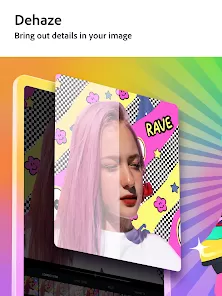


In a moment, you can capture a memory, but with the right tools, you can transform it into a masterpiece. Photoshop Express brings the power and precision of Adobe's legendary photo editing to your mobile device, offering a surprisingly robust suite of tools in a fast, user-friendly package. Whether you're a social media enthusiast looking to perfect a selfie, a hobbyist photographer adjusting a landscape, or someone who just wants to quickly fix an old family photo, this app delivers professional-grade results with intuitive, one-touch controls. It’s your gateway to creative editing, anywhere you go.
Core Editing Features & Tools
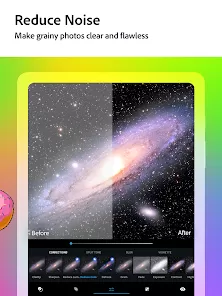
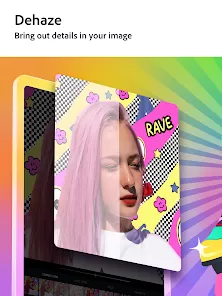
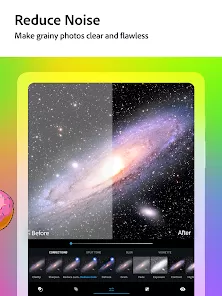
- Essential Adjustments & Corrections: Instantly fix common issues with auto-correction, or manually adjust exposure, contrast, highlights, shadows, and white balance for perfect tone.
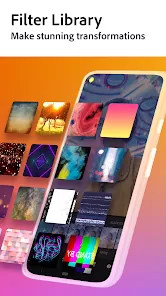
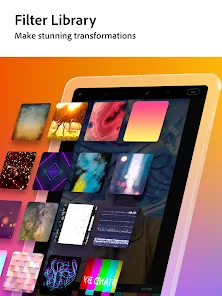
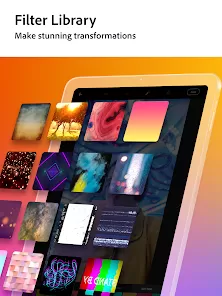
- Creative Filters & Looks: Apply a wide range of premium, customizable filters and "Looks" to set a mood, from vibrant and dramatic to vintage black and white.
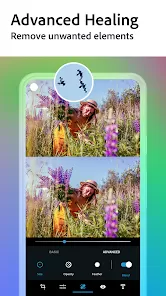
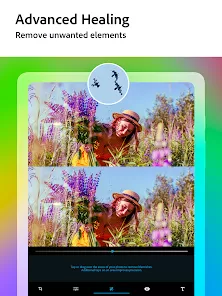
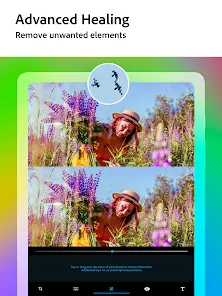
- Precision Retouching Tools: Remove unwanted spots, blemishes, or objects with the healing brush, smooth skin, and whiten teeth with simple, controlled sliders.
- Text & Graphic Overlays: Add stylish text with a variety of fonts and formatting options, or overlay decorative graphics and borders to create engaging social posts or cards.
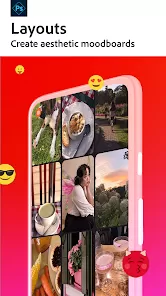
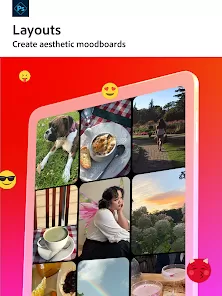
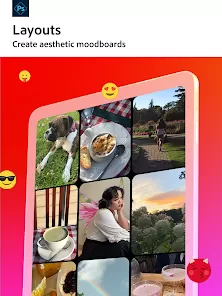
- Collage Maker & RAW Support: Combine multiple photos into beautiful collages with adjustable layouts and backgrounds. Edit RAW files from DSLR cameras for maximum quality and control.
Who Is Photoshop Express For?
- Mobile photographers and social media users who want quick, powerful edits beyond basic app filters.
- Hobbyists and aspiring creatives looking for an accessible entry point into Adobe's ecosystem of photo tools.
- Anyone needing to retouch portraits, remove distractions, or enhance colors in their personal photo library.
- Users who value a clean, ad-light interface with both automatic fixes and deep manual controls.
How to Start Editing with Photoshop Express
- Click “Check All Versions” below to download and install Photoshop Express on your device or browser.
- Open the app and grant access to your photo library. Select a photo you'd like to edit from your camera roll.
- Start with the "Auto" fix button for instant enhancement, then explore the toolbar: tap "Adjustments" for fine-tuning or "Filters" for creative effects.
- For portraits, navigate to the "Healing" or "Portrait" sections to remove blemishes or enhance features subtly.
- When finished, save a copy at maximum quality to your device or share directly to your favorite social platforms.



 0
0