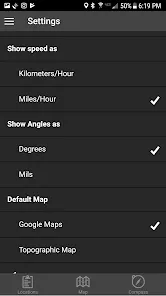
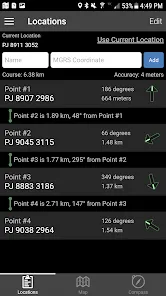
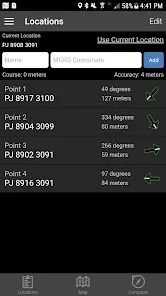
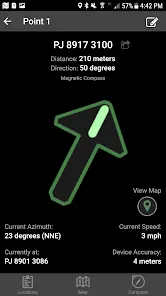
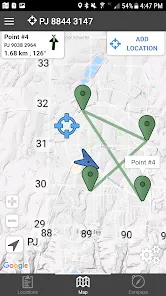
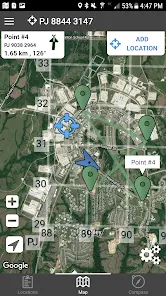
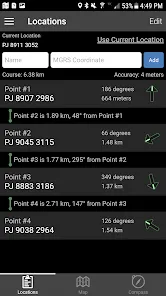
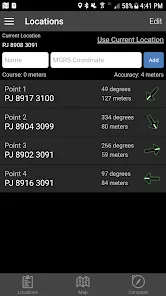
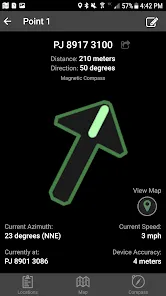
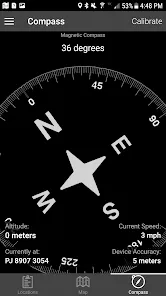
Features and Functions
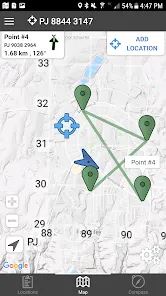
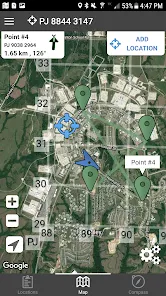
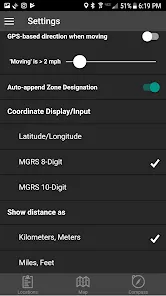
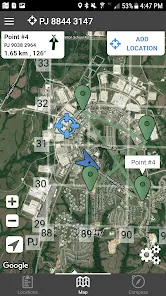
The Land Nav Assistant App is a great way to stay on top of your land navigation game. Here are some of the features that make it so helpful:
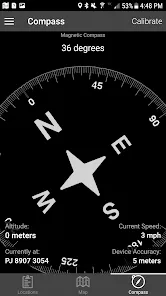
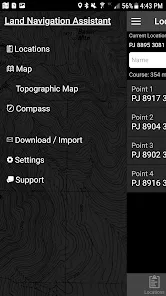
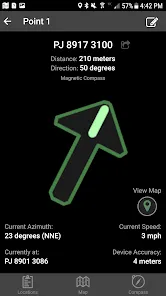
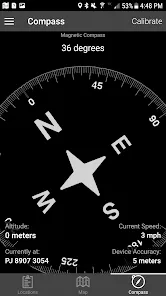
-A built in compass that ensures you never lose your bearings
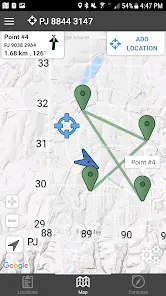
-GPS functionality so you can track your progress and location at all times
-A database of over 200,000 USGS topographic maps for reference
-The ability to create and save custom routes
-Offline access so you can continue using the app even if you lose signal
Whether you're a seasoned hiker or just starting out, the Land Nav Assistant App is a handy tool to have on your adventures.
How to Use Land Nav Assistant
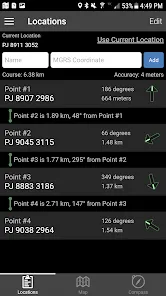
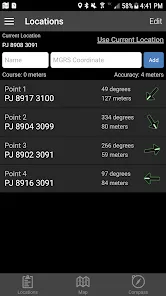
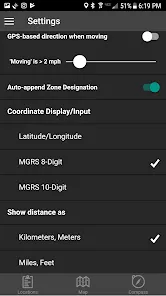
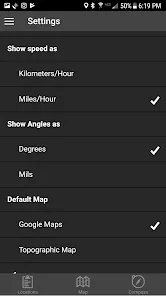
Assuming you have already downloaded the Land Nav Assistant App, open the app and you will be brought to the main menu. From here, you can select your desired map type and input your current location. Once you have done this, the app will provide you with a list of nearby waypoints. Select the waypoint you wish to navigate to and the app will provide you with turn-by-turn directions.
Pros & Cons
There are many pros and cons for the Land Nav Assistant app. Some people love the app because it makes navigating easier and more fun. Others find the app difficult to use and prefer using a paper map and compass.
Some pros for the Land Nav Assistant app include:
-The app is very user friendly and easy to navigate
-The app includes a lot of great features such as a GPS, compass, and maps
-The app is great for planning hikes and trips
-The app is free to download and use
Some cons for the Land Nav Assistant app include:
-Some people find the app difficult to use
-The app can be glitchy at times and may not work properly in all areas
-The compass feature may not be accurate in all areas


 0
0