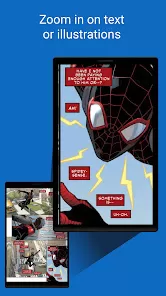
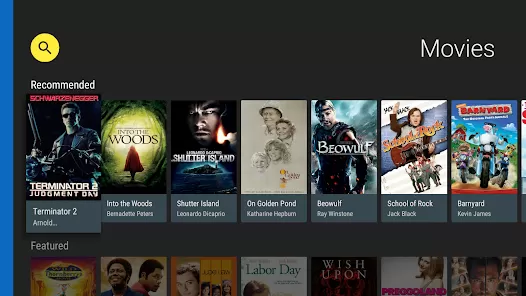
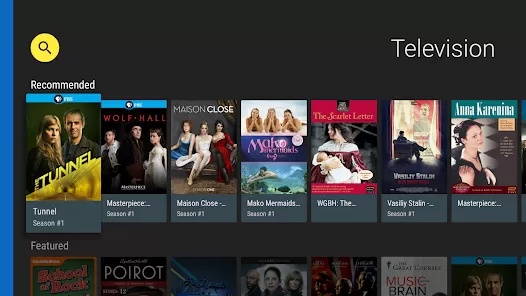
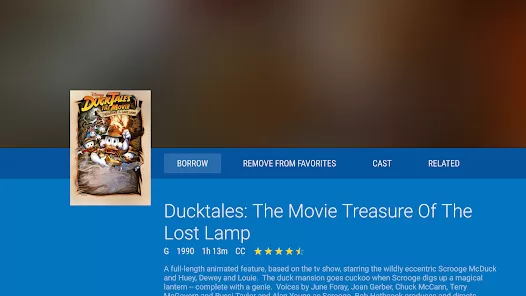
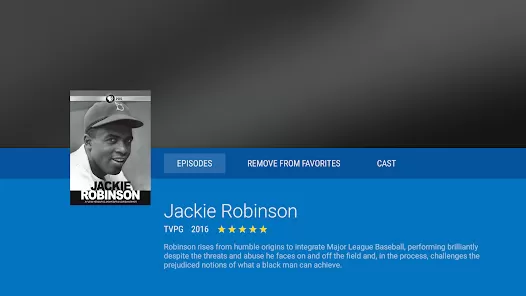
Imagine having a library of millions of ebooks, audiobooks, comics, movies, TV shows, and music at your fingertips, all for free with your local library card. Hoopla Digital makes this a reality, offering instant borrowing with no wait lists or late fees. As a groundbreaking digital service partnered with public libraries across North America, it provides on-demand access to a vast and rotating collection of entertainment and educational content, streamed or downloaded directly to your devices. It's your library, reimagined for the digital age.
Core Features for Digital Borrowing
- Instant Access, No Wait Lists: Borrow any title in the collection immediately. If it's on Hoopla, it's available right away.
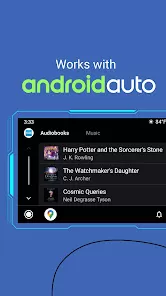
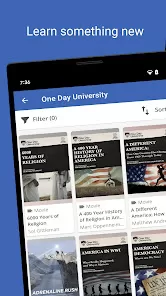
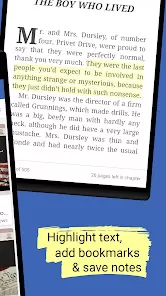
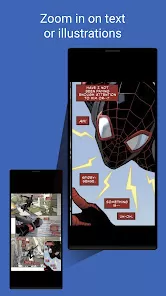
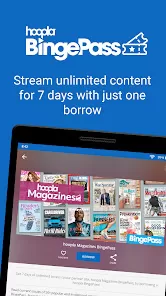
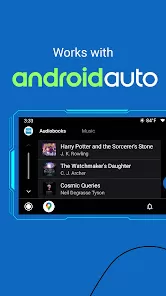
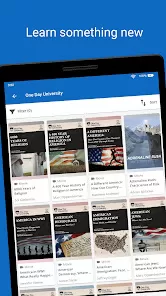
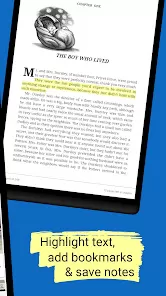
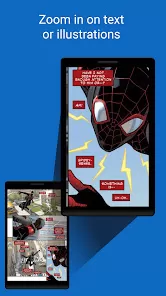
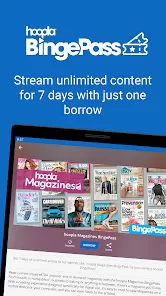
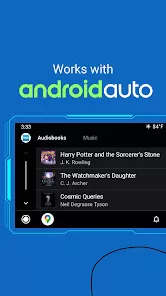
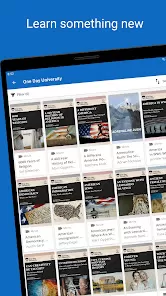
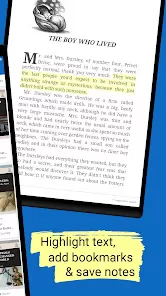
- Diverse Content Formats: Stream or download movies, TV shows, music albums, audiobooks, ebooks, comics, and magazines.
- Easy Library Card Integration: Simply link your valid public library card from a participating system to start borrowing.
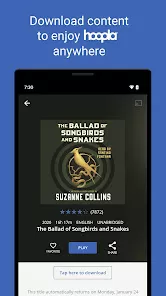
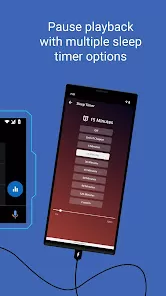
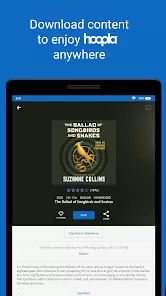
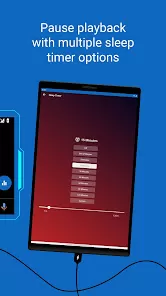
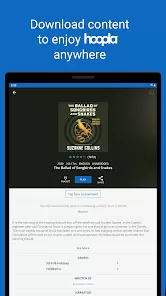
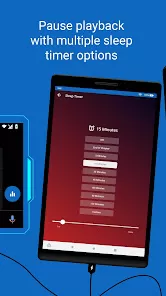
- Download for Offline Enjoyment: Download borrowed titles to your device for offline viewing or listening, perfect for travel or commuting.
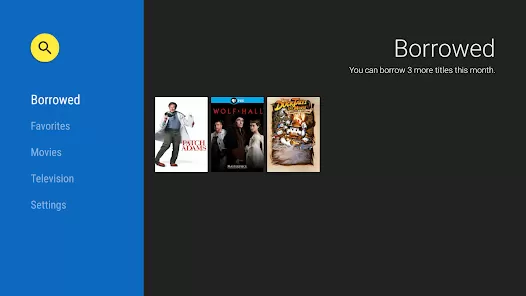
- Monthly Borrowing Limits: Enjoy a generous number of borrows per month set by your local library (e.g., 10 titles). Your borrows automatically return at the end of the loan period.
Who Is Hoopla Digital For?
- Public library cardholders in the US and Canada whose libraries subscribe to the service.
- Avid readers, listeners, and viewers who want free, immediate access to popular digital media.
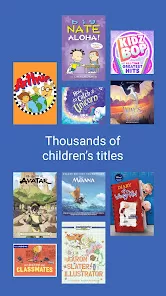
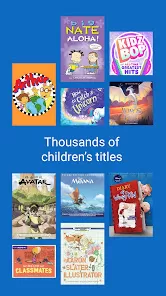
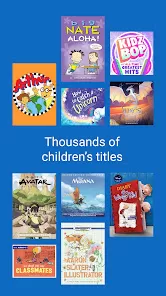
- Families looking for kids' movies, educational content, and audiobooks for road trips.
- Anyone who wants to explore a wide variety of content without the cost of multiple streaming subscriptions.
How to Start Borrowing on Hoopla
- Click “Check All Versions” below to download and install Hoopla Digital on your device or browser.
- Open the app and select your local public library from the list. Enter your library card number and PIN/password to create your Hoopla account.
- Browse by category or use the search function. Each title shows the format (e.g., "audiobook," "movie") and the loan period.
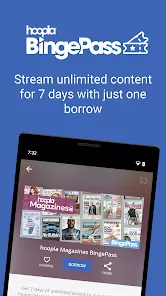
- Tap "Borrow" on any available title. It will be added to "My Titles" for immediate streaming or downloading.
- Stream online or tap the download icon for offline access. Titles will automatically be returned at the end of the loan period, so there are never any late fees.


 0
0