
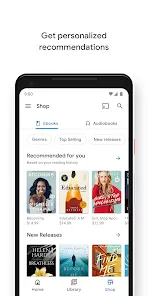
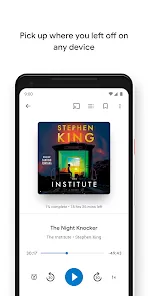
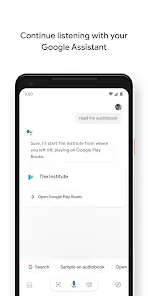

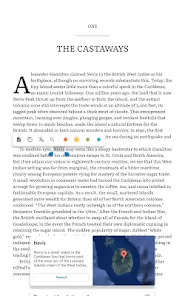
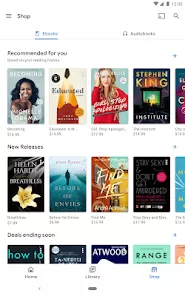
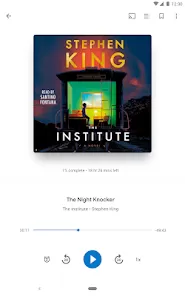

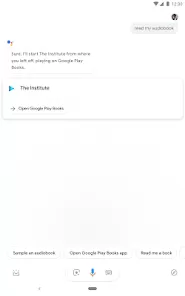
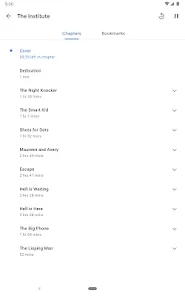
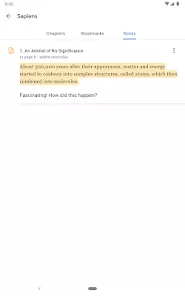
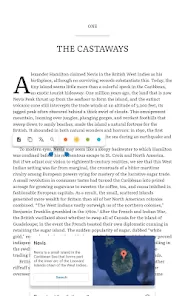
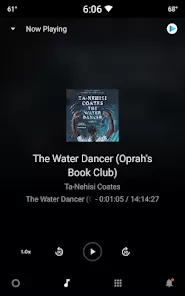
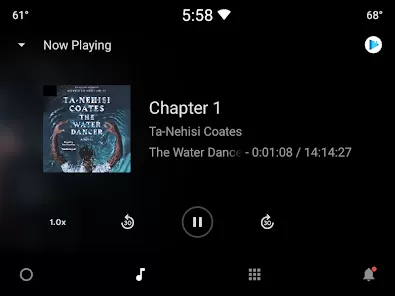
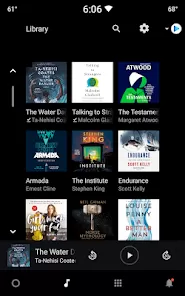
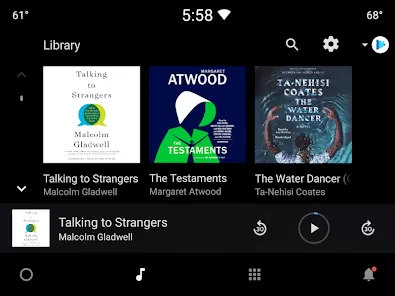
In today's fast-paced digital world, where reading habits have evolved beyond physical pages, having access to your personal library anytime, anywhere transforms how we consume literature and information. Welcome to Google Play Books, the comprehensive ebook and audiobook platform that puts an entire bookstore in your pocket while seamlessly syncing your reading progress across all your devices. Unlike basic reading apps with limited functionality, Google Play Books offers a sophisticated reading experience with customizable display settings, integrated dictionary lookup, note-taking capabilities, and access to millions of titles spanning every genre imaginable. It's more than just an ebook reader; it's your personal literary companion that remembers where you left off, suggests new titles based on your reading history, and even reads aloud with natural-sounding text-to-speech for those moments when your eyes need a break but your mind wants to continue the story. Whether you're diving into the latest bestseller during your commute, referencing a textbook for studies, or listening to an audiobook while exercising, Google Play Books delivers the flexibility, features, and accessibility that modern readers need to keep their literary journey moving forward regardless of their location or schedule.
What Makes Google Play Books a Standout Reading Platform?
- Seamless Cross-Device Synchronization: Start reading on your phone during your commute, continue on your tablet at home, and pick up exactly where you left off on your computer—all with automatic progress saving across all your devices.
- Extensive Customization Options: Personalize your reading experience with adjustable font styles and sizes, background colors, brightness settings, and line spacing to create the most comfortable reading environment for your eyes.
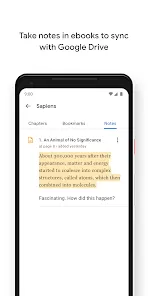
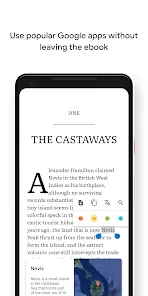
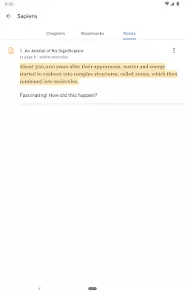
- Integrated Learning and Reference Tools: Look up word definitions instantly with built-in dictionary support, translate phrases, highlight important passages, and add notes that stay synchronized with your ebook.
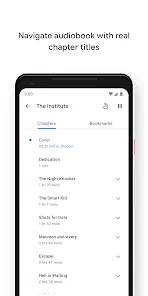
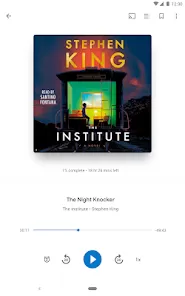
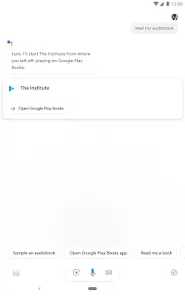
- Comprehensive Audiobook Integration: Switch seamlessly between reading and listening with synchronized audiobooks, or enjoy text-to-speech functionality for ebooks that lack official audio versions.
Who Is Google Play Books Ideal For?
- Avid Readers and Book Enthusiasts: Individuals who consume multiple books monthly and appreciate having their entire library accessible across all their devices.
- Students and Academic Professionals: Those who need to reference textbooks, highlight important information, and take notes that can be easily organized and searched.
- Commuters and Frequent Travelers: People who want to make productive use of travel time without carrying physical books and appreciate the convenience of having multiple titles on one device.
- Accessibility-Focused Users: Readers who benefit from customizable text display, text-to-speech functionality, and other features that make reading more comfortable and accessible.
How to Maximize Your Google Play Books Experience
- Click "Check All Versions" below to download and install Google Play Books on your device or browser.
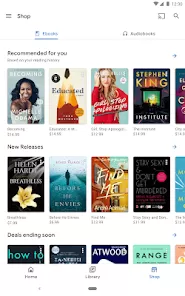
- Build Your Digital Library: Purchase new titles directly through the app or upload your existing EPUB or PDF files to access all your reading materials in one place.
- Customize Your Reading Settings: Adjust font, theme, brightness, and other display options to create your ideal reading environment for different lighting conditions and times of day.
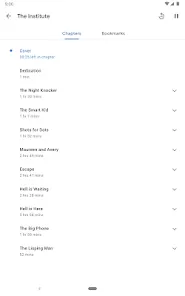
- Utilize Organizational Features: Create custom shelves to categorize your books, use search functionality to quickly find specific passages, and access your highlights and notes in one centralized location.
- Explore Family Library Sharing: Set up Family Library to share your purchased books with up to five family members, making it easy to build a collective digital library for your household.



 0
0