ADVERTORIAL
What is Scribd?
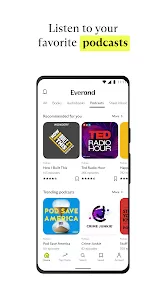
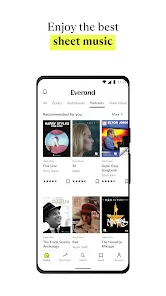
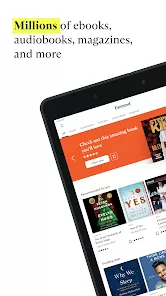
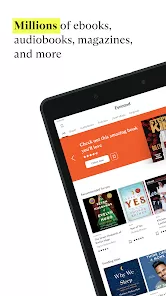
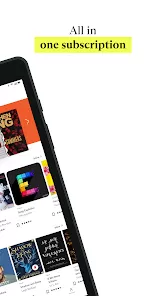
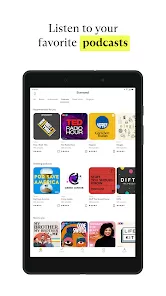
• Overview: Scribd is an online subscription service that allows users to access a vast array of digital content, including audiobooks, ebooks, and magazines.
• Purpose: The platform aims to provide an all-in-one reading and listening experience, catering to diverse preferences and interests.
• Target Audience: Scribd is ideal for book lovers, students, professionals, and anyone who enjoys consuming written content on the go.
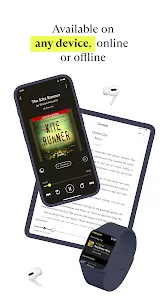
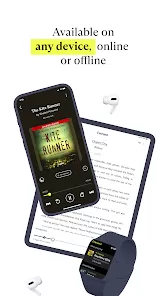
• Platform Availability: Scribd is accessible via web browsers and mobile apps on both iOS and Android devices, making it convenient for users to read or listen anywhere.
Features of Scribd
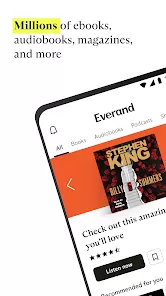
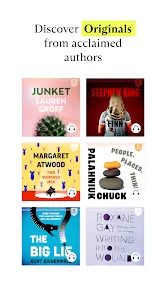
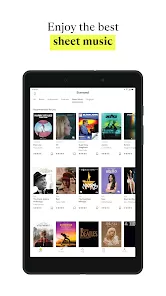
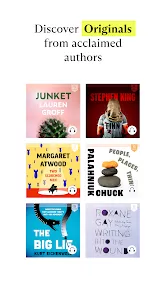
• Extensive Library: Scribd boasts millions of titles across various genres, including bestsellers, classics, and niche publications, ensuring something for everyone.
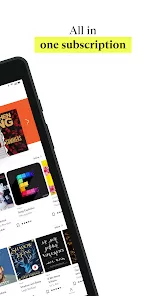
• Unlimited Access: Subscribers can access unlimited content for a monthly fee, allowing users to explore without restrictions.
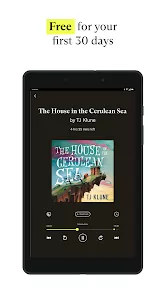
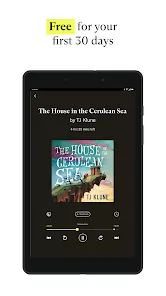
• Offline Reading: Users can download titles for offline access, making it easy to enjoy audiobooks and ebooks without an internet connection.
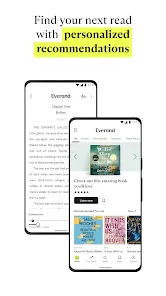
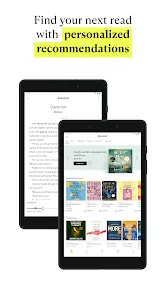
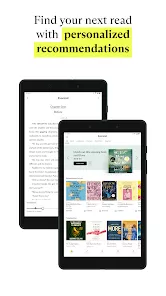
• Personalized Recommendations: The app offers tailored recommendations based on reading habits and preferences, enhancing the user experience.
• Text-to-Speech Functionality: Many ebooks come with a text-to-speech feature, allowing users to listen to written content.
• Bookmarking and Note-Taking: Readers can bookmark pages and make notes within ebooks, facilitating easier reference and study.
• Social Sharing: Users can share their favorite titles or quotes with friends via social media, encouraging community engagement.
Pros and Cons of Scribd
Pros
• Diverse Content: Scribd’s vast library encompasses a wide range of genres and formats, appealing to varied tastes and preferences.
• Convenient Subscription Model: The subscription model allows users to access a large number of titles without the need to purchase each one individually.
• User-Friendly Interface: The app is designed for easy navigation, making it simple for users to find and enjoy their desired content.
• Flexibility: With the ability to switch between reading and listening, users can enjoy content in the format that suits them best.
• Regular Updates: Scribd continually updates its library, adding new titles and content to keep users engaged and interested.
Cons
• Limited Availability: Some popular titles may not be available due to licensing restrictions, which can disappoint users looking for specific books.
• Subscription Costs: Although the subscription offers great value, some users may find the monthly fee prohibitive compared to purchasing individual titles.
• Internet Dependency: While offline access is available, users initially need an internet connection to download content, which may not always be convenient.
• Inconsistent Audiobook Quality: The quality of audiobooks can vary, as not all titles feature professional narrators, potentially affecting the listening experience.
• Variable Device Compatibility: Certain features may not function uniformly across all devices, leading to occasional frustrations for users.
Functions of Scribd
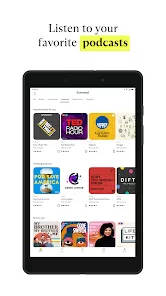
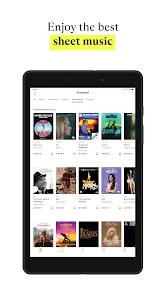
• Content Access: Users can browse and search for audiobooks, ebooks, and magazines through the app or website.
• Library Management: Subscribers can create personalized libraries by saving favorite titles for easy access later.
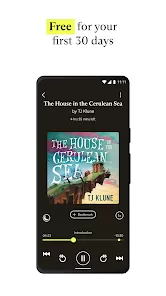
• Reading and Listening Modes: The app allows users to switch between reading ebooks and listening to audiobooks seamlessly.
• Bookmarking and Annotations: Users can bookmark important passages and annotate their thoughts for later reference.
• Recommendation Engine: Scribd analyzes user behavior to suggest titles that align with individual interests and reading patterns.
• Social Interaction: Users can follow friends, share content, and discover new titles through social interactions on the platform.
• Search and Filters: The app includes advanced search and filtering options, enabling users to find content based on genre, author, or popularity.
How to Use the Scribd App
1 Download the App: Access the Apple App Store or Google Play Store to download the Scribd app on your mobile device.
2 Create an Account: Sign up for an account using your email address or link to a social media account for quick access.
3 Explore the Library: Browse through the extensive library to discover new titles, using the search bar or exploring curated collections.
4 Select a Subscription Plan: Choose a subscription plan that suits your needs, allowing for unlimited access to content.
5 Download Content: For offline reading or listening, select the titles you want and download them to your device.
6 Utilize Features: Make use of bookmarking and note-taking features to enhance your reading experience and retention.
7 Adjust Settings: Customize app settings, such as text size for ebooks and playback speed for audiobooks, to enhance comfort.
8 Follow Recommendations: Pay attention to personalized recommendations to discover new content based on your preferences.
9 Engage with the Community: Share favorite titles or quotes on social media and interact with friends to enhance your experience.
10 Manage Your Library: Regularly check your saved titles and update your library as you discover new interests and preferences.





 0
0