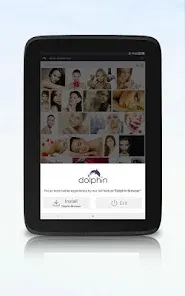
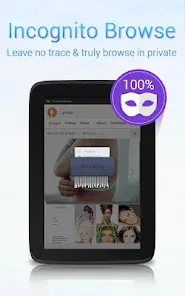
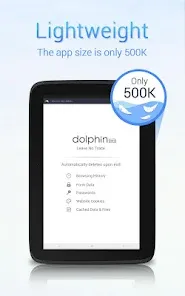
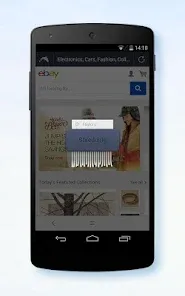
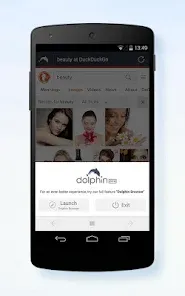
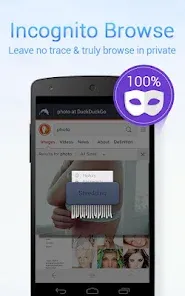
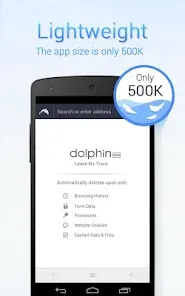
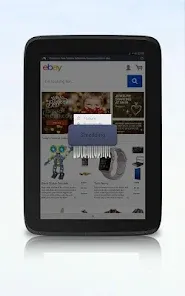
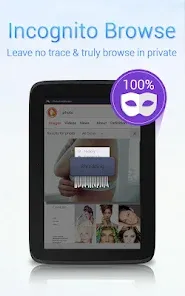
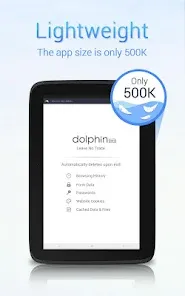
In a world where online privacy is increasingly valued, having a dedicated tool for private, untracked browsing on your mobile device is essential. Dolphin Zero Incognito Browser emerges as a focused and powerful privacy-centric browser, designed from the ground up to leave no trace of your online activity. More than just a private tab, it's a standalone browser that automatically blocks trackers, deletes your history, cookies, and passwords after every session, and prevents data from being stored on your device. Whether you're researching sensitive topics, making a personal purchase, or simply wanting to browse without building a digital profile, this app provides the robust, automatic privacy protections needed for truly anonymous web surfing. Its straightforward, no-frills approach to privacy works seamlessly, empowering you to explore the web with confidence that you're not being followed.
Key Features That Make a Difference
- Automatic & Complete Data Deletion: All browsing data—history, cookies, cache, passwords—is automatically and permanently deleted as soon as you close the app or individual tabs.
- Built-in Tracker & Ad Blocker: Actively blocks third-party trackers, ads, and malicious scripts by default to enhance privacy and speed up page loading.
- No Syncing or Account Required: Operates entirely locally on your device with no cloud syncing, ensuring your session data never leaves your phone.
- Privacy-Focused Search Engine Integration: Often defaults to or offers easy access to privacy-respecting search engines like DuckDuckGo.
- Simple, Distraction-Free Interface: Offers a clean, minimalist browsing experience focused solely on the core function of private navigation.
Who Is This App For?
- Privacy-Conscious Individuals: who want a browser that prioritizes anonymity by default and leaves no forensic traces on their device.
- Researchers & Journalists: conducting sensitive online research who need to avoid leaving a digital trail.
- Users on Shared Devices: who share a phone or tablet and want to keep their personal searches, logins, and browsing history completely separate and temporary.
- Anyone Making Private Purchases or Logins: wanting to prevent cookies from tracking their shopping habits or storing login sessions.
- Users in Regions with Surveillance Concerns: seeking a simple tool to minimize their local digital footprint.
How to Start Using Dolphin Zero Incognito Browser
- Click “Check All Versions” below to download and install Dolphin Zero Incognito Browser on your device or browser.
- Launch and understand the premise: Open the app. Note that it will clearly state no history is saved. Every session starts with a clean slate.
- Browse as usual: Enter a URL or search term. The browser will function normally, but pages may load faster due to blocked ads and trackers.
- Use private search: For maximum privacy, ensure your search bar uses a private search engine like DuckDuckGo instead of Google.
- Close tabs or the app to erase: When you're done, simply close the individual tab or exit the app. All data from that session is immediately and permanently deleted.
- Verify no data is stored: Reopen the app. You should see a blank start page with no previous URLs, open tabs, or search suggestions—confirming your privacy.


 0
0