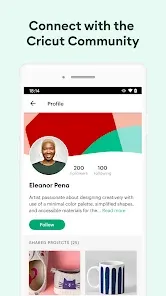

Cricut Design Space is a companion app for Cricut cutting machines that allows users to create, design, and customize projects for crafts and DIY activities. Available on iOS, Android, and desktop, the app enables users to access a library of images, fonts, and ready-made projects, or design their own from scratch. It provides tools for precise cutting, drawing, and scoring on a variety of materials, making crafting accessible and versatile.
Key Features
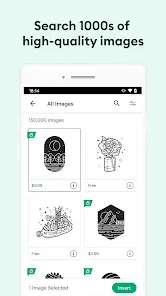
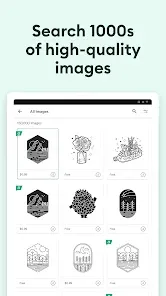
- Access to thousands of images, fonts, and ready-made projects.
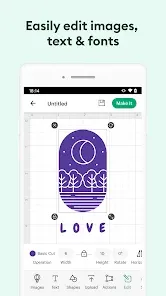
- Create custom designs from scratch using design tools.
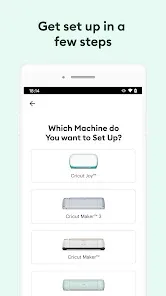
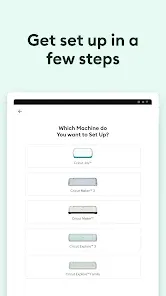
- Compatible with various Cricut cutting machines and materials.
- Precise cutting, drawing, and scoring functionality.
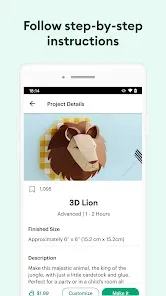
- Project templates for beginners and advanced users.
- Cloud storage for projects, enabling access across devices.
- Integration with Cricut Access subscription for premium content.
Functions
- Create and customize designs for personal or professional projects.
- Upload images and fonts for unique designs.
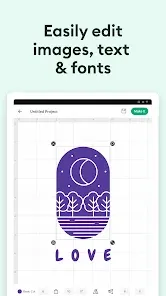
- Adjust size, shape, and layout for cutting or drawing.
- Preview projects before sending them to the Cricut machine.
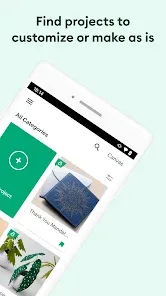
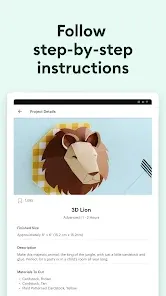
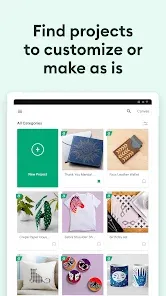
- Access ready-made projects and templates for inspiration.
- Save projects to cloud storage for future use or editing.
- Use the app to control the Cricut machine during crafting.
Pros
- Extensive library of images, fonts, and templates.
- Intuitive interface suitable for beginners and experienced users.
- Precise cutting and drawing capabilities for detailed projects.
- Cloud storage allows project access from multiple devices.
- Integration with Cricut Access provides premium content and features.
Cons
- Requires a Cricut machine for full functionality.
- Some features and images require a paid subscription.
- App performance may vary depending on device specifications.
- Learning curve for beginners unfamiliar with design software.
How to Use Cricut Design Space
- Click the "Check All Versions" button below to download and install the app.
- Open Cricut Design Space and sign in or create an account.
- Select a ready-made project or start a new design from scratch.
- Use the design tools to customize images, fonts, and layouts.
- Preview the project and adjust settings for cutting, drawing, or scoring.
- Send the project to your Cricut machine for crafting.
- Save completed projects to cloud storage for future use.
- Explore the library and Cricut Access for additional images and design inspiration.


 0
0