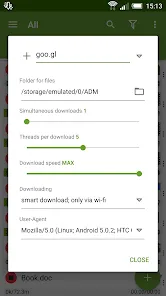
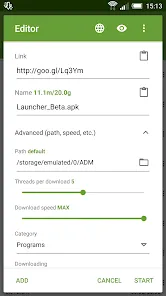
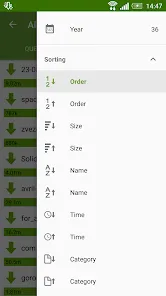
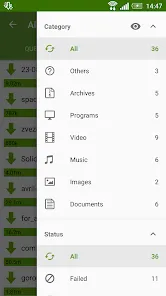
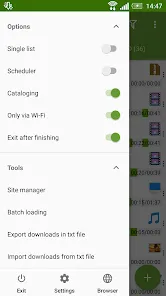
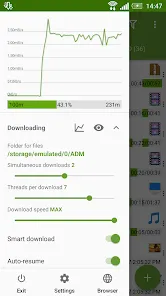
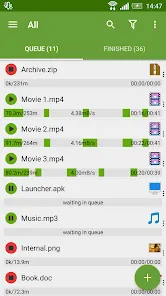
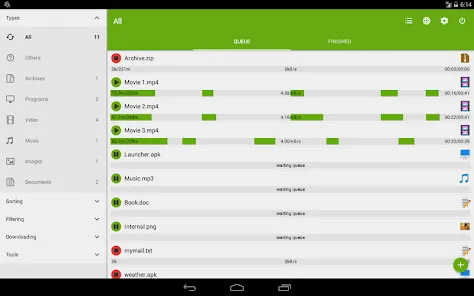
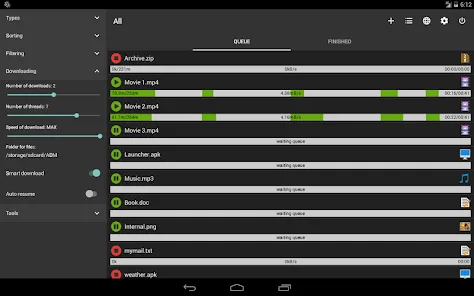
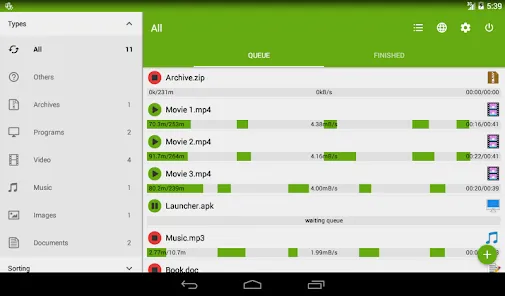
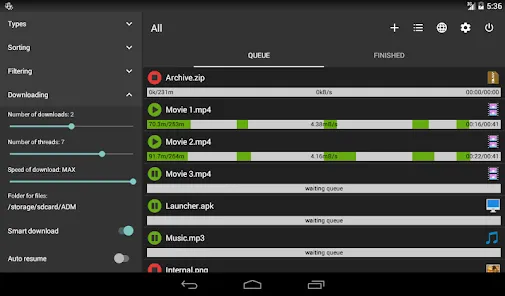
Advanced Download Manager (ADM) is a powerful and efficient tool that helps users manage and accelerate their file downloads on Android devices. Designed for both casual users and power downloaders, ADM allows you to organize, pause, resume, and schedule downloads with remarkable speed and precision. With multi-threading technology and smart file management, it ensures a smooth and reliable downloading experience even for large files and slow connections.
Key Features
- Accelerates downloads using multi-threaded technology for faster speeds.
- Supports simultaneous downloads and background downloading.
- Pause, resume, or schedule downloads with full control and flexibility.
- Automatic file organization by category such as documents, videos, and music.
- Built-in browser with support for multiple tabs and download interception.
- Customizable download limits, themes, and notifications for user convenience.
Benefits of Using Advanced Download Manager
- Save time with high-speed, multi-threaded downloads.
- Manage multiple files efficiently without interrupting device performance.
- Enjoy reliable downloading even on unstable or slow connections.
- Automatically organize your files for quick access and better storage management.
- Customize the app to suit your downloading preferences and workflow.
How to Use
- Click the button “Check All Versions” below to download and install Advanced Download Manager on your device or browser.
- Open the app and grant permissions for storage and network access.
- Paste or share download links from your browser or other apps to ADM.
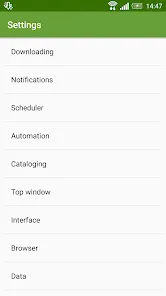
- Set download preferences, including number of threads, speed limits, and file locations.
- Monitor progress in real-time and pause, resume, or schedule downloads as needed.
Tips for Best Experience
- Enable the “Auto Resume” option to continue interrupted downloads automatically.
- Use Wi-Fi-only mode to save mobile data while downloading large files.
- Take advantage of the built-in browser to detect and start downloads instantly.
- Organize downloads into folders for easier file management and cleanup.
- Keep the app updated to enjoy improved performance, security, and new features.


 0
0