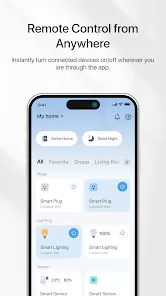
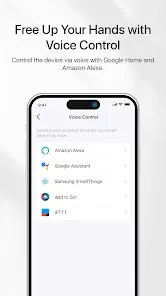
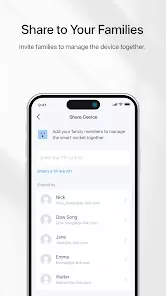
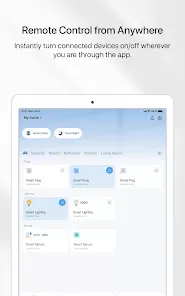
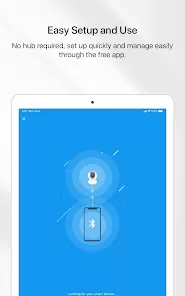
TP-Link Tapo is a smart home companion app built to help users manage cameras, plugs, light bulbs, sensors, and other Tapo smart devices with ease. Whether you're checking on your home while traveling, turning on lights before arriving, or monitoring loved ones from afar, the Tapo app provides a dependable and intuitive environment for your everyday routines. It transforms your phone into a smart control hub, giving you immediate access to live camera feeds, automation tools, motion alerts, and device scheduling—with everything designed to feel simple and approachable even for first-time smart-home users.
The app brings together convenience and peace of mind in a clean interface that feels friendly rather than overwhelming. You can set up home automations to make lights turn on at sunset, receive instant alerts when motion is detected, or view crisp HD video from Tapo cameras when you’re away. It helps families stay connected, helps homeowners feel more secure, and adds modern comfort to homes of any size. Whether you want to build a smart home step by step or simply need reliable remote access to cameras and plugs, Tapo offers a thoughtful experience that fits naturally into daily life.
Key Features
Live HD streaming from Tapo smart cameras with clear day and night vision.
Instant motion and sound alerts for quick awareness of activity around your home.
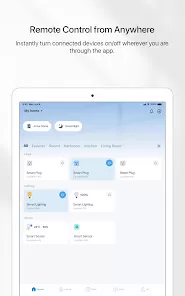
Full control of Tapo smart plugs, bulbs, switches, and sensors.
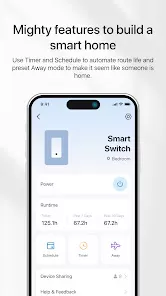
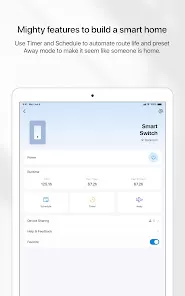
Flexible automation and routines for lights, cameras, and other devices.
Two-way audio on supported cameras to talk and listen remotely.
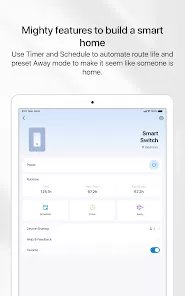
Scheduling options for lights, plugs, and appliances to save time and energy.
Privacy mode and shutter options for added peace of mind at home.
Advantages
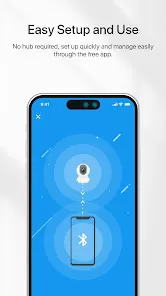
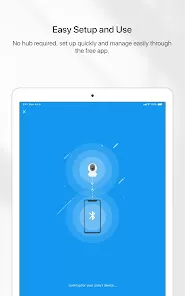
Simple and beginner-friendly setup that connects new devices in minutes.
Reliable remote access that works smoothly even on slower networks.
Affordable smart home ecosystem with many compatible devices.
High-quality video playback with easy access to saved recordings.
Clean interface that makes switching between cameras or devices effortless.
Drawbacks
Some AI detection features may require specific camera models or subscriptions.
Cloud storage options are more limited compared to premium competitors.
Certain automations may feel restrictive for advanced smart-home users.
Notifications can become frequent unless motion zones are carefully adjusted.
How to Use
Click “Check All Versions” below to download and install TP-Link Tapo on your device or browser.
Open the app and sign in with your TP-Link ID or create a new account.
Tap “Add Device” to pair your camera, plug, light, or sensor using the on-screen instructions.
Customize motion alerts, privacy settings, and video quality to match your needs.
Use the Live View screen to check cameras and enable two-way talk when supported.
Create schedules or automation routines to control your devices automatically.
Review event history or saved recordings to keep track of important moments.
Who Should Use TP-Link Tapo?
Tapo is ideal for anyone seeking a simple, reliable entry into smart home technology—whether you're building a fully automated home or just need a dependable security camera. Families, renters, and homeowners alike benefit from its approachable tools, budget-friendly devices, and smooth remote monitoring. With its blend of clarity, convenience, and practical features, the TP-Link Tapo app makes smart living feel accessible to everyone.


 0
0