
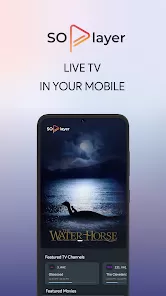
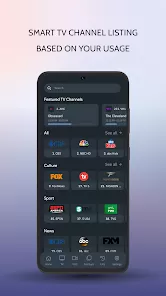
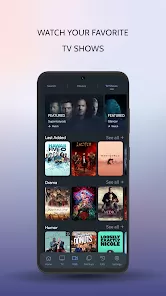
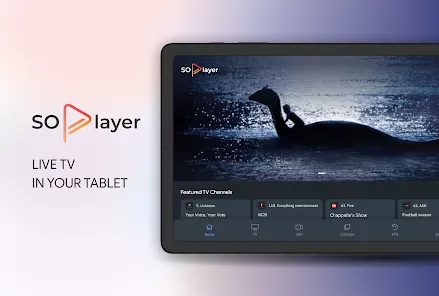
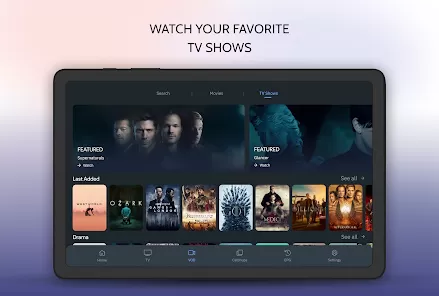
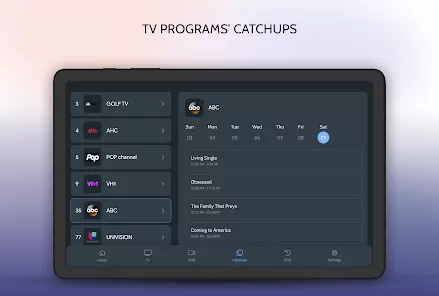
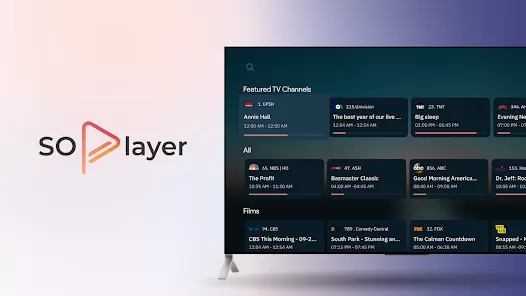
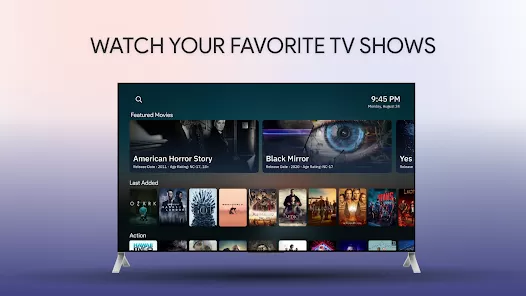
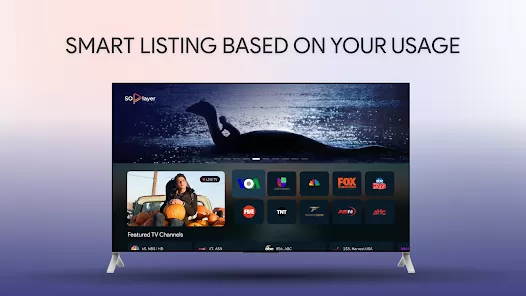
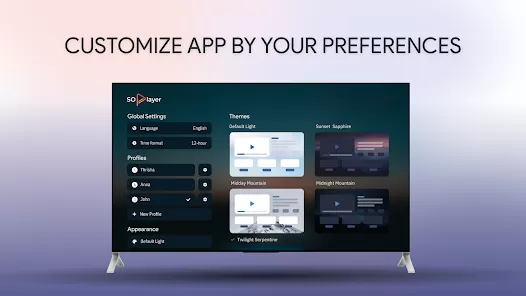
SoPlayer is a mobile media player app that allows users to stream live TV channels, movies, and on-demand content directly from IPTV providers. It supports multiple formats and playlists, giving users flexibility in managing and viewing their favorite media. With an intuitive interface, customizable settings, and playback features, SoPlayer provides a convenient solution for accessing IPTV content on smartphones and tablets.
Key Features
- Stream live TV channels and on-demand content from IPTV providers.
- Supports multiple playlist formats like M3U, XSPF, and more.
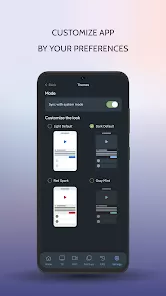
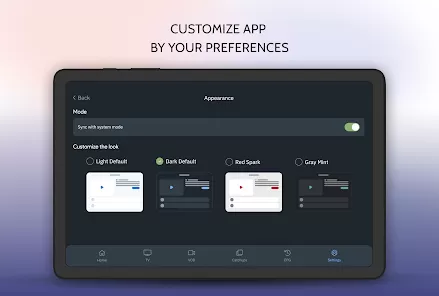
- Customizable interface and playback settings.
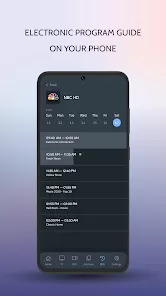
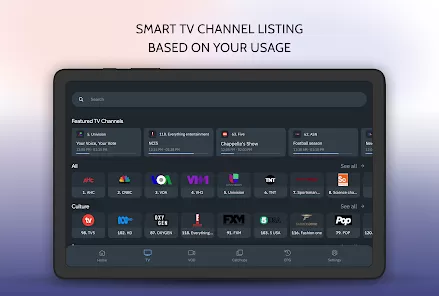
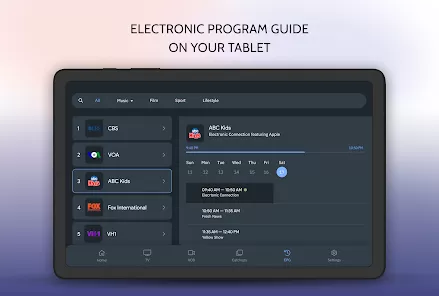
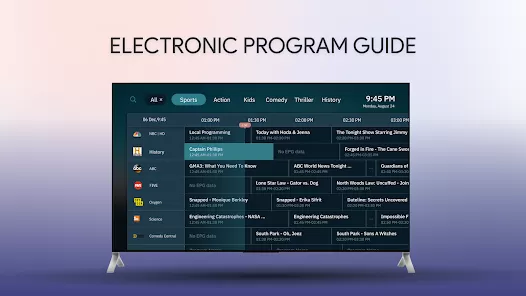
- EPG (Electronic Program Guide) support for TV scheduling.
- Parental control options to restrict content.
- Compatible with both Android and iOS devices.
- Bookmark and manage favorite channels for quick access.
Functions
- Load IPTV playlists to access live and on-demand content.
- Play videos with adjustable playback settings, including subtitles and audio tracks.
- Set reminders for programs using EPG features.
- Organize favorite channels and create custom lists.
- Restrict access to content using parental controls.
- Manage multiple IPTV accounts or playlists simultaneously.
Pros
- Supports a wide range of IPTV formats and providers.
- Customizable interface and playback options.
- EPG support enhances viewing experience with scheduling.
- Lightweight and efficient for mobile streaming.
- Parental control features ensure safe usage.
Cons
- Requires a subscription to IPTV services; no content included by default.
- Dependent on the quality of the IPTV provider’s stream.
- Advanced features may require technical knowledge to configure.
- Occasional compatibility issues with some playlists.
How to Use SoPlayer
- Click the "Check All Versions" button below to download and install SoPlayer.
- Open the app and add your IPTV playlist or account details.
- Browse available channels and on-demand content from the loaded playlist.
- Use playback controls to adjust video, audio, and subtitle settings.
- Set reminders or use the EPG guide to schedule shows.
- Organize favorite channels for quick access.
- Enable parental controls if necessary to restrict content access.



 0
0