
Achieving your health and wellness goals is a personal journey, and having the right data can make all the difference. Renpho provides a connected ecosystem of smart health devices and a powerful companion app designed to give you meaningful, actionable insights into your body. From smart scales that measure far more than just weight to fitness trackers and massage guns, Renpho products sync seamlessly with the app to track metrics like body fat percentage, muscle mass, heart rate, and sleep patterns. This integrated approach helps you move beyond simple numbers, fostering a deeper understanding of your health and progress over time. It's your personal health hub, empowering you to make informed decisions and stay motivated every step of the way.
Core Features of the Renpho Ecosystem
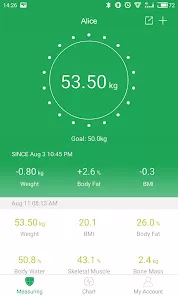
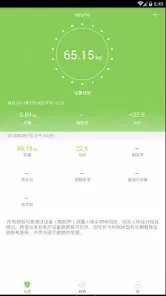
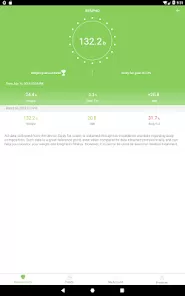
- Comprehensive Body Composition Analysis: Renpho smart scales use Bioelectrical Impedance Analysis (BIA) to provide detailed metrics including body fat %, muscle mass, visceral fat, BMI, and more with each weigh-in.
- Seamless Bluetooth Syncing: All Renpho devices connect instantly to the app via Bluetooth, automatically uploading your data for tracking and trend analysis.
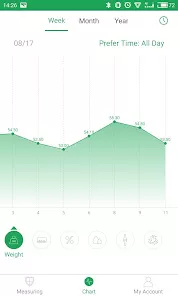
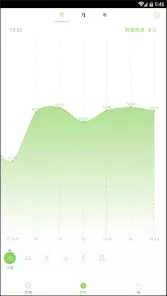
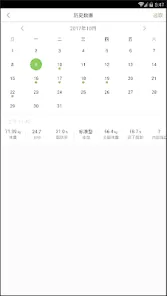
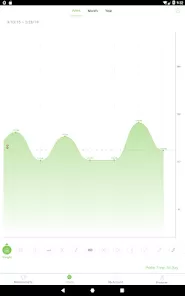
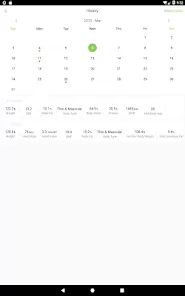
- Long-Term Trend Tracking & Charts: The app visualizes your progress over days, weeks, and months with clear graphs, helping you see the bigger picture of your health journey.
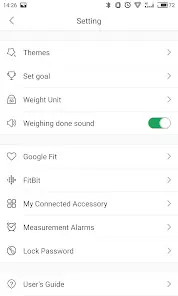
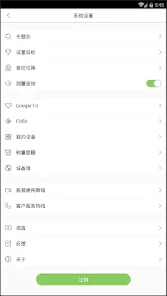
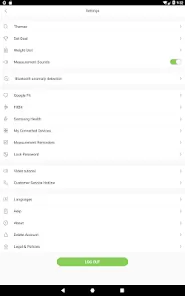
- Fitness & Activity Integration: Connect the app with Apple Health, Google Fit, Samsung Health, and Fitbit to consolidate all your health data—from steps and workouts to weight and sleep—in one place.
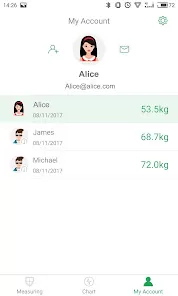
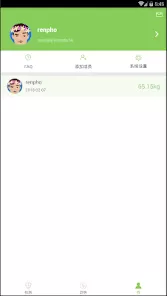
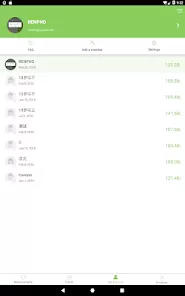
- Multiple User Profiles: The entire household can use compatible devices like the smart scale. The app creates separate, private profiles for up to 16 users, recognizing each person automatically.
Who Is Renpho For?
- Fitness enthusiasts and athletes tracking body composition changes beyond just weight.
- Individuals on weight management or wellness journeys who want detailed data to guide their nutrition and exercise plans.
- Families looking for an easy way for everyone to monitor their health metrics with a single, shared device.
- Anyone seeking affordable, reliable smart health devices that integrate well with other popular health platforms.
How to Use Renpho
- Click “Check All Versions” below to download and install Renpho on your device or browser.
- Create your free account and set up your personal profile with details like height, age, and gender for accurate metrics.
- Turn on Bluetooth and follow the in-app instructions to pair your Renpho device (e.g., smart scale, massage gun, tape measure).
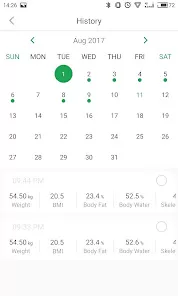
- Use your device regularly (e.g., step on the scale). The data will sync automatically to the app, where you can view your latest measurements and historical trends.
- Connect the Renpho app to your preferred health platforms (Apple Health, etc.) in the "Settings" to create a unified dashboard of all your wellness data.


 0
0