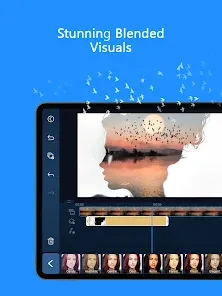
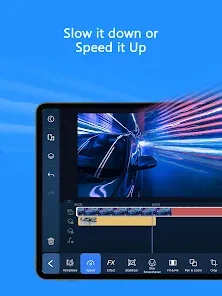
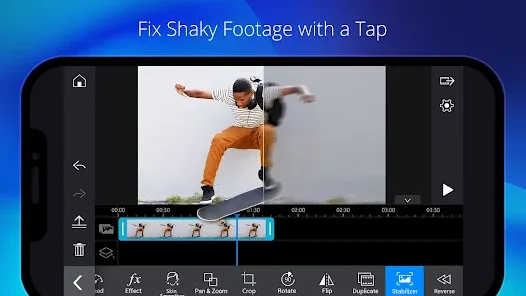
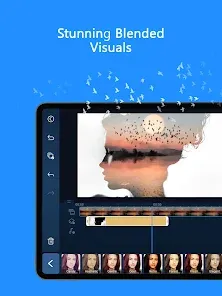
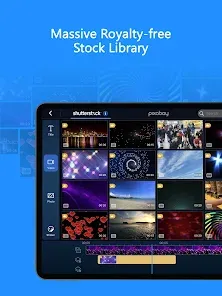
In a world where video content is king, having a professional-grade editing suite in your pocket empowers creators to produce stunning content anywhere. PowerDirector - Video Editor emerges as a powerhouse mobile editing application, designed to bring desktop-level video production capabilities to your smartphone or tablet. More than just a basic trimmer, it's a comprehensive studio featuring multi-track timeline editing, chroma key (green screen), motion tracking, advanced color grading, and a vast library of effects and royalty-free music. Whether you're editing a vlog, creating a cinematic short film, producing content for social media, or compiling a family montage, this app provides the depth, precision, and creative tools needed to realize your vision. Its intuitive interface paired with pro features works seamlessly, bridging the gap between mobile convenience and professional results.
Key Features That Make a Difference
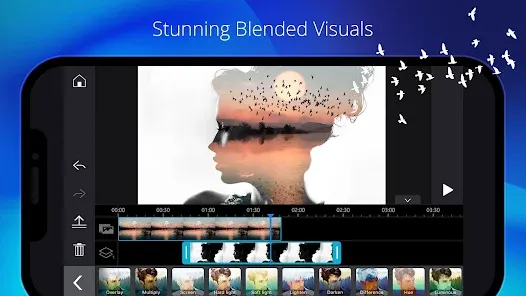
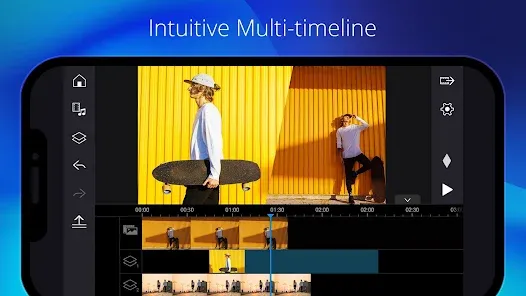
- Multi-Track Timeline Editing: Layer videos, images, audio, text, and effects on separate tracks for complex, professional-style compositions.
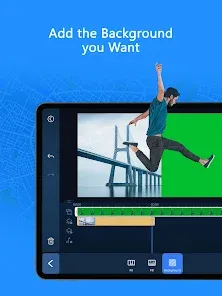
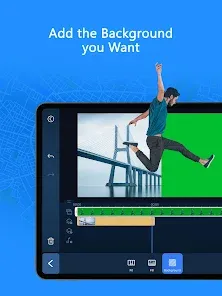
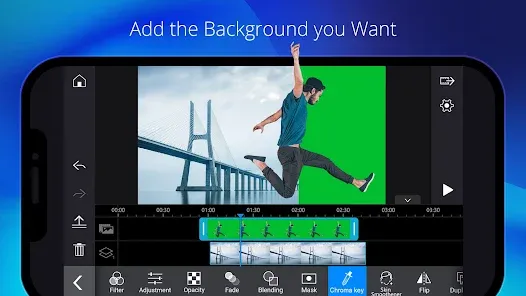
- Chroma Key (Green Screen) & Masking: Remove or replace backgrounds effortlessly and create custom masks for sophisticated visual effects.
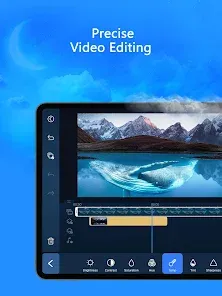
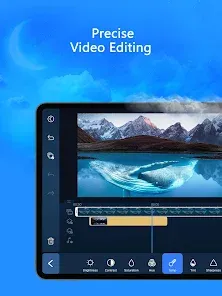
- Precise Color Correction & Grading: Use curves, color wheels, and HSL controls to professionally grade your footage and achieve the perfect look.
- Motion Tracking & Keyframing: Track moving objects to attach text or graphics, and use keyframe animation to create smooth custom movements for any element.
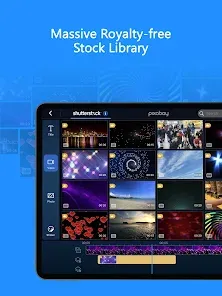
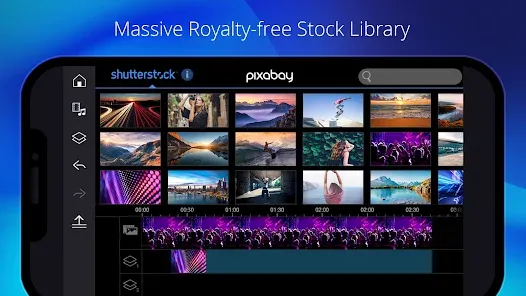
- Vast Asset Library: Access thousands of royalty-free stock videos, music tracks, sound effects, animated titles, and video effects directly within the app.
Who Is This App For?
- Aspiring Filmmakers & Serious Content Creators: who need advanced editing features like keyframing, color grading, and multi-track editing on mobile.
- Social Media Influencers & YouTubers: creating high-production-value content who require green screen, motion tracking, and professional effects.
- Marketing Professionals & Small Businesses: producing promotional videos, ads, or tutorials without access to expensive desktop software.
- Educators & Students: working on video projects that require more sophistication than basic editors provide.
- Hobbyists Ready to Level Up: who have mastered simple apps and are eager to explore the full creative potential of mobile video editing.
How to Start Using PowerDirector
- Click “Check All Versions” below to download and install PowerDirector - Video Editor on your device or browser.
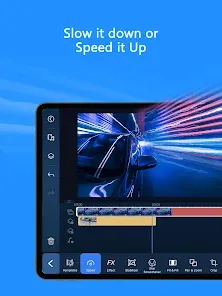
- Start a new project with a multi-track timeline: Tap "New Project" and import your clips. Familiarize yourself with the timeline view, where you can add multiple video and audio layers.
- Experiment with basic cuts and transitions: Trim and split your clips on the timeline. Add a transition between two clips from the effects library.
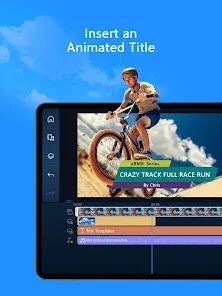
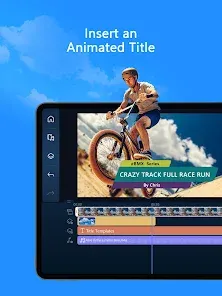
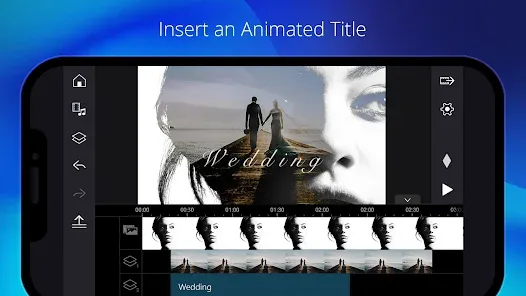
- Add a title and background music: Tap the "T" icon to add an animated title. Go to the audio library to add a royalty-free music track to a separate audio track.
- Try a pro feature: Color Grading or Chroma Key: Select a clip and open the color adjustment menu to try the color wheel. Or, use the chroma key tool if you have footage shot against a green background.
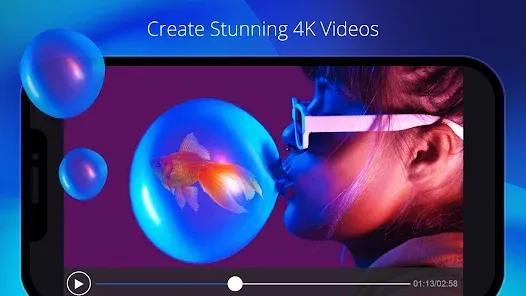
- Export in high quality: Once your edit is complete, export your video in up to 4K resolution, choosing the format and bitrate suitable for your platform (YouTube, Instagram, etc.).


 0
0