


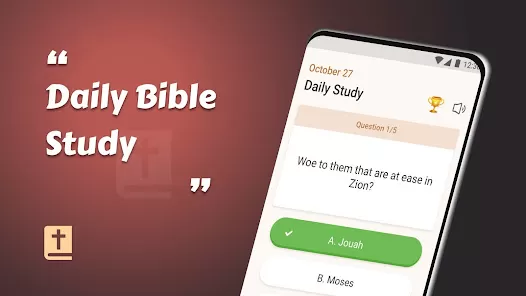
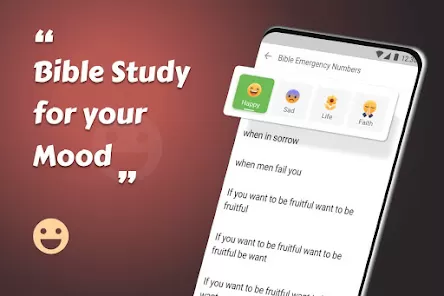
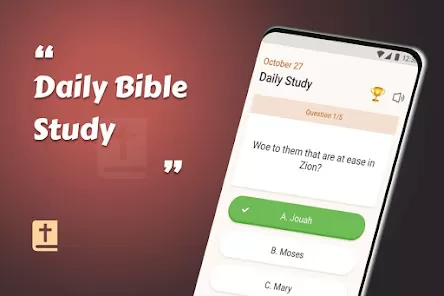
For countless readers and believers, the King James Version (KJV) of the Bible holds a timeless place as a cornerstone of faith and literary heritage. The King James Bible - Verse+Audio app honors this legacy by combining the classic, revered text with the powerful dimension of audio narration. It’s designed to make engaging with scripture more accessible and immersive, whether you're seeking daily inspiration, studying a passage in depth, or listening to the Word during a commute or quiet moment of reflection.
Core Features for Study & Reflection
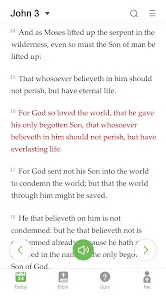
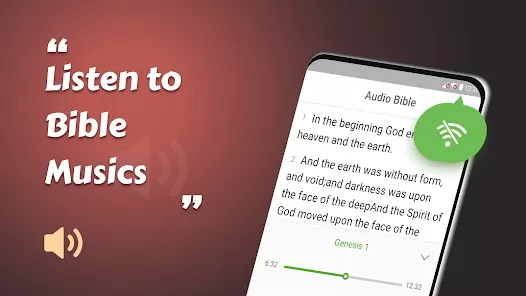
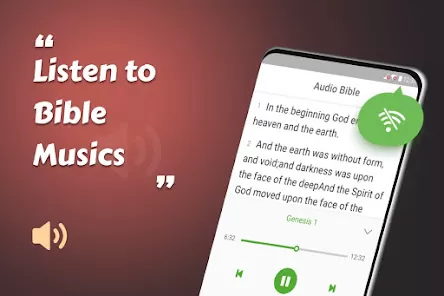
- Complete KJV Text with Audio Narration: Read the full King James Bible while listening to clear, professional audio narration to enhance comprehension and meditation.
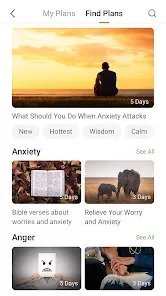
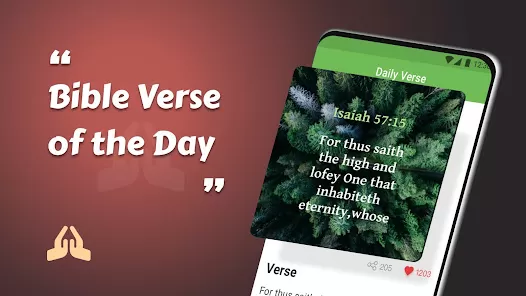
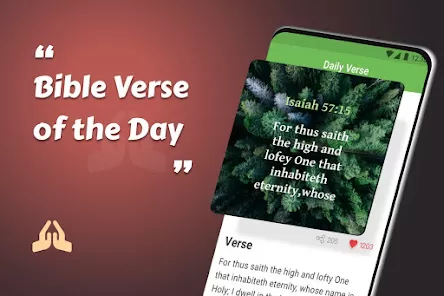
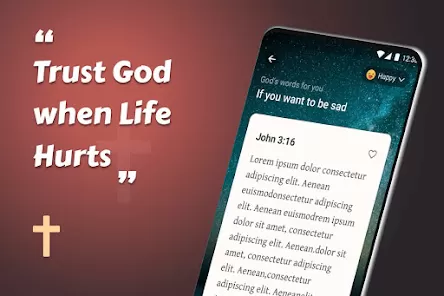
- Verse of the Day & Daily Plans: Receive a curated "Verse of the Day" and follow structured reading plans for thematic study or through-the-Bible journeys.
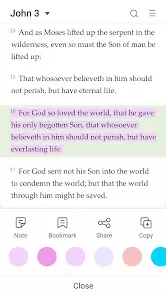
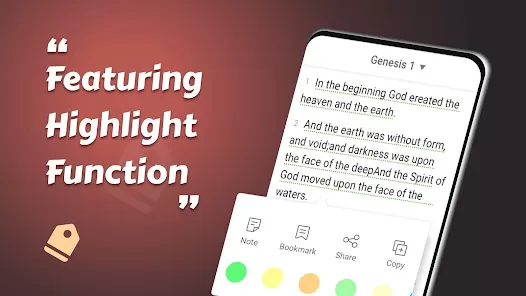
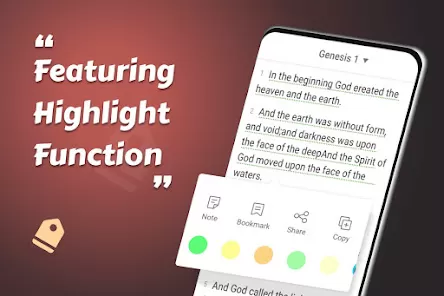
- Bookmark, Highlight & Notes: Mark your favorite verses, add personal highlights in different colors, and attach private notes for deeper study and remembrance.
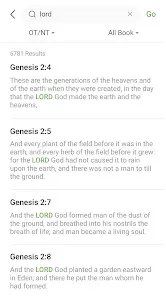
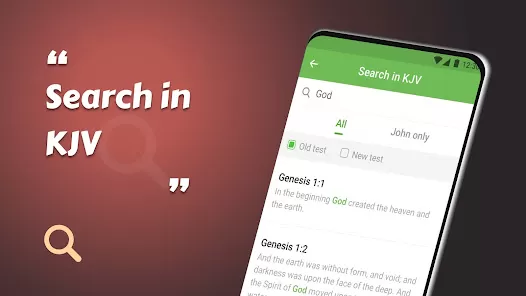
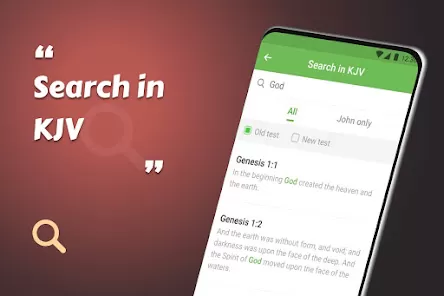
- Offline Access & Search: Download the entire text and audio for offline use. Quickly find any verse, chapter, or keyword with a powerful search function.
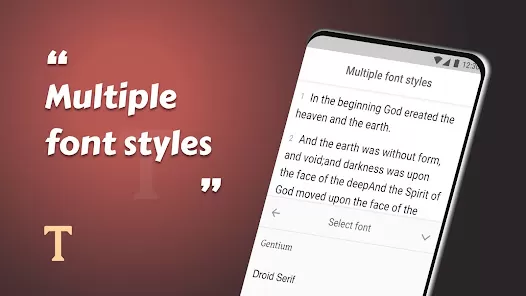
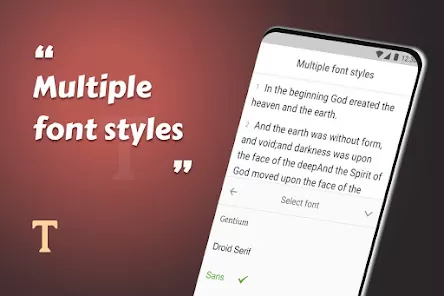
- Customizable Reading Experience: Adjust text size, choose from various reading themes (day/night), and set a sleep timer for listening.
Who Is This Bible App For?
- Devotees of the King James Version who appreciate its traditional language and poetic rhythm.
- Students and scholars of religious texts looking for a reliable digital copy of the KJV with audio support.
- Individuals with visual impairments or those who are auditory learners and benefit from hearing scripture.
- Anyone seeking a focused, ad-light environment for daily Bible reading and devotional time.
How to Begin Your Study
- Click “Check All Versions” below to download and install the King James Bible - Verse+Audio app on your device or browser.
- Open the app and explore the interface. You may be prompted to download the audio files for offline use—this is recommended for the best experience.
- Start by reading or listening to the "Verse of the Day" on the home screen. Tap any verse to access options to highlight, bookmark, or share.
- Use the navigation menu to jump to any book and chapter. Tap the audio icon to listen to a chapter while following along with the text.
- Create your first highlight or note on a meaningful passage. Explore the "Plans" section to find a reading plan that fits your goals for consistent engagement.



 0
0