
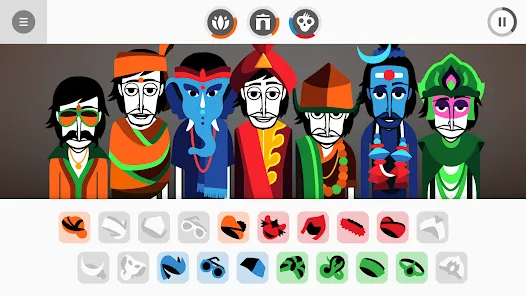
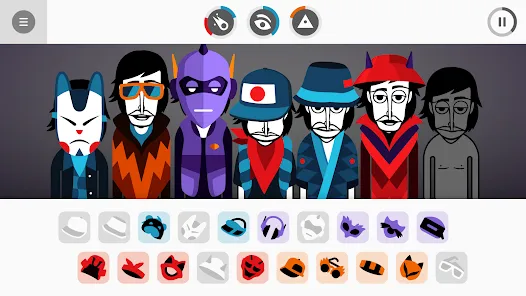
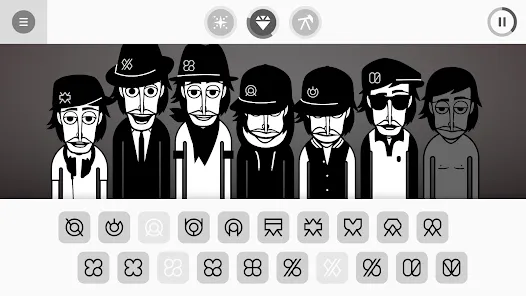
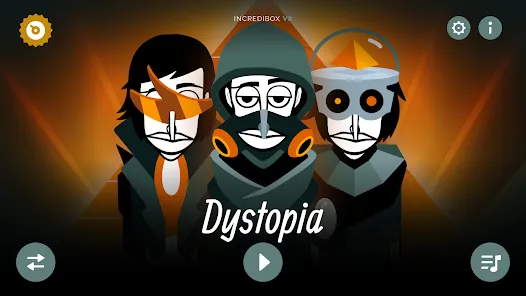
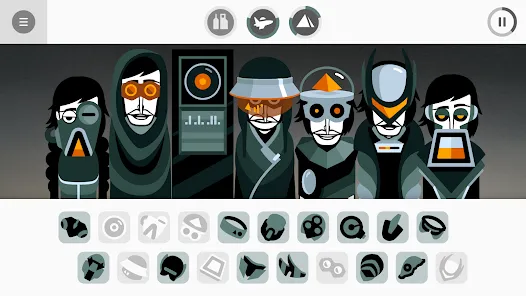
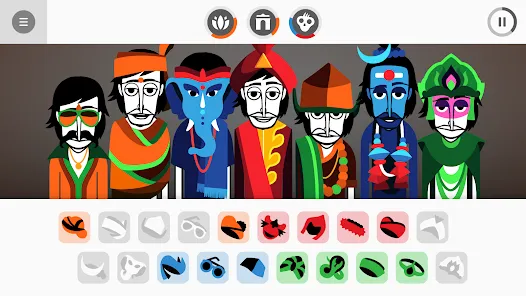
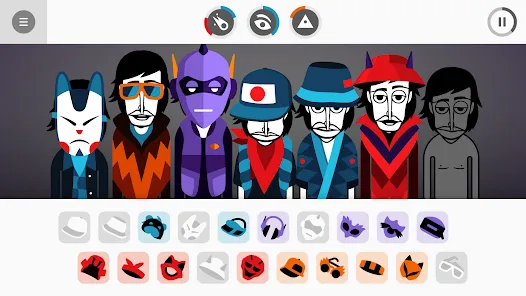
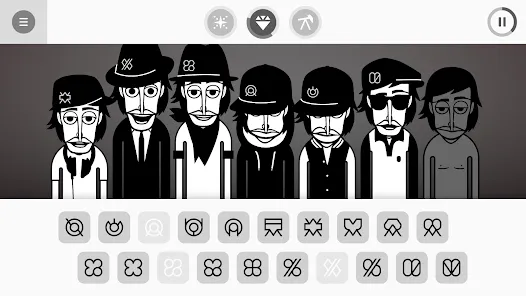
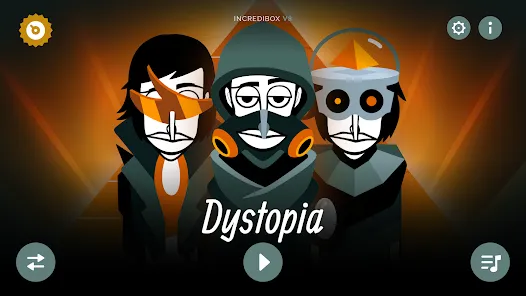
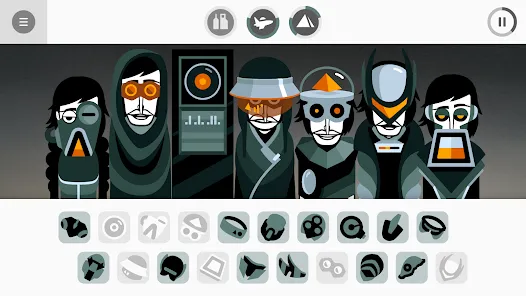
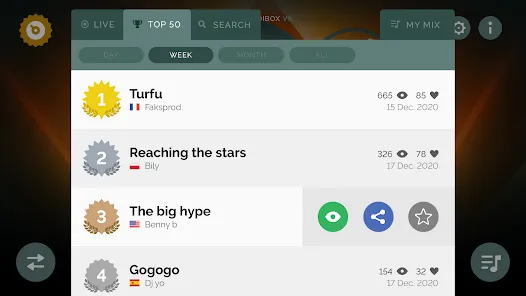
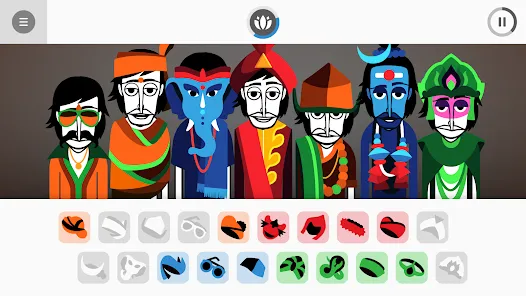
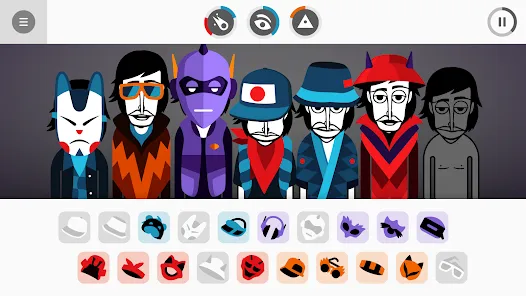
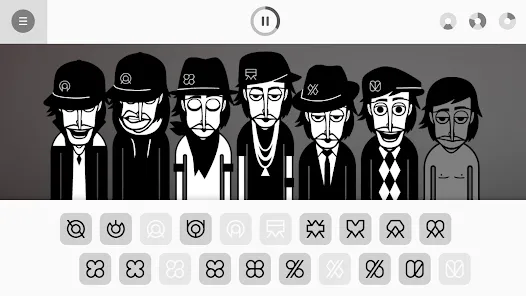
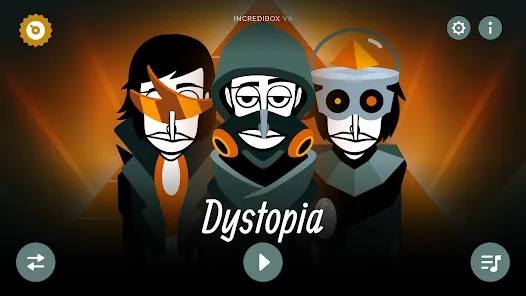
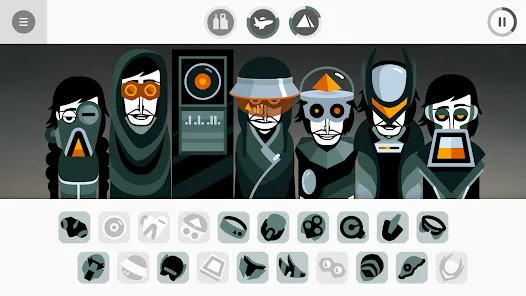

Incredibox is a creative music app available on iOS, Android, and web platforms that allows users to compose music using a mix of beatboxing, melodies, and sound effects. Users drag and drop animated icons onto different characters to produce a unique mix, experimenting with rhythm and harmony in an intuitive and playful interface. Incredibox combines music creation with interactive animation, making it suitable for all ages, from casual music enthusiasts to aspiring composers.
Key Features
- Drag-and-drop interface to create music mixes.
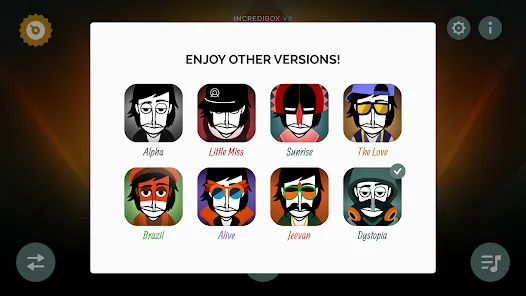
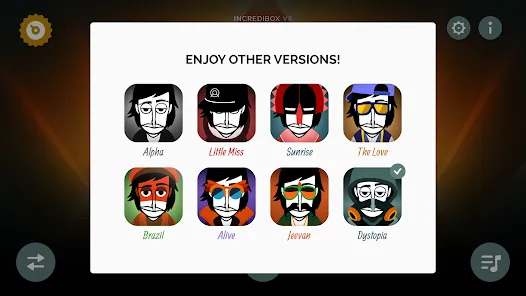
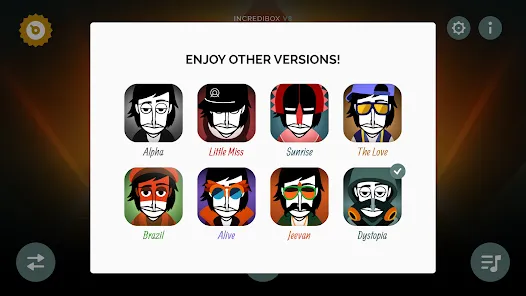
- Multiple music styles and versions to explore.
- Animated characters representing different sounds and effects.
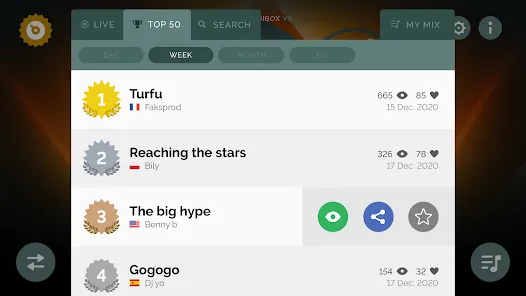
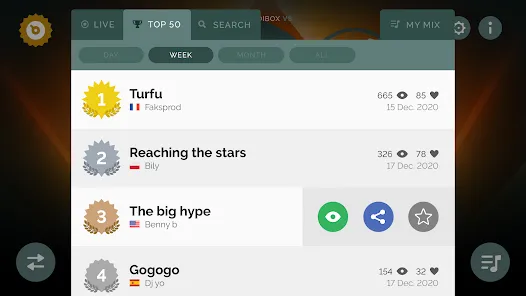
- Record and share your mixes with friends or social media.
- Loop and layer sounds to build complex compositions.
- Background music and sound effects for immersive experience.
- Regular updates with new themes and sound packs.
Functions
- Create custom music tracks using virtual beatboxers and sound effects.
- Experiment with different combinations of melodies and rhythms.
- Record and save compositions to replay or share externally.
- Explore pre-set musical styles and adapt them creatively.
- Use loops and layering to create richer, more complex tracks.
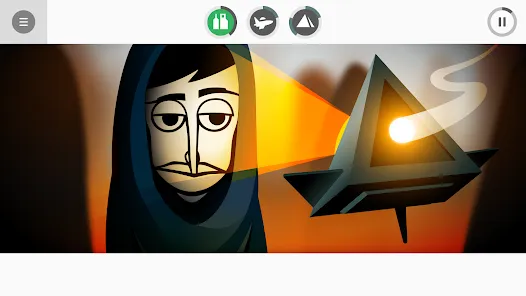
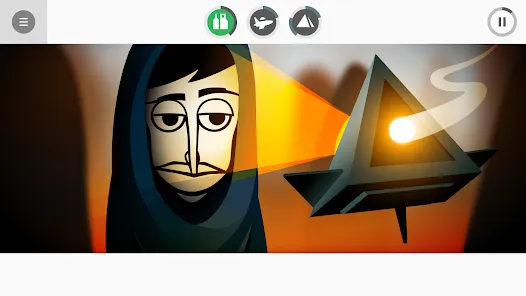
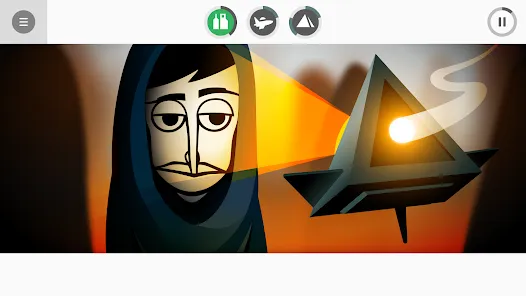
- Interact with animated characters to see visual feedback of sounds.
- Share your mixes with the Incredibox community or on social media.
Pros
- Fun and engaging way to explore music creation.
- Intuitive interface suitable for all ages.
- Encourages creativity and experimentation with sound.
- Multiple music styles offer variety and replay value.
- Record and share feature allows easy content sharing.
Cons
- Limited depth for professional music production.
- Free version may have restricted features; full access requires purchase.
- Mobile screen size may limit precision in complex mixes.
- Some users may find the learning curve steep initially for timing and layering.
How to Use Incredibox App
- Click the button " Check All Versions" Below to download it.
- Open the app and select a music style or theme to start.
- Drag and drop icons onto characters to assign different sounds.
- Experiment by layering multiple sounds to create harmonies and rhythms.
- Use loop functionality to repeat sequences and build your track.
- Record your mix using the in-app recording feature.
- Save and share your composition with friends or on social media.


 0
0