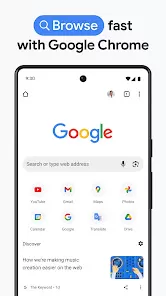

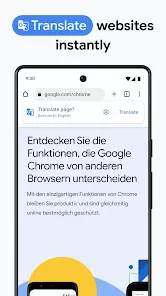
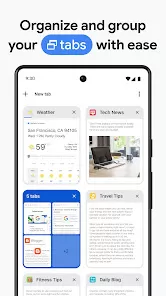
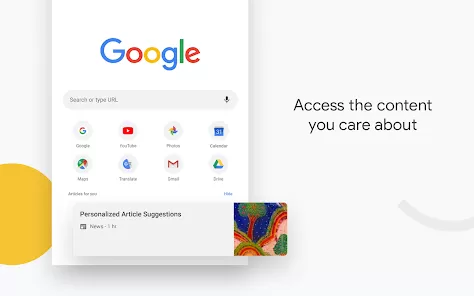
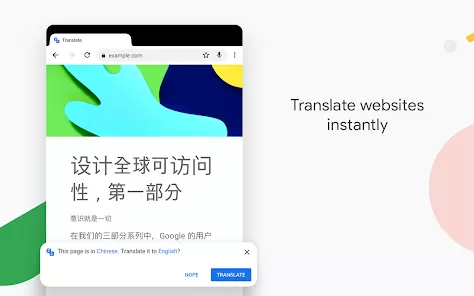
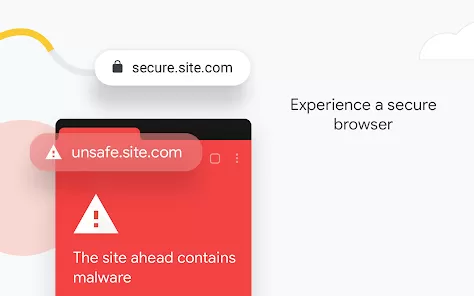
Google Chrome is one of the most popular and reliable web browsers in the world, known for its speed, simplicity, and security. Developed by Google, this browser provides users with a seamless and efficient browsing experience on desktop and mobile devices alike. From opening multiple tabs without lag to syncing bookmarks and passwords across devices, Chrome makes everyday web use incredibly convenient. Whether you’re streaming videos, working online, or researching for school, Google Chrome ensures smooth performance with built-in protection against malware and phishing. Its minimal design, extensive extensions library, and deep integration with Google services make it a top choice for millions of users globally.
Main Features
- Fast browsing performance with optimized page loading and tab management.
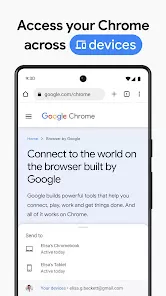
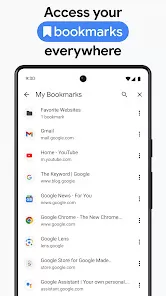
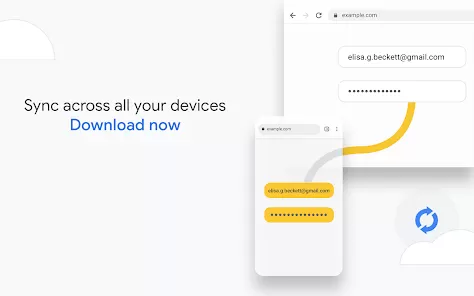
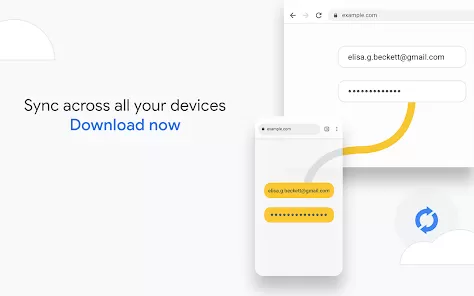
- Sync bookmarks, history, passwords, and settings across all your devices using your Google Account.
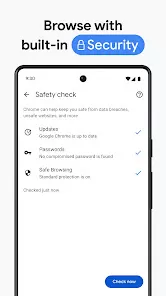
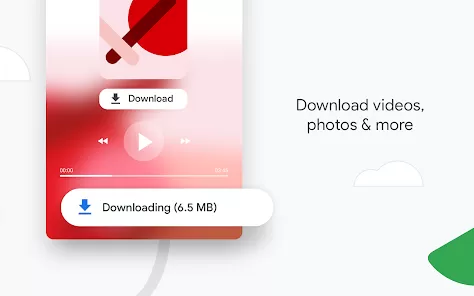
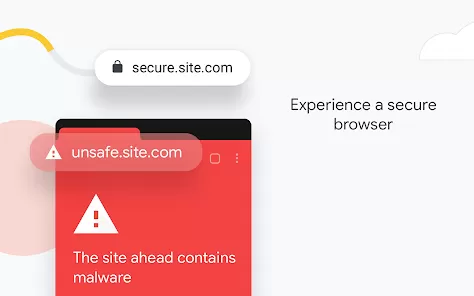
- Built-in protection against malicious websites, phishing attacks, and unsafe downloads.
- Access to thousands of extensions and themes via the Chrome Web Store.
- Voice search and Google Assistant integration for easier navigation and queries.
Functions
- Open multiple tabs and switch between them seamlessly with minimal delay.
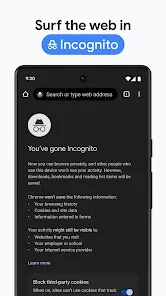
- Use Incognito Mode for private browsing sessions without saving history or cookies.
- Customize your browsing experience with extensions that add new tools and features.
- Sync your Google data across devices for uninterrupted productivity and convenience.
- Use Chrome’s built-in password manager to securely store and autofill login information.
Pros
- Extremely fast and responsive browsing experience.
- Clean and minimalist design for distraction-free use.
- Powerful security features with automatic updates and Safe Browsing technology.
- Vast library of extensions for enhanced productivity and customization.
- Seamless synchronization with Google services like Gmail, Drive, and Docs.
Cons
- Can consume a significant amount of RAM when multiple tabs are open.
- Some privacy-conscious users may prefer browsers with fewer data-tracking features.
- Extensions from third-party sources may occasionally impact browser performance.
- Updates occur frequently, which may interrupt browsing sessions for some users.
- Battery usage can be high on mobile devices during prolonged sessions.
Who It’s Best For
- Users who value speed, reliability, and smooth performance in a web browser.
- People deeply integrated into the Google ecosystem who use Gmail, YouTube, or Google Drive regularly.
- Students, professionals, and everyday users who need a secure and customizable browsing experience.
- Developers who benefit from Chrome’s powerful built-in developer tools and inspection features.
How to Use
- Click “Check All Versions” below to download and install Google Chrome on your device or browser.
- Open Chrome and sign in with your Google Account to sync bookmarks, history, and settings.
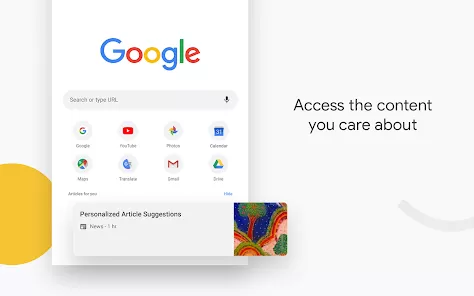
- Start browsing by typing a search or URL directly into the address bar (Omnibox).
- Use extensions to customize your browsing experience and add extra features.
- Enable Incognito Mode for private browsing that doesn’t save your history.
- Visit Chrome’s settings to manage passwords, privacy options, and appearance themes.
Google Chrome remains the gold standard in web browsers thanks to its blend of speed, simplicity, and intelligence. Its seamless connection with Google’s ecosystem, constant innovation, and emphasis on security make it an ideal choice for both casual users and professionals. Whether you’re working, learning, or simply exploring the web, Chrome offers a reliable and enjoyable experience every time you open it.


 0
0