
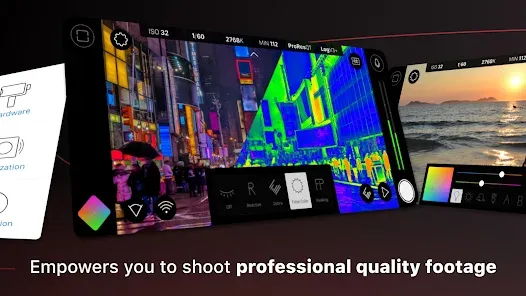
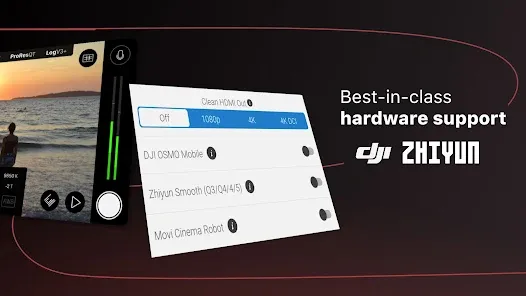
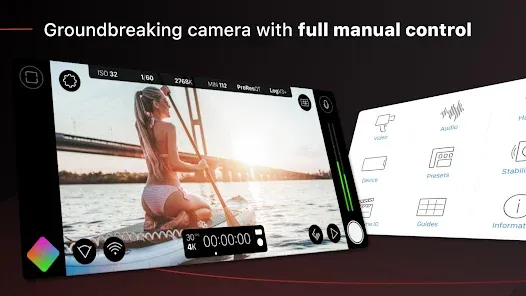
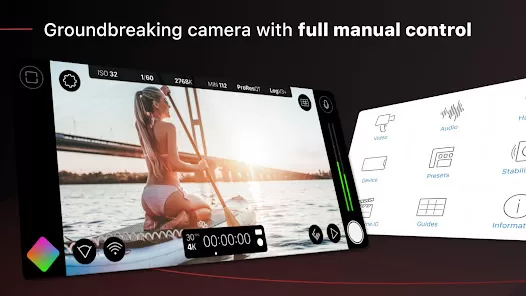
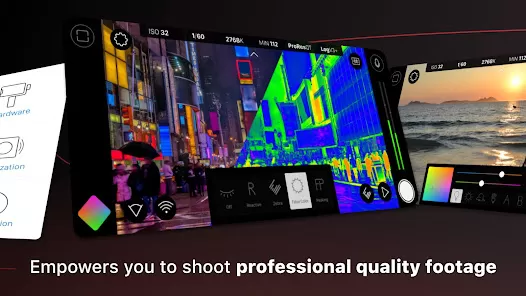
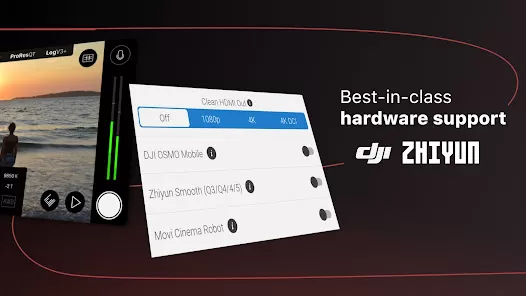
For filmmakers and content creators who demand professional-grade control from their smartphone, the device in your pocket is no longer just a camera—it's a cinematic tool. FiLMiC Pro: Mobile Cine Camera transforms your iPhone or Android device into a powerful, feature-rich digital cinema camera. By unlocking manual controls, advanced audio options, and professional video formats typically reserved for dedicated hardware, it empowers you to capture stunning, cinematic footage with the convenience and accessibility of your mobile phone. It's the essential app for anyone serious about mobile filmmaking, vlogging, or content creation.
Professional Manual Camera Controls
The app gives you complete creative command over the imaging pipeline, just like a traditional cinema camera.
- Full Manual Exposure Control: Independently control shutter speed, ISO, and focus. Use manual focus with focus peaking and zebra stripes to ensure perfect sharpness and exposure.
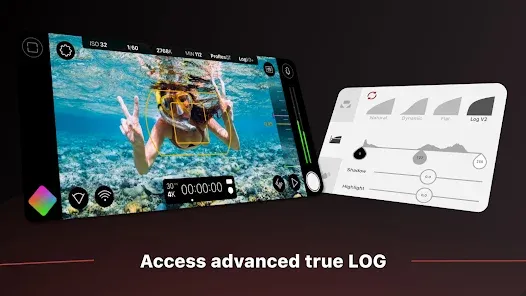
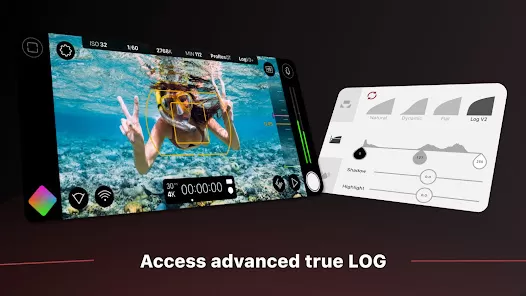
- Log Gamma & Flat Color Profiles: Shoot in FiLMiC Log or other flat color profiles that preserve dynamic range and color information, giving you maximum flexibility for professional color grading in post-production.
- High Bit-Rate Recording & Codecs: Capture video at high bitrates for superior quality. Support for advanced codecs like HEVC/H.265 and the ability to record in Apple ProRes on compatible iPhones.
- Frame Rate & Resolution Control: Manually select any resolution and frame rate your device supports, including true 24 fps for cinematic motion, slow-motion overcranking, and time-lapse.
Advanced Audio and On-Set Tools
Cinematic video requires professional audio, and FiLMiC Pro provides the tools to capture it.
- Manual Audio Gain & Monitoring: Take full control over audio levels with manual gain adjustment for each microphone channel. Monitor audio in real-time with a live waveform display and headphone monitoring support.
- Dual-Channel Audio Recording: Record separate, discrete audio channels. For example, record the device's built-in mic on one channel and an external lavalier or shotgun mic on another, giving you clean audio options in post.
- Scopes & Guides:Access professional on-screen tools like a vectorscope, histogram, and audio meters to precisely judge exposure, color balance, and audio levels while shooting.
- Direct File Transfer & Integration: Files are saved in standard .MP4 or .MOV containers for easy transfer to your computer or editing suite. Integration with services like Frame.io allows for instant dailies uploads.
- Customizable Interface & Presets: Completely rearrange the on-screen controls to fit your workflow. Save camera settings as custom presets for different shooting scenarios (e.g., "Indoor Interview," "Golden Hour Exterior").
How to Use FiLMiC Pro: Mobile Cine Camera
Transitioning to professional mobile filmmaking involves learning a new workflow centered on manual control.
- Click the button “Check All Versions” below to download and install FiLMiC Pro: Mobile Cine Camera on your device.
- Set Your Base Settings: Before shooting, go to Settings. Select your desired resolution, frame rate (e.g., 4K at 24fps), and choose a Log or flat picture profile if you plan to color grade.
- Set Exposure Manually: Tap the "A" (Auto) icons for shutter, ISO, and focus to switch them to "M" (Manual). Adjust ISO for brightness, shutter speed for motion blur (usually 1/48s for 24fps), and manually pull focus on your subject.
- Configure Audio: Connect an external microphone if available. In the audio panel, set gain levels so the meters peak around -12dB to -6dB, avoiding clipping. Enable dual-channel recording if using multiple mics.
- Use Scopes and Record: Enable the histogram and zebras in the viewfinder. Frame your shot, ensure exposure looks good on the scopes, then hit record. Use manual focus pulls during the shot for cinematic effect.


 0
0