
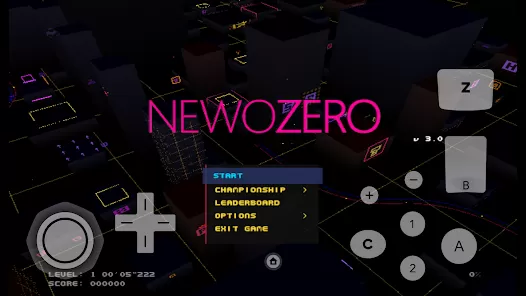
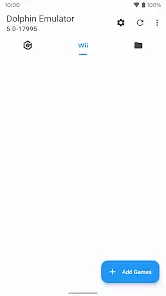
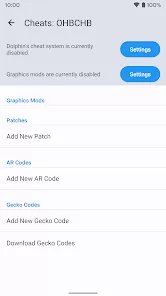
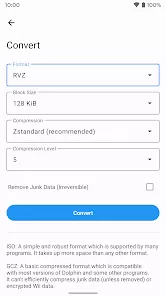
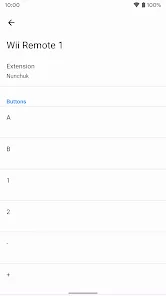
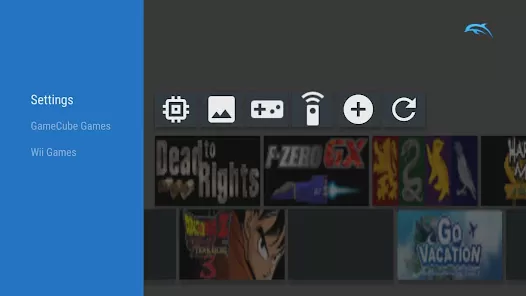
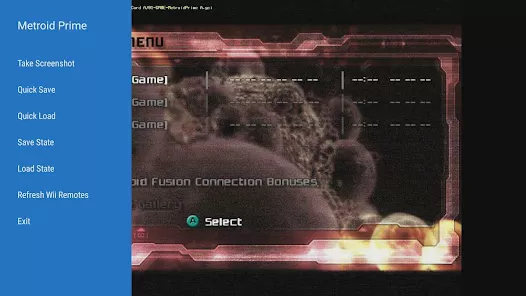
Dolphin Emulator is a powerful and versatile application that allows users to play Nintendo GameCube and Wii games on mobile devices, PCs, and other platforms. By emulating console hardware, Dolphin provides gamers with the ability to enjoy classic titles in higher resolutions and with customizable controls. The app supports a wide range of features including save states, controller mapping, and networked multiplayer, making it an essential tool for fans of retro gaming. Whether you want to relive childhood memories or explore older games in enhanced quality, Dolphin Emulator brings console gaming flexibility and convenience directly to your device.
Main Features
- Play Nintendo GameCube and Wii games with high compatibility and performance.
- Support for HD graphics, widescreen modes, and enhanced rendering options.
- Customizable controls including touchscreen, keyboard, and external controller mapping.
- Save states and fast-forward options for flexible gameplay experiences.
- Online multiplayer support for compatible games.
Functions
- Load ISO or ROM files to play GameCube or Wii games on your device.
- Configure graphics settings to improve visual quality and performance.
- Map controllers and adjust input settings for optimal gameplay.
- Save game progress at any moment using save states for convenience.
- Access online multiplayer for supported games and connect with friends.
Pros
- High compatibility with a wide range of GameCube and Wii titles.
- Enhanced graphics options surpass original console resolutions.
- Flexible control mapping allows use of multiple input devices.
- Save states and fast-forward features increase convenience and efficiency.
- Open-source and free to use with regular updates from the community.
Cons
- Requires relatively powerful hardware for smooth performance on some games.
- Some games may have minor glitches or compatibility issues.
- Setting up ROMs and BIOS files may be complicated for beginners.
- Online multiplayer may have latency issues depending on network conditions.
- No official support from Nintendo, as it is an independent emulator.
Who It’s Best For
- Gamers who want to play classic GameCube and Wii titles on modern devices.
- Retro gaming enthusiasts looking for HD and enhanced gameplay experiences.
- Players who want flexible control options and customizable settings.
- Those seeking convenient save and load options through save states.
How to Use
- Click the button “Check All Versions” below to download and install Dolphin Emulator on your device or browser.
- Open the app and configure your device settings, including graphics and controller options.
- Load your GameCube or Wii game files (ISO/ROM) into the emulator.
- Start playing the game with customized controls and enhanced graphics.
- Use save states to record your progress and fast-forward to speed up gameplay.
- Connect to online multiplayer if the game supports networked play.
Dolphin Emulator provides an exceptional retro gaming experience by bringing GameCube and Wii games to modern devices with enhanced graphics, flexible controls, and convenient features. Whether revisiting old favorites or exploring classic titles for the first time, it delivers a reliable and enjoyable way to enjoy console gaming anywhere.


 0
0