
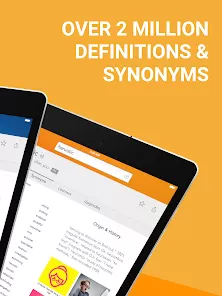
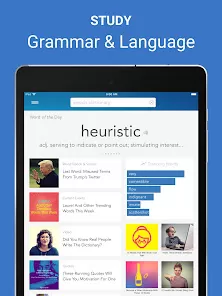
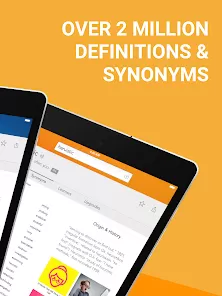
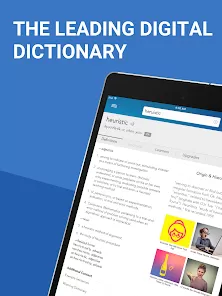
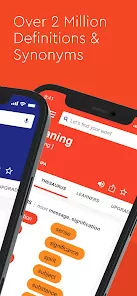
Whether you're a writer searching for the perfect synonym, a student tackling a complex text, or a lifelong learner curious about a new word, having a reliable and comprehensive dictionary is essential. Dictionary.com: English Words is far more than a simple word lookup tool; it's an authoritative and feature-rich linguistic companion. With over 2 million definitions, synonyms, etymologies, and daily word explorations, it empowers you to understand, communicate, and appreciate the English language with confidence and depth, right from your pocket.
Key Features That Make a Difference
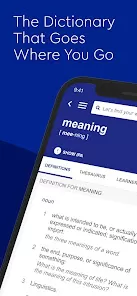
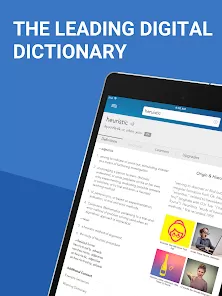
- Authoritative Definitions & Meanings: Access clear, detailed definitions, multiple word senses, and example sentences from the world's leading digital dictionary.
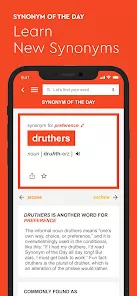
- Thesaurus & Synonyms/Antonyms: Instantly find the perfect word with an integrated thesaurus that provides synonyms and antonyms to enhance your writing and vocabulary.
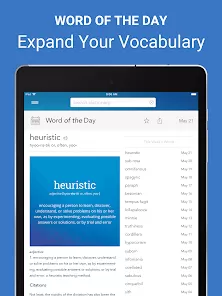
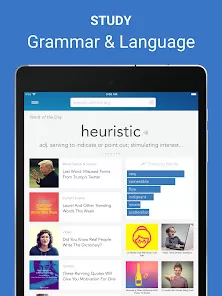
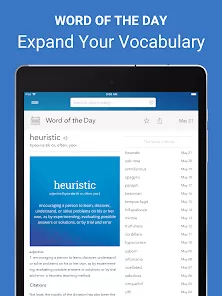
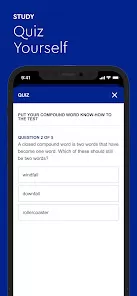
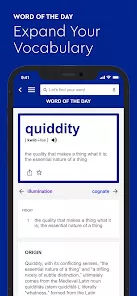
- Word of the Day & Learning Tools: Expand your vocabulary daily with a curated "Word of the Day," complete with definitions, examples, and historical context. Use quizzes and flashcards to reinforce learning.
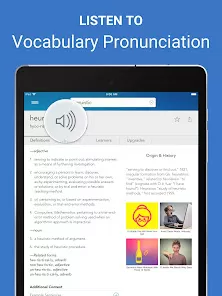
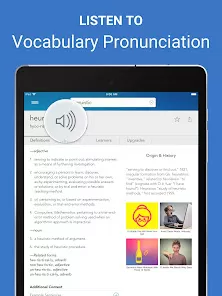
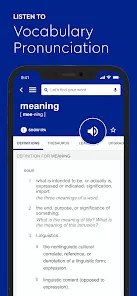
- Audio Pronunciations: Hear words pronounced correctly by native speakers, helping you master pronunciation and usage.
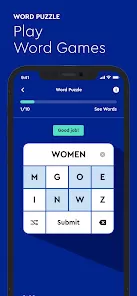
- Offline Access & Word Games: Download the dictionary for offline use—perfect for travel or areas with poor connectivity. Challenge your mind with built-in word puzzles and games.
Why You'll Love It
- Its reputation for accuracy and depth makes it a trusted resource for academic, professional, and casual use.
- The seamless integration of dictionary and thesaurus functions eliminates the need to switch between apps.
- Daily learning features like the "Word of the Day" make expanding your vocabulary an easy and enjoyable habit.
- Offline functionality ensures you have a powerful linguistic tool available anytime, anywhere.
How to Use
- Click the button “Check All Versions” below to download and install Dictionary.com: English Words on your device or browser.
- Open the app and type any word into the search bar to see its definition, pronunciation, and word origin.
- Scroll down on a word's page to see synonyms, antonyms, and example sentences in context.
- Check the "Word of the Day" on the home screen. Tap on it to save it to your favorites or share it.
- Tap the speaker icon next to a word to hear its pronunciation.
- Go to the "Games" section to play vocabulary-building puzzles, or visit "Settings" to download the offline dictionary for uninterrupted access.



 0
0