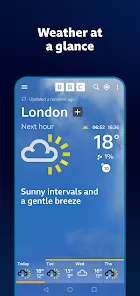
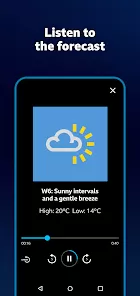
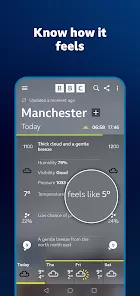
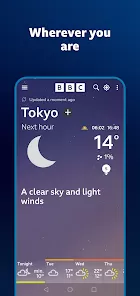
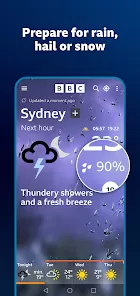
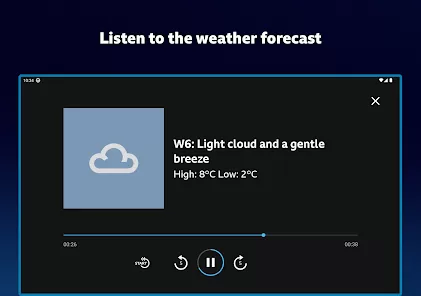
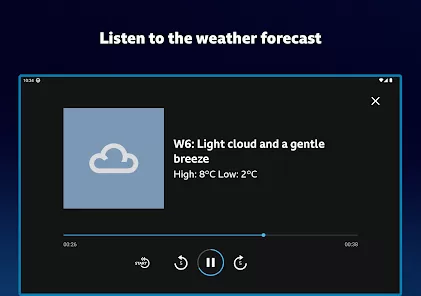
When planning your day, a week, or a holiday, you need weather information you can trust to be accurate and clear. The BBC Weather app delivers exactly that, providing reliable forecasts, detailed maps, and timely warnings for locations across the UK and worldwide. Renowned for its straightforward presentation and trusted data, it helps you make informed decisions, whether you're deciding what to wear, planning a weekend outing, or tracking severe weather developments.
Core Features for Weather Forecasting
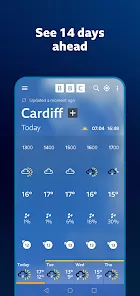
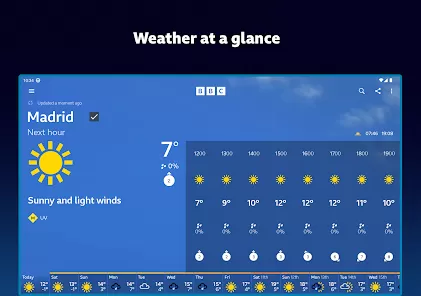
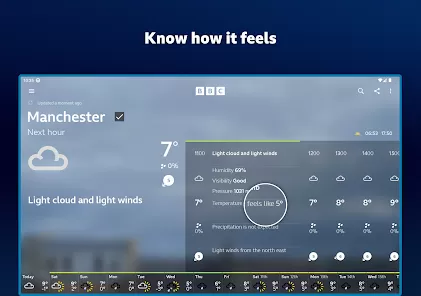
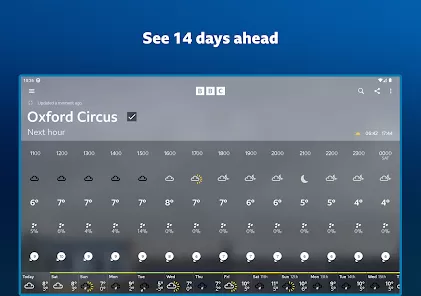
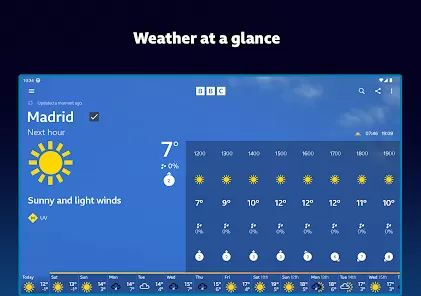
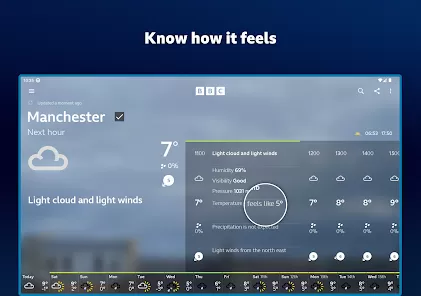
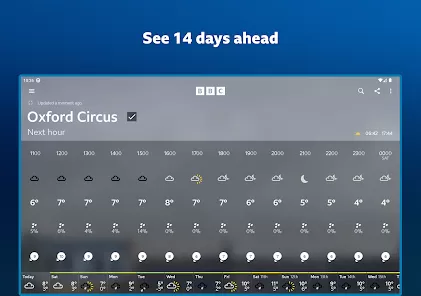
- Detailed Hourly & Daily Forecasts: See temperature, precipitation chance, wind speed, humidity, and "feels like" temperature for every hour of the day and up to 14 days ahead.
- Interactive Weather Maps: View animated radar maps for rain, snow, cloud, and temperature, allowing you to track weather systems as they move.
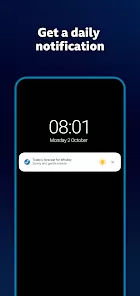
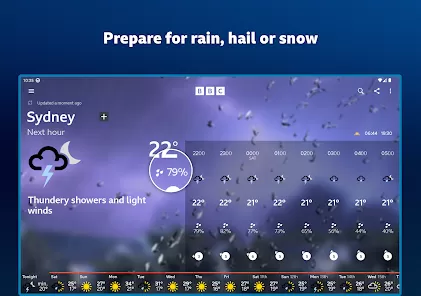
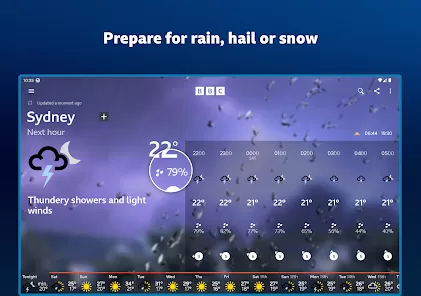
- Severe Weather Warnings: Receive official Met Office alerts for your saved locations for severe conditions like rain, wind, snow, and ice.
- Sunrise, Sunset & UV Information: Plan your activities around daylight hours and see the daily UV index to know when sun protection is needed.
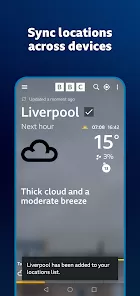
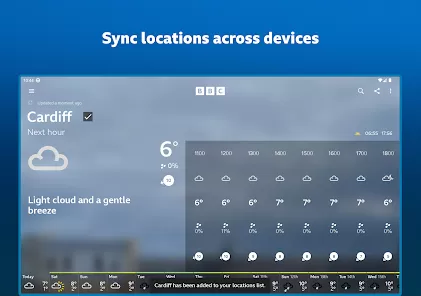
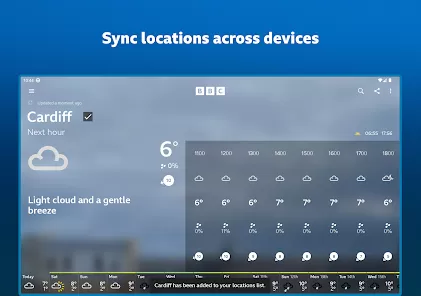
- Multiple Location Management: Save forecasts for your home, work, and travel destinations for quick switching and comparison.
Who Is the BBC Weather App For?
- Residents of the UK who rely on the trusted BBC and Met Office partnership for forecasts.
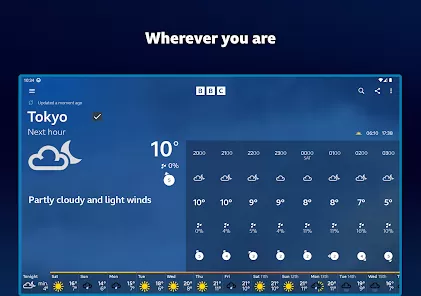
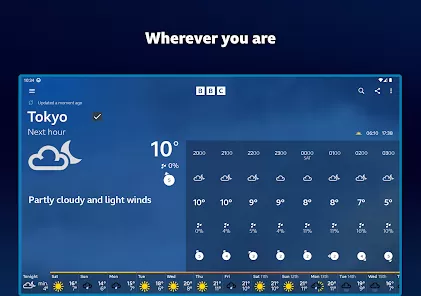
- Travelers planning trips within the UK or internationally who need reliable weather information.
- Outdoor enthusiasts, event planners, and anyone whose plans are heavily dependent on the weather.
- Users who prefer a clean, ad-free interface with data presented clearly and without clutter.
How to Start Using BBC Weather
- Click “Check All Versions” below to download and install BBC Weather on your device or browser.
- Open the app and allow location access, or manually search for your first location by name or postcode.
- The homepage will show your current location's forecast. Swipe left/right on the hourly timeline or scroll down for the daily breakdown.
- Tap the map icon to access interactive weather maps. Use the layers button to switch between rain radar, temperature, and satellite views.
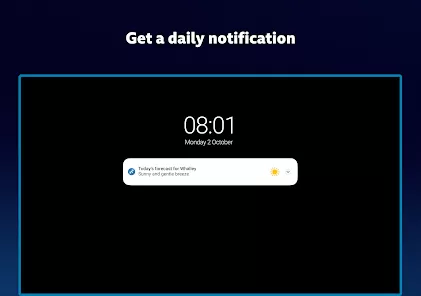
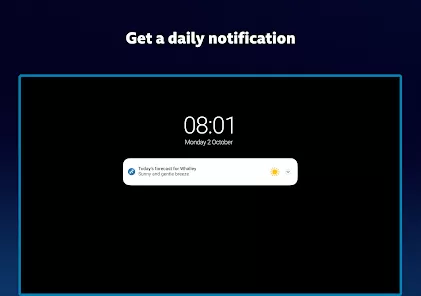
- Tap the "+" icon or menu to add and manage other locations. Enable notifications for severe weather warnings in your saved places.


 0
0