ADVERTORIAL
What is Google Play Books & Audiobooks?
• A digital reading platform developed by Google.
• Offers a vast selection of eBooks and audiobooks for purchase and download.
• Provides access to a variety of genres, including fiction, non-fiction, textbooks, and more.
• Supports reading across multiple devices, including smartphones, tablets, and computers.
Features of Google Play Books & Audiobooks
• Extensive Library: Access to millions of eBooks and audiobooks from various genres and publishers.
• Cross-Device Syncing: Automatically syncs your reading progress, bookmarks, and notes across devices.
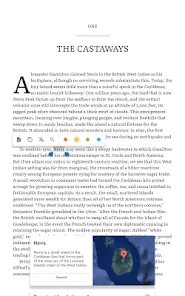
• Reading Customization: Users can adjust font size, background color, and brightness for a personalized reading experience.
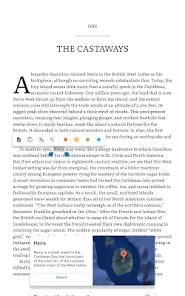
• Search Functionality: In-app search feature allows users to find specific titles, authors, or keywords within books.
• Offline Reading: Download eBooks and audiobooks for offline access, ensuring you can read anytime, anywhere.
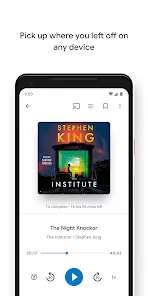
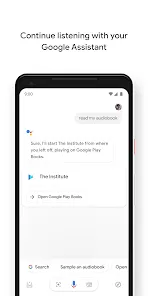
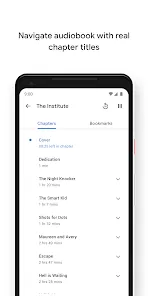
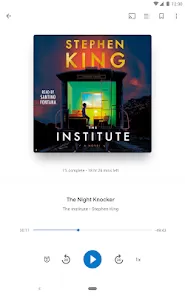
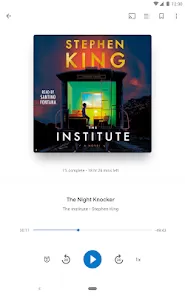
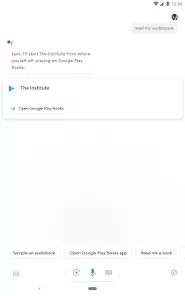
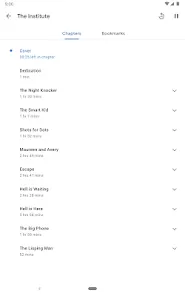
• Integrated Audiobooks: Offers a selection of audiobooks, allowing users to listen to books on the go.
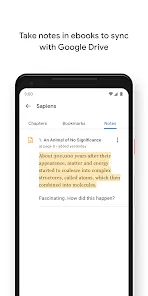
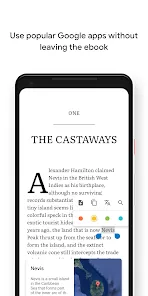
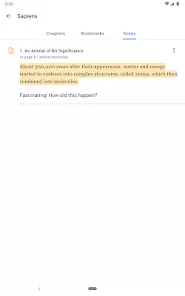
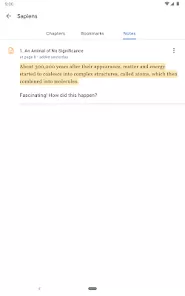
• Notes and Highlights: Ability to take notes and highlight passages, making it easy to reference important information later.
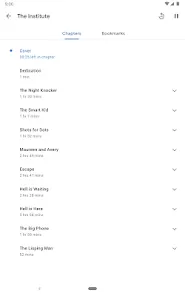
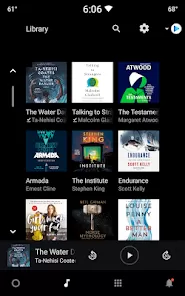
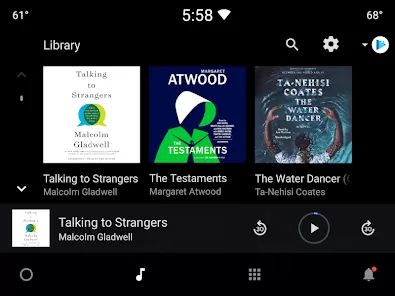
• Library Management: Users can organize their library by creating collections or categories for easy navigation.
Pros and Cons
Pros
• Vast Selection: A large library that caters to various reading preferences and interests.
• User-Friendly Interface: Intuitive design makes navigation simple for users of all ages.
• Cross-Platform Compatibility: Available on multiple devices, ensuring a seamless reading experience.
• Customizable Reading Experience: Options to personalize reading settings enhance comfort and usability.
• Convenient Audiobook Features: Integrated audiobook options provide an alternative for users who prefer listening to reading.
Cons
• Limited Free Content: Most titles require purchase, which may deter users looking for free reading options.
• Price Variability: Prices can vary significantly, with some titles being more expensive than on other platforms.
• Internet Dependency: While offline reading is possible, initial downloads require an internet connection.
• Limited Community Features: Lack of social features compared to other reading platforms, such as book clubs or reviews.
• Device Limitations: Some features may not be fully functional on all devices, leading to a varied user experience.
Functions of Google Play Books & Audiobooks
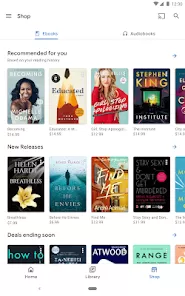
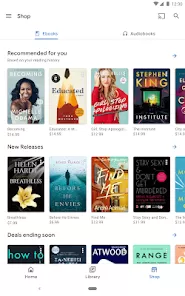
• eBook and Audiobook Purchases: Users can browse and buy eBooks and audiobooks directly through the app.
• Library Management: Organize your purchased titles and manage your digital library effortlessly.
• Reading and Listening: Enjoy reading eBooks or listening to audiobooks within the app.
• Highlighting and Note-Taking: Annotate texts with highlights and notes for easy reference.
• Search and Discovery: Use the search function to discover new titles, authors, and genres.
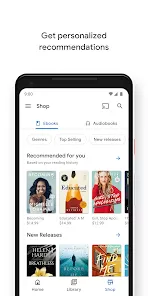
• Recommendations: Receive personalized book recommendations based on your reading history.
• Accessibility Features: Options for text-to-speech and adjustable font sizes enhance accessibility for all users.
How to Use the Google Play Books & Audiobooks App
1 Download the App: Search for "Google Play Books & Audiobooks" in the App Store (iOS) or Google Play Store (Android) and install it on your device.
2 Sign In: Open the app and sign in with your Google account to access your library and make purchases.
3 Browse the Library: Explore the extensive library by using the categories or search bar to find specific titles or genres.
4 Purchase Books: Once you find a book you like, tap on it for details, and follow the prompts to purchase and download it.
5 Download for Offline Access: To read offline, download the eBook or audiobook while connected to the internet.
6 Customize Your Reading Experience: Adjust the font size, background color, and brightness to suit your reading preferences.
7 Take Notes and Highlight: While reading, use the highlighting tool and note feature to mark important sections or jot down thoughts.
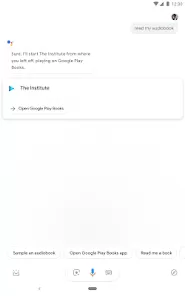
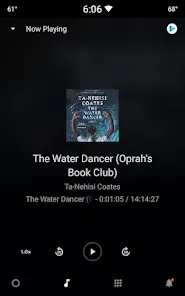
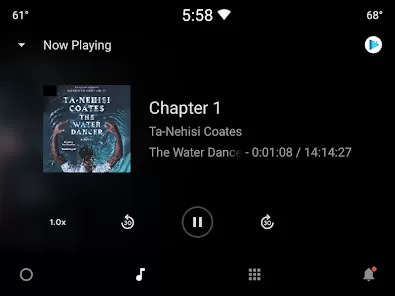
8 Listen to Audiobooks: If you have purchased an audiobook, simply tap on it to start listening. You can pause, rewind, and bookmark segments.
9 Organize Your Library: Use the library management feature to create collections, helping you keep your books organized.
10 Explore Recommendations: Check the recommendations section to discover new books based on your interests and reading habits.








 0
0