
Features and Functions
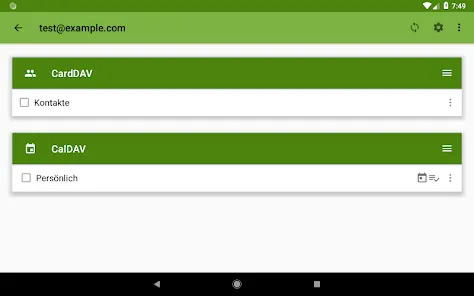
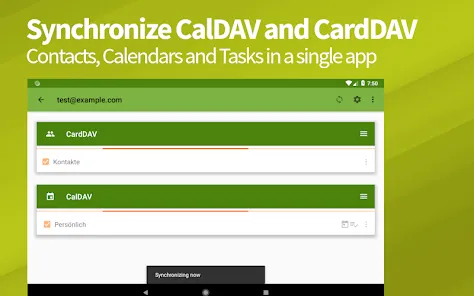
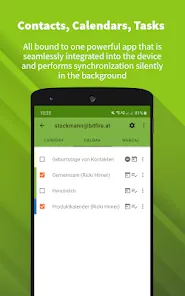
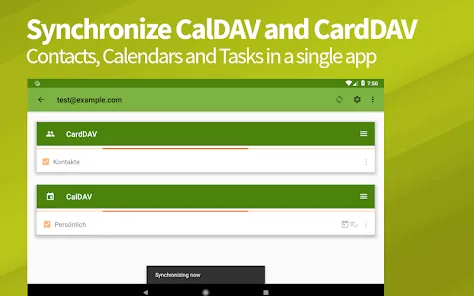
DAVx⁵ is the first all-in-one CalDAV, CardDAV and WebDAV app. It combines the features of three separate apps into one convenient package.
CalDAV:
- Supports synchronization with CalDAV servers, including Nextcloud, OwnCloud, iCloud, and Posteo
- Two-way synchronization of events, meaning you can make changes on your device or server and they will be reflected on the other
- View calendar entries in month, week, or day view
- Add and edit event details such as title, location, time, and attendees
- Set reminders for upcoming events
CardDAV:
- Synchronize contacts with a CardDAV server, including Nextcloud, OwnCloud, iCloud, and Posteo
- Two-way synchronization of contacts, meaning you can make changes on your device or server and they will be reflected on the other
- View contact details such as name, phone number, email address, and postal address
- Add new contacts and edit existing ones
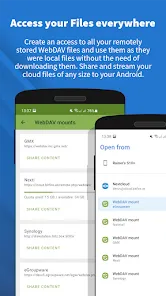
WebDAV: - Access files stored on a WebDAV server - Upload and download files from your device to the server - Create new folders and move files around - Rename files and folders - Delete files
How to Use DAVx⁵ – CalDAV CardDAV WebDAV
DAVx⁵ is a CalDAV/CardDAV/WebDAV synchronization and management app that allows you to sync your calendar and contacts from your own server, or from a third-party service. You can also use DAVx⁵ to manage your tasks and notes.
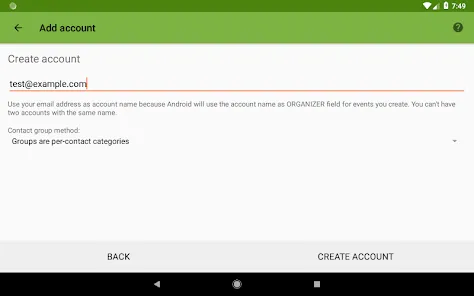
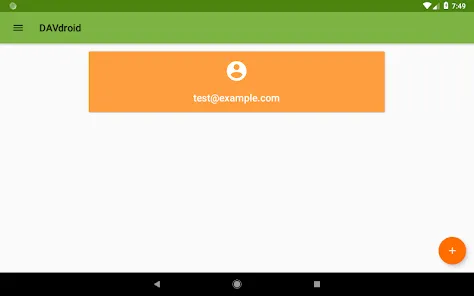
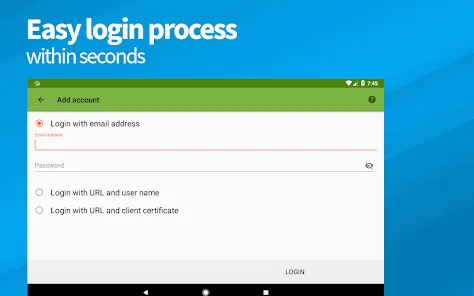
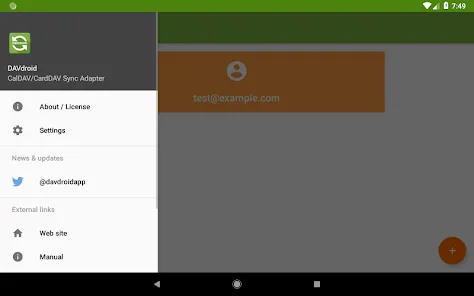
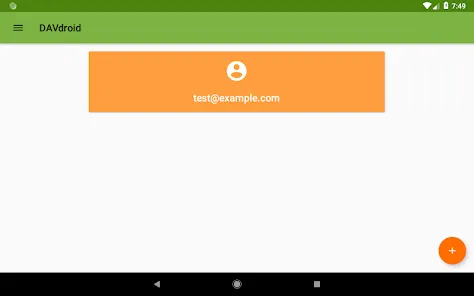
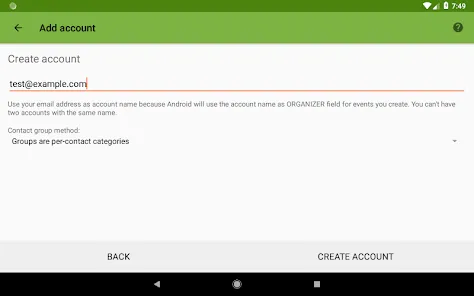
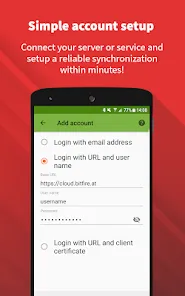
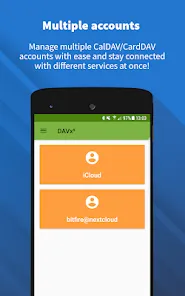
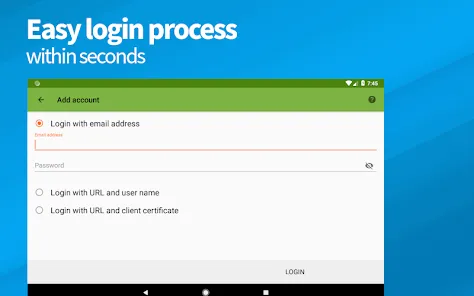
In order to use DAVx⁵, you will need to have an account with a CalDAV/CardDAV/WebDAV compatible service, or set up your own server. Once you have an account set up, you can add it to DAVx⁵ by opening the app and tapping on the '+' icon in the 'Accounts' section.
From here, you can enter the address of your server, as well as your username and password. Once you have entered this information, tap 'Done' to add the account to DAVx⁵.
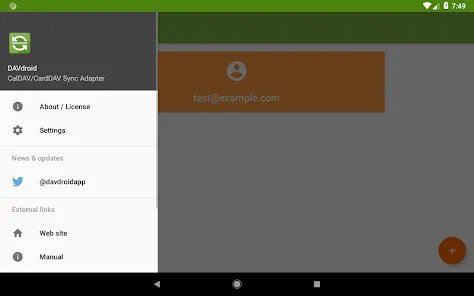
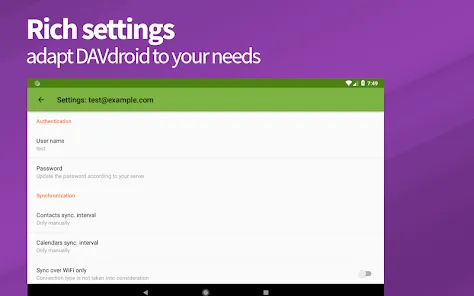
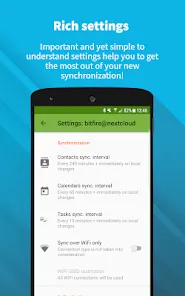
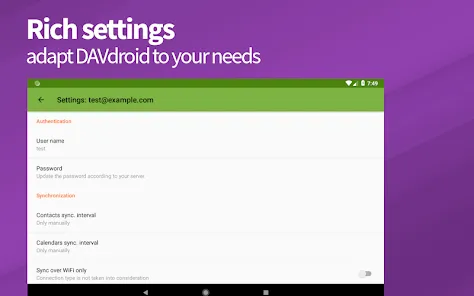
Once you have added an account, you can start syncing your data by going into the 'Synchronization' section of the app and tapping on the 'Sync Now' button. Alternatively, you can set up automatic synchronization by tapping on the 'Settings' icon in the 'Synchronization' section and enabling the 'Auto-sync' option.
Pros & Cons
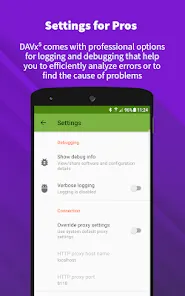
The DAVx⁵ app is a CalDAV / CardDAV / WebDAV app for Android that allows you to sync your calendar and contacts with your own server or a service like Nextcloud, thereby giving you full control over your data.
There are many reasons why you might want to use DAVx⁵, but here are some of the main pros and cons:
Pros:
-You have full control over your data as it is stored on your own server.
-The app is open source, meaning that the code is available for anyone to inspect and improve.
-It supports two-way synchronization, so any changes you make on your server will be reflected on your device, and vice versa.
-It can integrate with popular third-party apps like Tasker and AutomateIt.
-The developers are responsive and seem genuinely interested in improving the app based on user feedback.
Cons:
-The setup process can be a bit confusing for non-technical users.
-Some features, such as support for Exchange ActiveSync, are only available in the paid version of the app.


 0
0