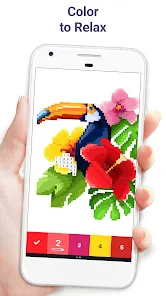
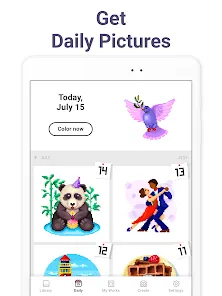
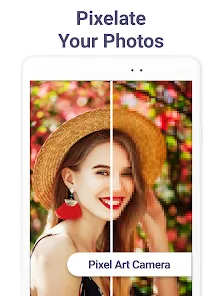
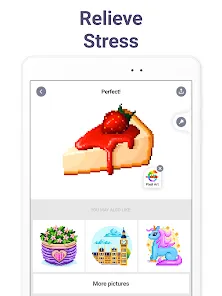
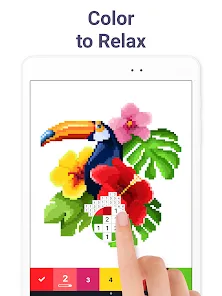
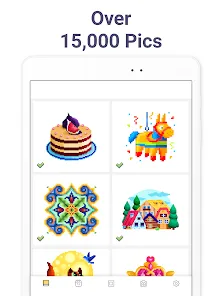
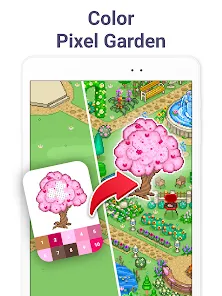
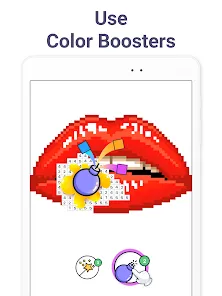
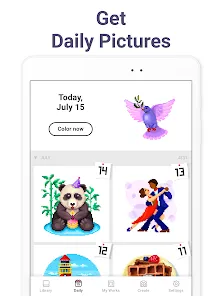
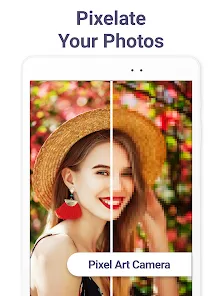
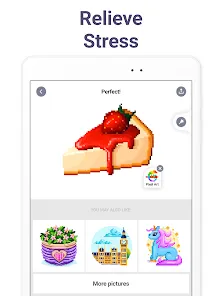
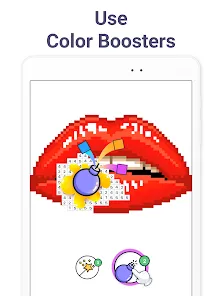
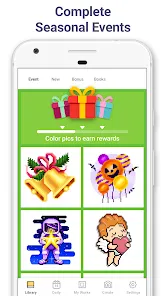
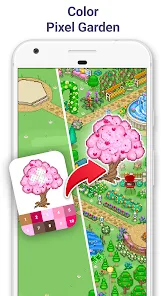
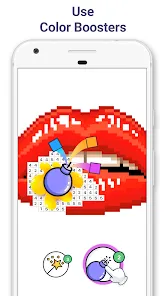
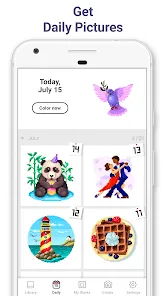
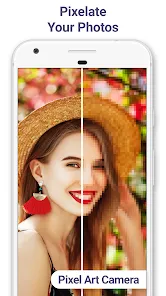
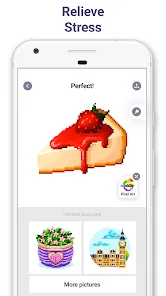
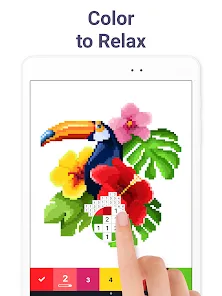
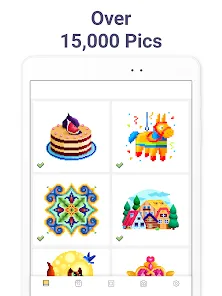
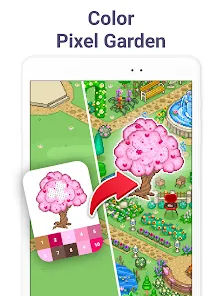
In our increasingly digital world, the charm of pixel art continues to captivate artists and enthusiasts with its nostalgic appeal and unique creative constraints. While modern graphic tools offer endless complexity, there's something uniquely satisfying about working within the deliberate limitations of a pixel grid. What if you had a dedicated digital studio that combined the simplicity of classic pixel art with the convenience of modern technology? Welcome to Pixel Art, the comprehensive coloring and creation app that transforms your device into a portable pixel studio. More than just a coloring book, this application provides authentic pixel art tools that help both beginners and experienced artists create stunning retro-style artwork, intricate patterns, and charming character designs with the satisfying precision that only pixel-level control can provide.
Why Pixel Art Feels Like a Digital Time Machine to Retro Creativity:
Features That Make Pixel Creation Intuitive and Enjoyable:
- Precise Grid-Based Canvas: Work on customizable grids that provide the perfect foundation for authentic pixel art, with zoom capabilities for detailed pixel-level editing.
- Comprehensive Color Palettes: Access curated color sets including retro gaming palettes, custom color creation tools, and the ability to save your favorite color combinations.
- Authentic Pixel Tools: Use purpose-built tools including the pencil, fill bucket, color picker, and selection tools designed specifically for pixel art workflows.
- Layer Support: Create complex compositions with multiple layers that allow for non-destructive editing and sophisticated artwork organization.
- Pattern and Symmetry Tools: Utilize mirroring and symmetry functions to create intricate patterns and perfectly balanced designs with incredible efficiency.
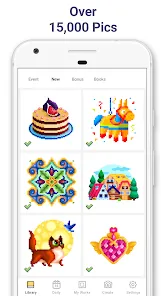
- Extensive Template Library: Choose from hundreds of pre-made templates including characters, objects, and scenes to color or use as inspiration for your original creations.
- Export and Sharing Options: Save your artwork in multiple formats optimized for pixel art and share your creations directly to social media or art communities.
How to Begin Your Pixel Art Journey:
- Click "Check All Versions" below to download and install Pixel Art on your device or browser.
- Start with the introductory tutorial to learn basic tools and navigation within the pixel grid environment.
- Experiment with simple coloring templates to familiarize yourself with the pixel art workflow and tools.
- Create your first original piece using a small canvas size to understand the fundamentals of pixel placement.
- Explore different color palettes and learn how limited color choices can enhance your pixel art aesthetic.
- Join the Pixel Art community to share your creations, get inspiration, and learn from other pixel artists.

 0
0