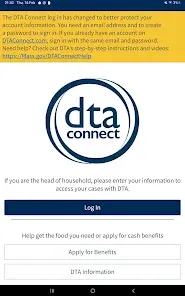
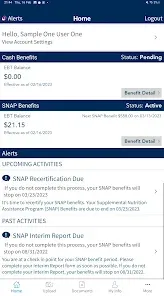
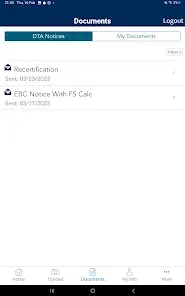
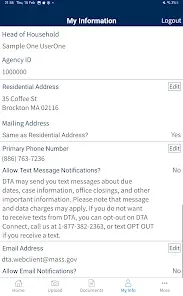
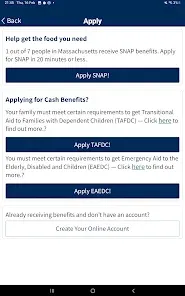
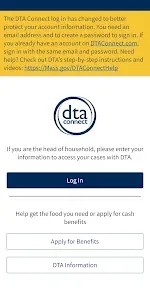
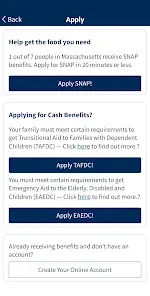
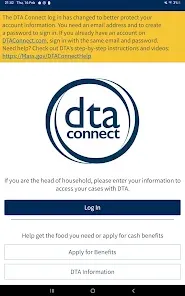
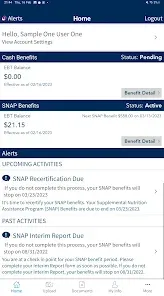
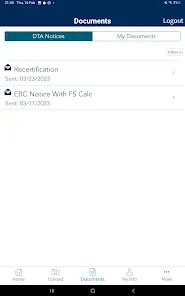
For individuals and families receiving critical support through public assistance programs, staying informed and managing benefits should be straightforward and accessible. The DTA Connect app is the official mobile portal for clients of the Massachusetts Department of Transitional Assistance (DTA). It provides a secure and convenient way to view benefit details, check balances, report changes, and access important communications—putting essential tools for managing SNAP, cash assistance, and other services directly in your hands.
Core Features for Benefit Management
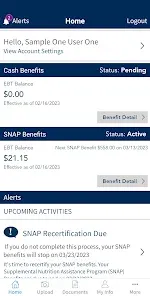
- View Benefit Details & Balances: Check your current SNAP (EBT) and cash assistance balances, review recent transactions, and see upcoming benefit issuance dates.
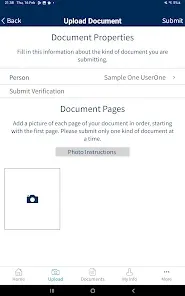
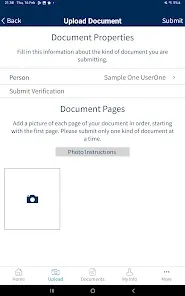
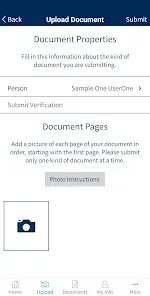
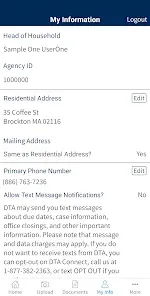
- Report Changes & Submit Documents: Easily report changes to your household, income, or address directly through the app. Securely upload required verification documents.
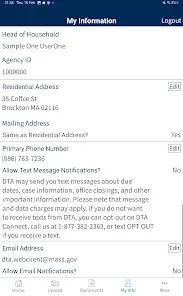
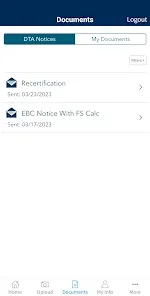
- Case Information & Notifications: Access details about your active cases and receive important alerts and reminders from DTA about appointments, recertification, and missing documents.
- Office Locator & Contact Information: Find your local DTA office location, phone number, and hours of operation.
- Multilingual Support: Access app information and resources in multiple languages to better serve diverse communities.
Who Is the DTA Connect App For?
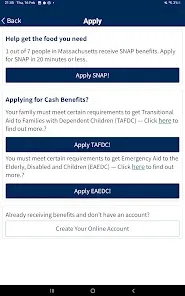
- Current clients of the Massachusetts Department of Transitional Assistance (DTA) receiving SNAP, TAFDC, EAEDC, or other benefits.
- Individuals and families who want a convenient, mobile way to manage their benefits and communicate with DTA.
- Case managers or advocates assisting clients with their DTA benefits (with proper authorization).
- Anyone looking for a more efficient way to submit documents and report changes without visiting an office or making a phone call.
How to Get Started with DTA Connect
- Click “Check All Versions” below to download and install DTA Connect on your device.
- Open the app and tap "Register." You will need your DTA Client ID (found on correspondence from DTA) and your Social Security Number to verify your identity.
- Create a secure username and password for your account. Set up security questions for added protection.
- Once logged in, explore the dashboard to see your benefit balances, recent notices, and upcoming tasks.
- Use the app regularly to check your balance, report changes, upload documents, and stay updated on your case status.


 0
0