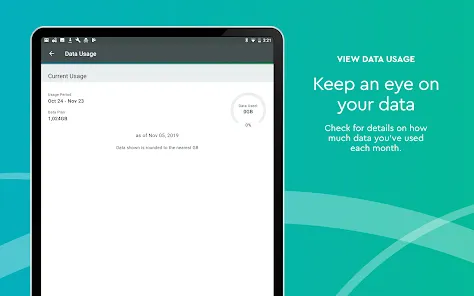
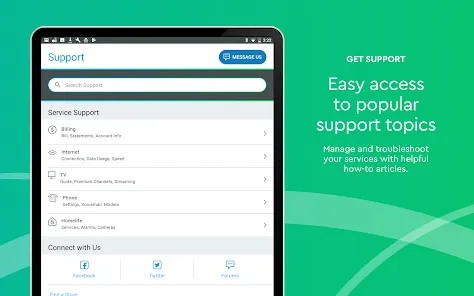
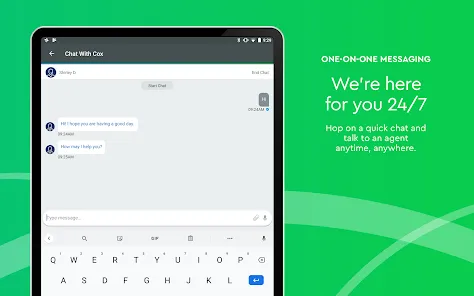
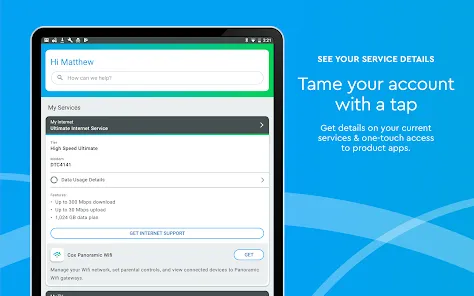
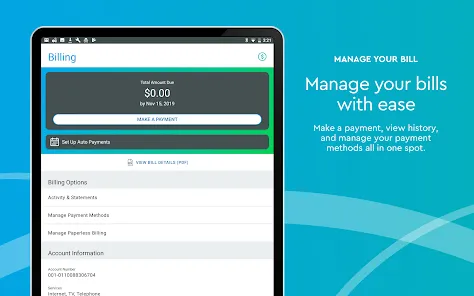
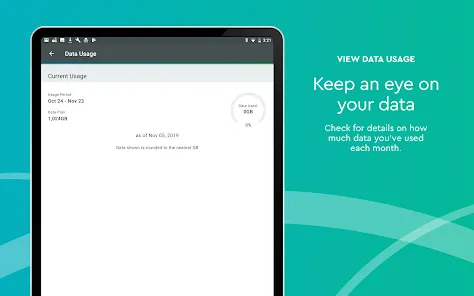
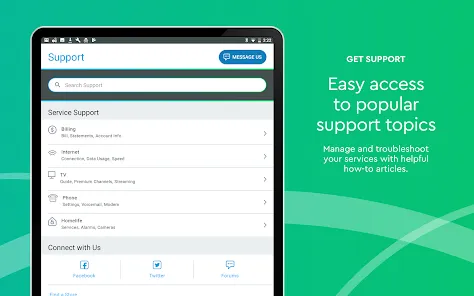
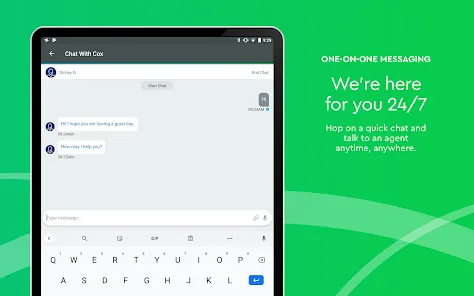
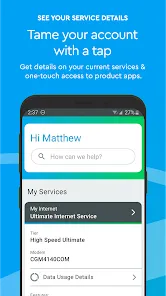
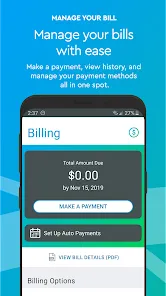
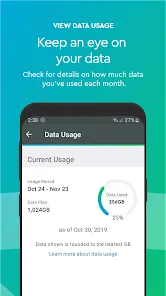
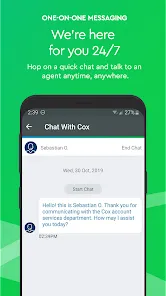
In today's connected households, where reliable internet, entertainment, and communication services are essential to daily life, having seamless control and management of these services significantly enhances the customer experience. Welcome to the Cox mobile application, your comprehensive digital companion that puts control of your Cox services directly in your hands, transforming how you interact with your home's connectivity and entertainment ecosystem. Unlike basic account management portals, the Cox app provides an intuitive, feature-rich platform that allows you to pay bills, troubleshoot services, manage your home network, and access entertainment content—all through a single, user-friendly interface. It's more than just a billing tool; it's your 24/7 connection to Cox services that enables you to restart your modem remotely, set up parental controls, view your home's Wi-Fi network, and stream live TV on your mobile devices. Whether you're checking your data usage to avoid overage charges, troubleshooting internet connectivity issues, or watching your favorite shows away from home, the Cox app delivers the convenience, control, and support that modern households expect from their service provider.
What Makes the Cox App a Standout Service Management Tool?
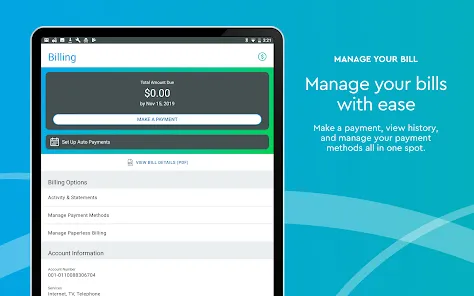
- Complete Account Management: View and pay your bill, check your data usage, update account information, and manage your services without needing to call customer support or visit a physical location.
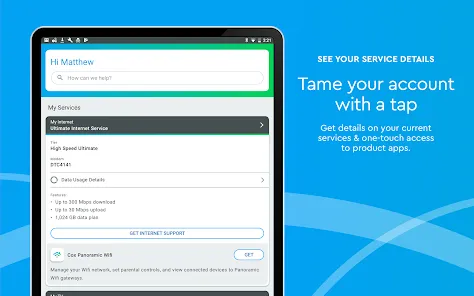
- Advanced Home Network Control: Monitor devices connected to your Wi-Fi, create guest networks, set up parental controls, pause internet access to specific devices, and troubleshoot connectivity issues directly through the app.
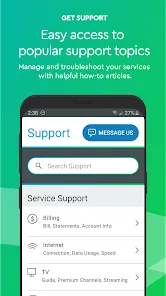
- Integrated Troubleshooting Tools: Diagnose and resolve common service issues with step-by-step guidance, restart your equipment remotely, and schedule service appointments when professional assistance is required.
- Entertainment and Streaming Features: Access Contour TV streaming to watch live channels and on-demand content on your mobile devices, manage your DVR recordings, and set parental controls for television viewing.
Who Is the Cox App Ideal For?
- Cox Residential Customers: Households with Cox internet, television, phone, or smart home services who want convenient mobile access to manage their accounts and troubleshoot issues.
- Busy Families and Households: Families needing to manage internet usage, set parental controls, and handle billing and service issues efficiently amid busy schedules.
- Tech-Savvy Users: Individuals who appreciate having advanced control over their home network, connected devices, and entertainment options through a unified application.
- Frequent Travelers: Cox television subscribers who want to access their live TV channels and DVR recordings while away from home through streaming capabilities.
How to Maximize Your Cox App Experience
- Click "Check All Versions" below to download and install the Cox app on your device or browser.
- Set Up Your Account Access: Log in using your Cox primary user ID and password, ensuring you have the necessary account permissions to access all features.
- Explore Network Management Features: Familiarize yourself with the Panoramic Wifi management tools to see connected devices, set up guest networks, and establish parental controls.
- Configure Notification Preferences: Set up alerts for data usage, bill reminders, service updates, and promotional offers that match your communication preferences.
- Utilize Streaming Capabilities: Download the separate Contour app if you have Cox TV service to stream live channels and on-demand content on your mobile devices.


 0
0