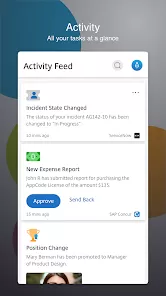
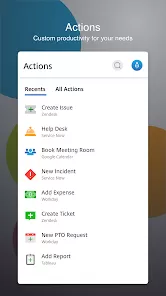
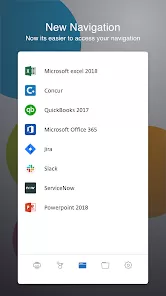


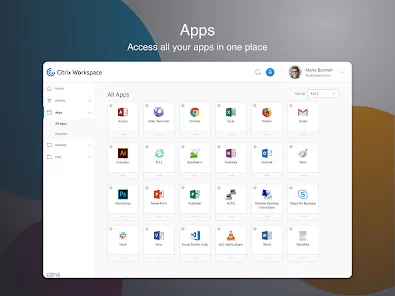
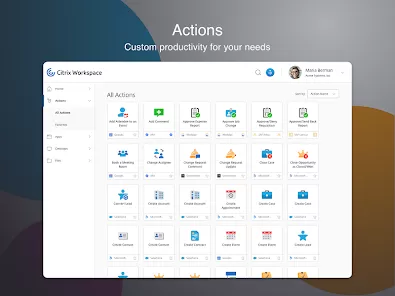
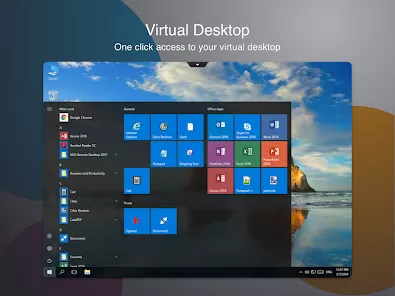
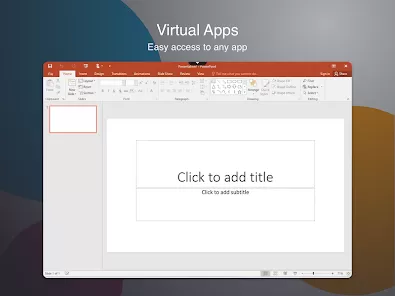
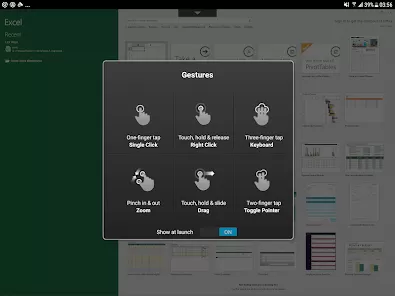
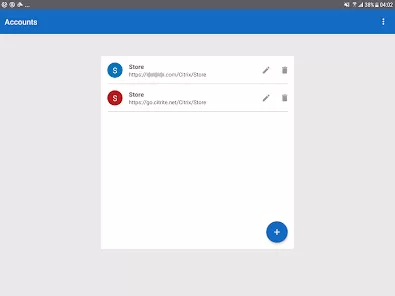
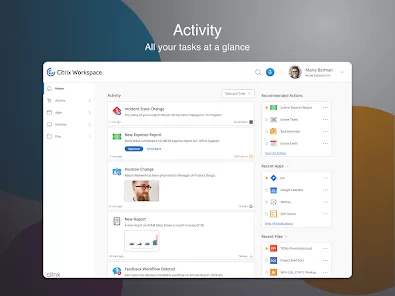
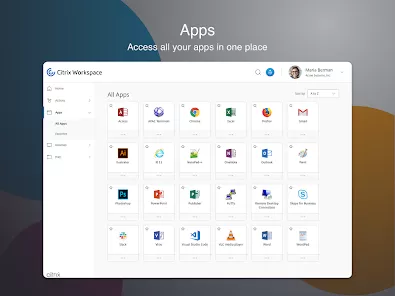
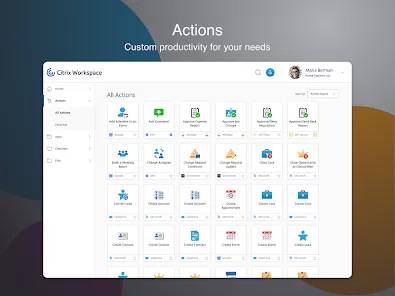
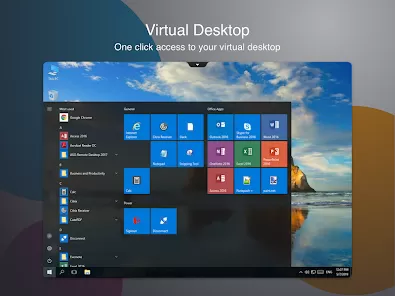
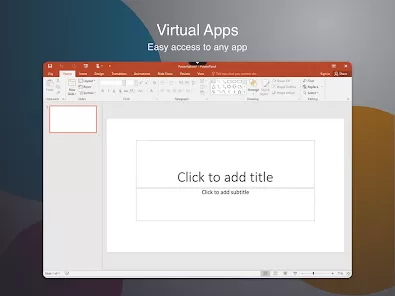
In today's increasingly mobile and distributed workforce, the ability to work securely from anywhere, on any device, has transformed from a luxury to a business necessity. Professionals everywhere struggle with the challenge of accessing corporate applications and data while maintaining security, performance, and a consistent user experience across different locations and devices. This is where Citrix Workspace redefines digital work. It's much more than a virtual desktop solution—it's a comprehensive digital workspace that seamlessly integrates all your applications, files, and collaboration tools into a single, secure, and personalized experience. Whether you're a healthcare provider accessing patient records from a tablet, a financial analyst running complex models from a laptop, or a call center agent working from home, Citrix Workspace ensures you have everything you need to be productive, without compromising security or performance. It's like carrying your entire office in your pocket, accessible from anywhere in the world.
Why Enterprises Trust Citrix Workspace
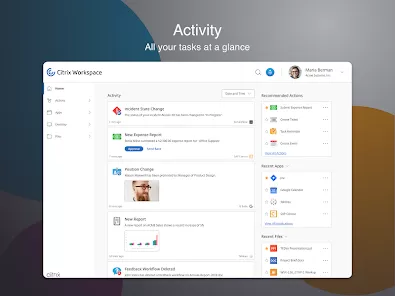
- Unified Digital Experience: Access SaaS apps, virtual apps, desktops, files, and collaboration tools through a single, intuitive interface
- Advanced Security Framework: Zero-trust security model with contextual access controls, ensuring protection regardless of device or location
- Consistent Performance: HDX technology delivers high-definition user experience even over challenging network conditions
- Flexible Deployment Options: Choose between cloud, on-premises, or hybrid deployments that fit your organization's infrastructure and compliance needs
- Simplified IT Management: Centralized administration console reduces complexity and total cost of ownership while enhancing IT control
Core Capabilities That Empower Modern Work
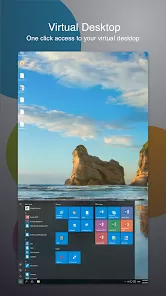
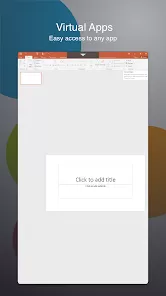
- Virtual Apps and Desktops: Secure delivery of Windows, Linux, web, and SaaS applications to any device, anywhere
- Secure Browser Isolation: Protect against web-based threats by isolating browsing activity from corporate networks and endpoints
- Content Collaboration: Secure file sharing and synchronization with built-in data loss prevention and digital rights management
- Endpoint Management: Unified endpoint management for mobile devices, PCs, and IoT devices with comprehensive security policies
- Analytics and Intelligence: AI-driven insights into user experience, security threats, and operational efficiency across the digital workspace
How to Implement Citrix Workspace
- Download & Install: Click the button "Check All Versions" below to download and install Citrix Workspace on your device or browser.
- Contact Sales for Licensing: Work with Citrix representatives to determine the optimal licensing model for your organization's needs
- Deploy Infrastructure: Set up required components including Cloud Connectors, Gateway, and StoreFront based on your deployment choice
- Configure Security Policies: Establish access controls, authentication requirements, and data protection policies aligned with security standards
- Publish Applications: Install and configure virtual applications and desktops for delivery to end users through the Workspace interface
- Onboard Users: Deploy Workspace app to user devices and provide training for accessing corporate resources
- Enable Advanced Features: Implement additional capabilities like secure browsing, content collaboration, and performance analytics
- Monitor and Optimize: Utilize Citrix Analytics to track user experience, security posture, and resource utilization for continuous improvement


0