
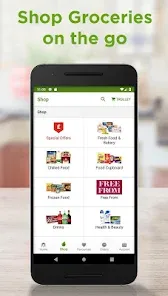
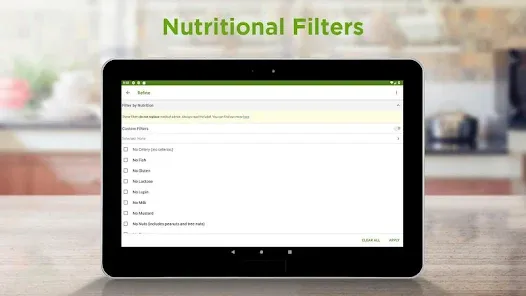
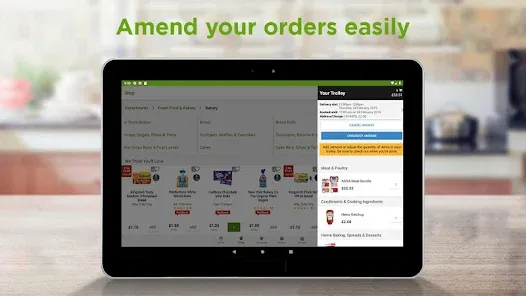
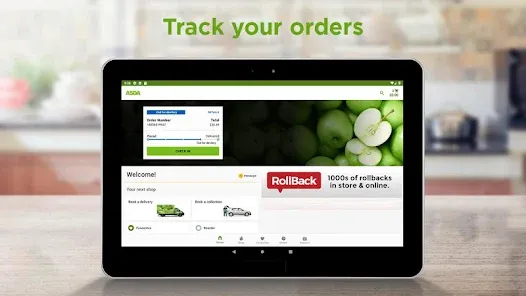
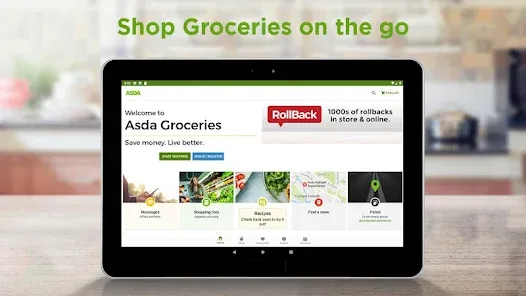
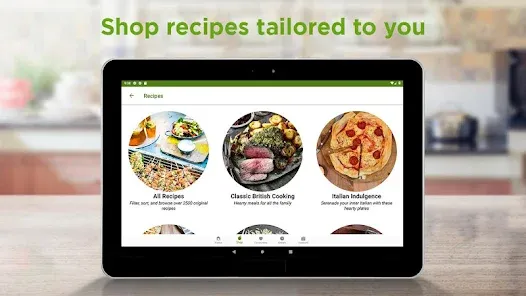
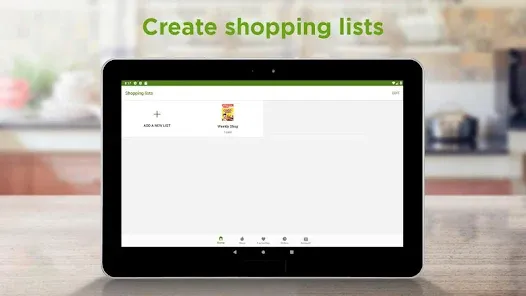
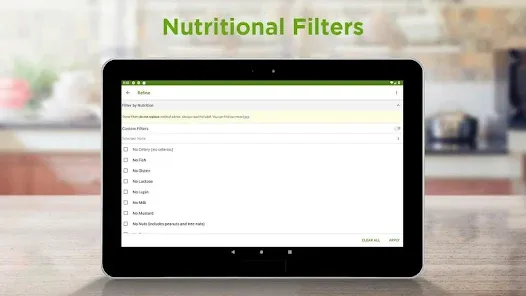
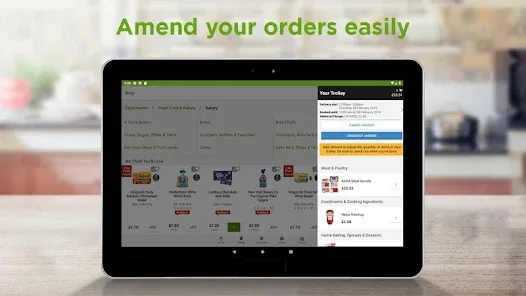
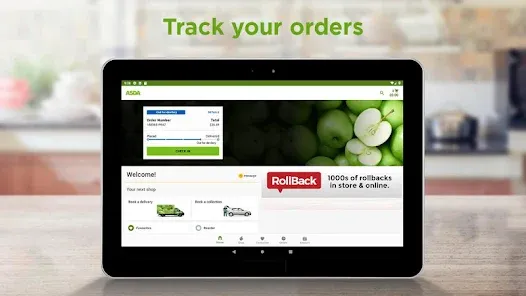
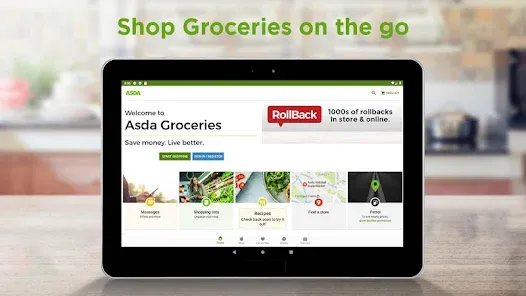
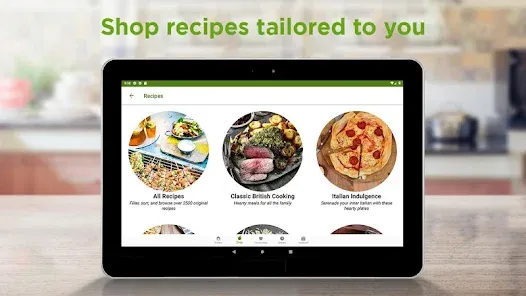
Juggling a busy life means needing a grocery partner that's both reliable and flexible. Asda, one of the UK's leading retailers, steps in with a comprehensive app and online service designed to make food shopping fit seamlessly around you. Whether you prefer the convenience of home delivery, the speed of click-and-collect, or planning your in-store trip, Asda provides tools to save time and money. With access to thousands of quality groceries, George clothing, and home essentials at famously low prices, it's a one-stop solution for modern households. The Asda app transforms your phone into a pocket-sized supermarket, helping you manage your shop, hunt for the best deals, and streamline your weekly routine.
Core Features for Convenient Shopping
- Online Shopping & Delivery: Browse the full Asda range, book a delivery slot that suits your schedule, and have your groceries brought directly to your door.
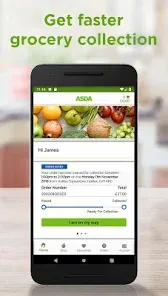
- Click & Collect: Order your groceries online and pick them up at a time that's convenient for you, often on the same day, from a designated collection point at your local store.
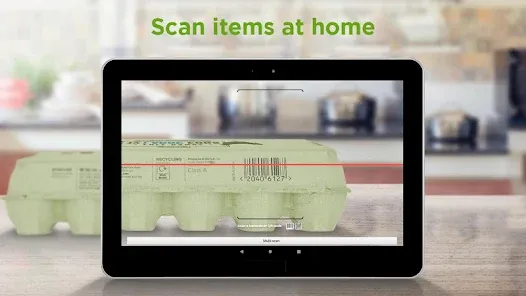
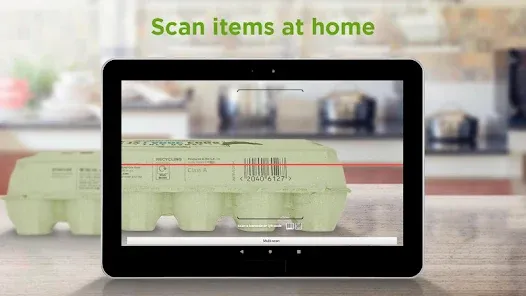
- In-Store Scan & Go: Use the Asda Scan & Go feature within the app to scan items as you shop with your own device and pay quickly at a dedicated checkout, skipping the queue.
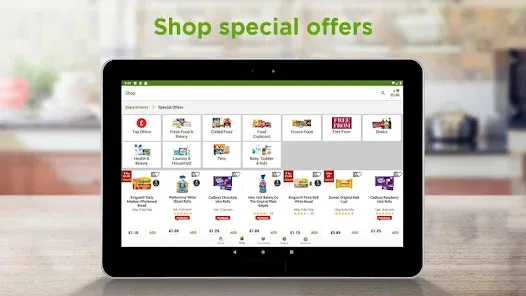
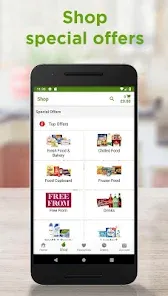
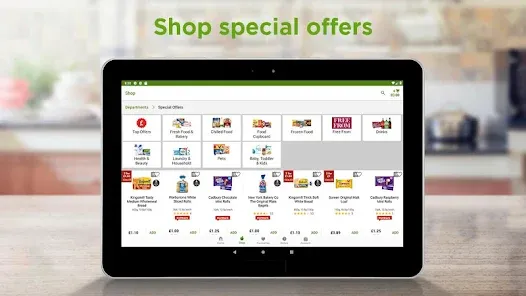
- Exclusive App Offers & Digital Coupons: Access money-saving deals, personalized offers, and digital coupons that are automatically applied when you shop online or scan your app in-store.
- Asda Rewards: Earn cashback ('pounds' instead of points) on your shopping through the Asda Rewards scheme by completing simple, personalized missions in the app.
Who Is the Asda App For?
- Busy families and individuals who need to save time on their weekly grocery shop through delivery or collection services.
- Savvy shoppers who want to maximize their budget with tailored offers, rewards, and easy access to Asda's low prices.
- In-store customers looking for a faster checkout experience using Scan & Go technology.
- Anyone who appreciates the ability to manage their shopping across multiple channels—online, via app, and in-person—with one consistent account.
How to Use Asda
- Click “Check All Versions” below to download and install Asda on your device or browser.
- Create an account or log in, and set your preferred local store for accurate availability and pricing.
- To shop online, add items to your basket, choose a delivery or collection slot, and proceed to checkout.
- In-store, open the app and use the Scan & Go feature (where available) to scan item barcodes as you shop, then pay at the dedicated terminal.
- Always check the "Offers" and "Asda Rewards" tabs in the app before you shop to activate coupons and see your missions for earning cashback.


 0
0